
PhotoUp Virtual Staging: Honest Review + AI Alternative
A balanced look at PhotoUp's AI staging pricing, real Google reviews, and an independent FixThePhoto test — plus a focused alternative built for solo agents. 3 free photos, no credit card.
 BeforeModern
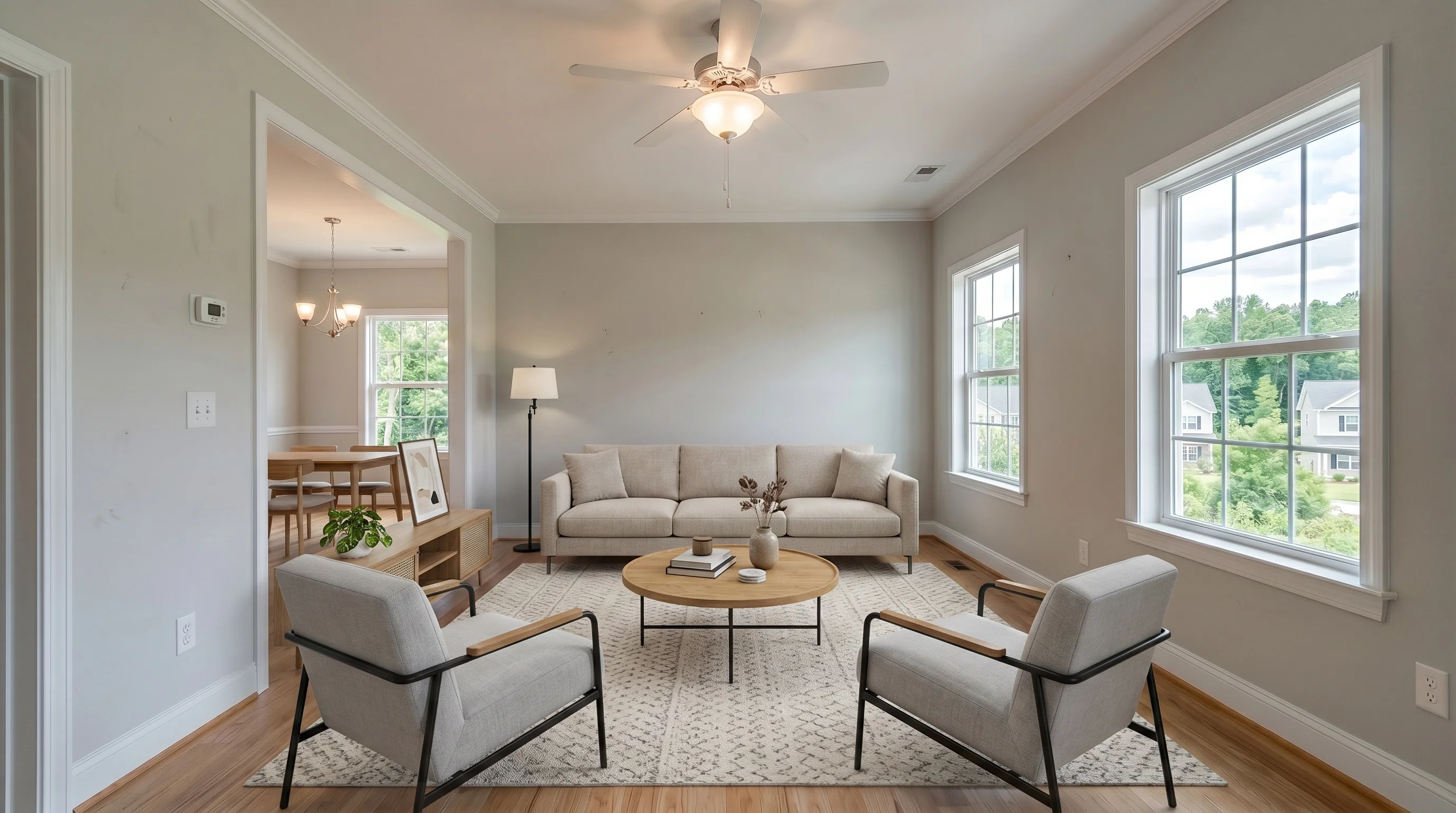
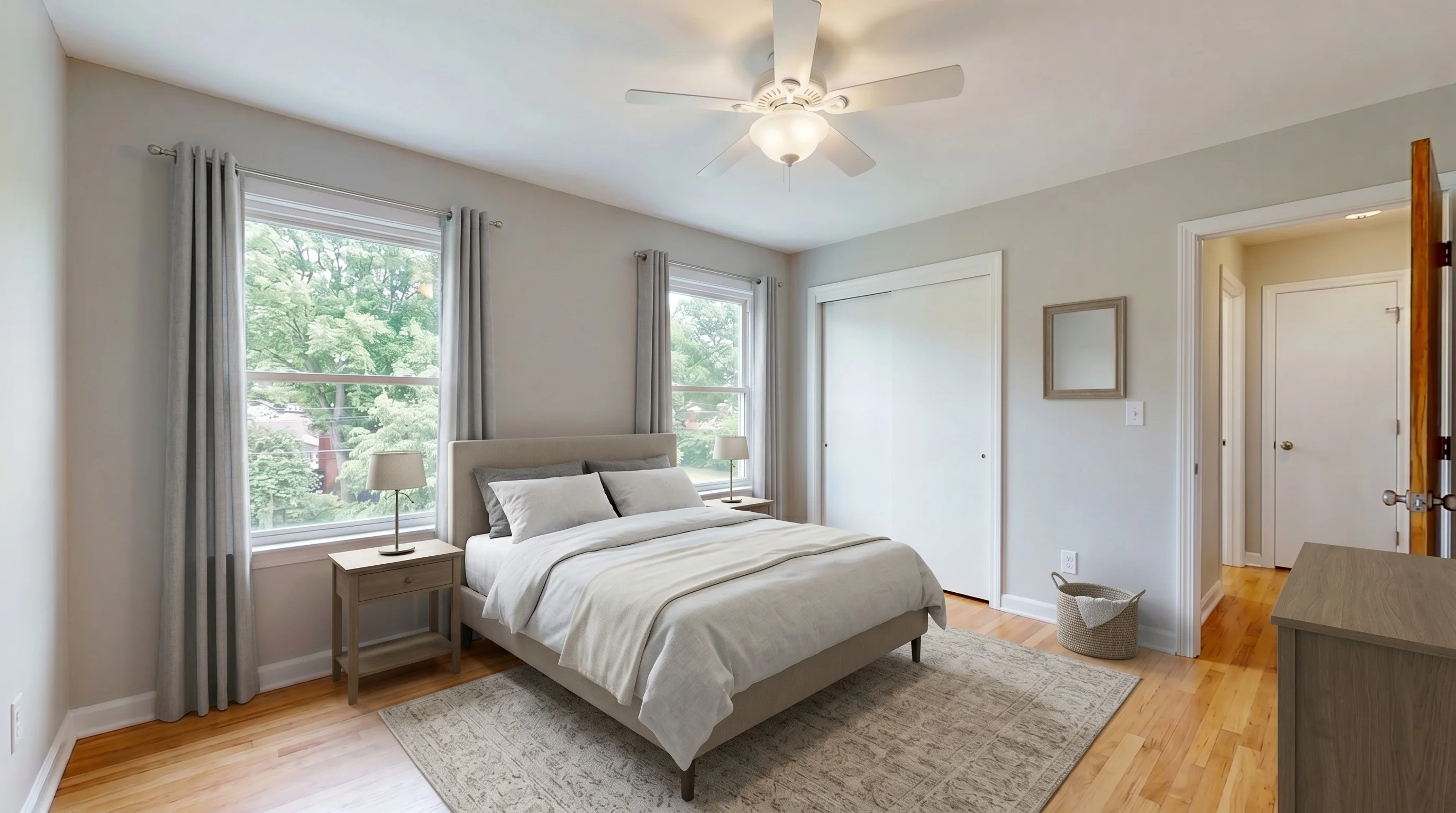
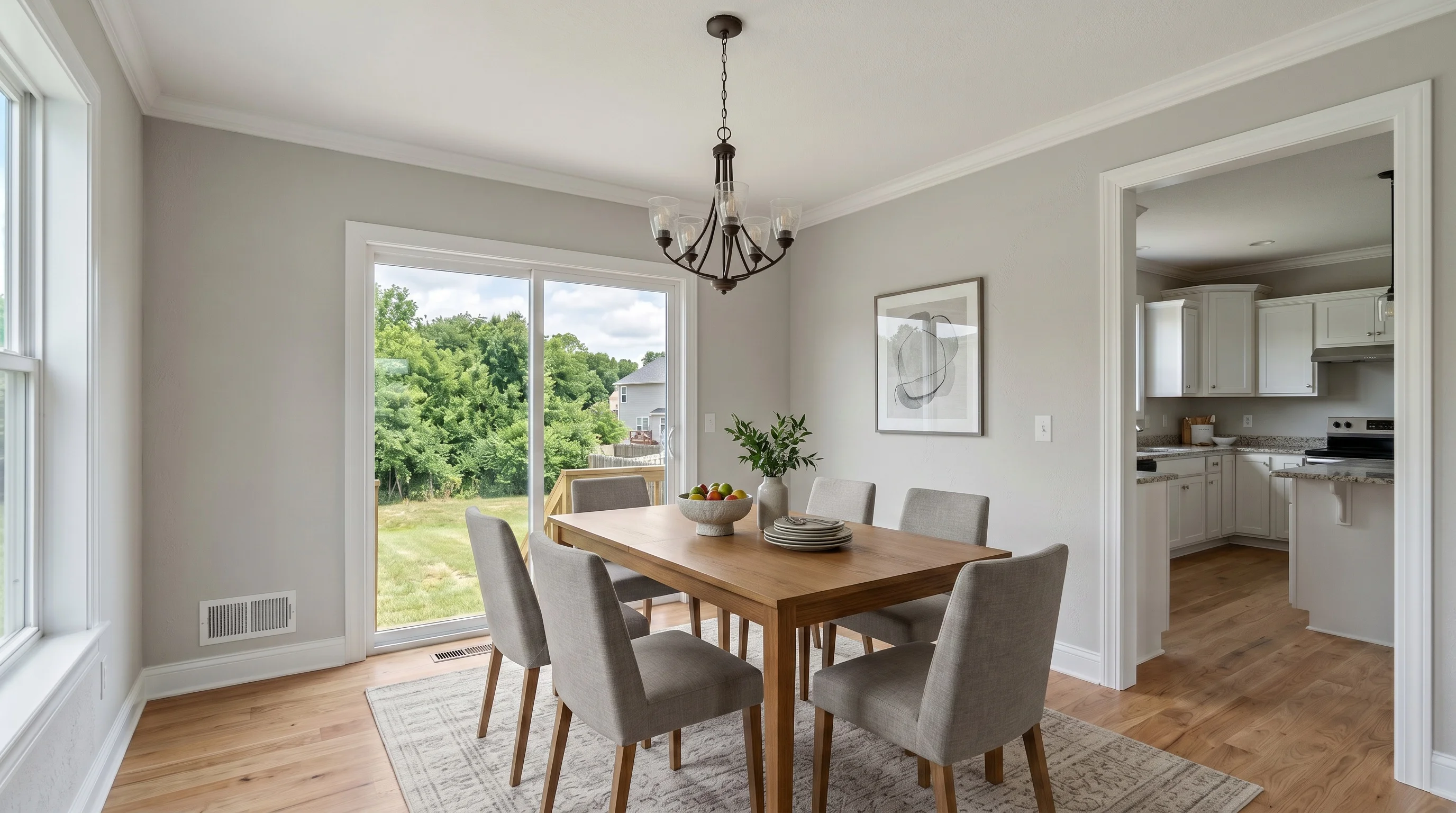
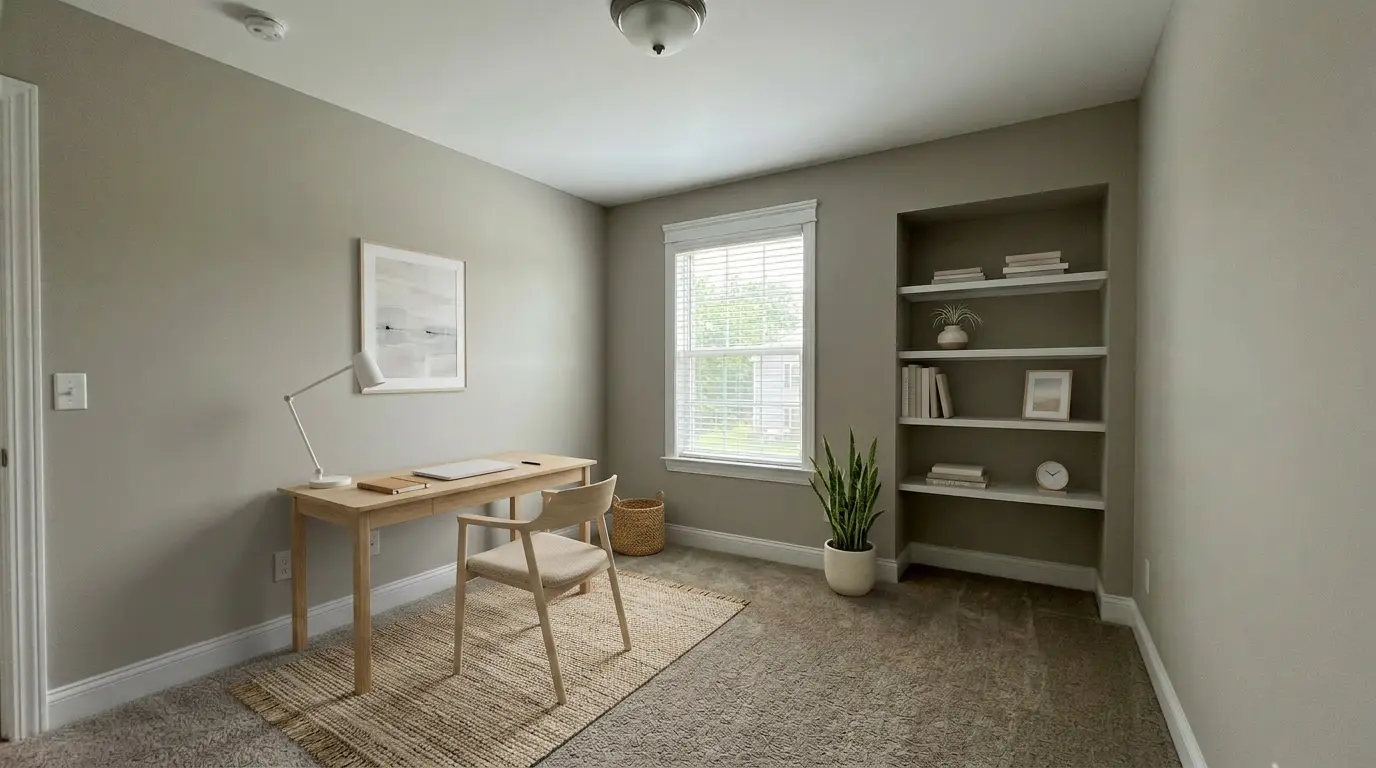
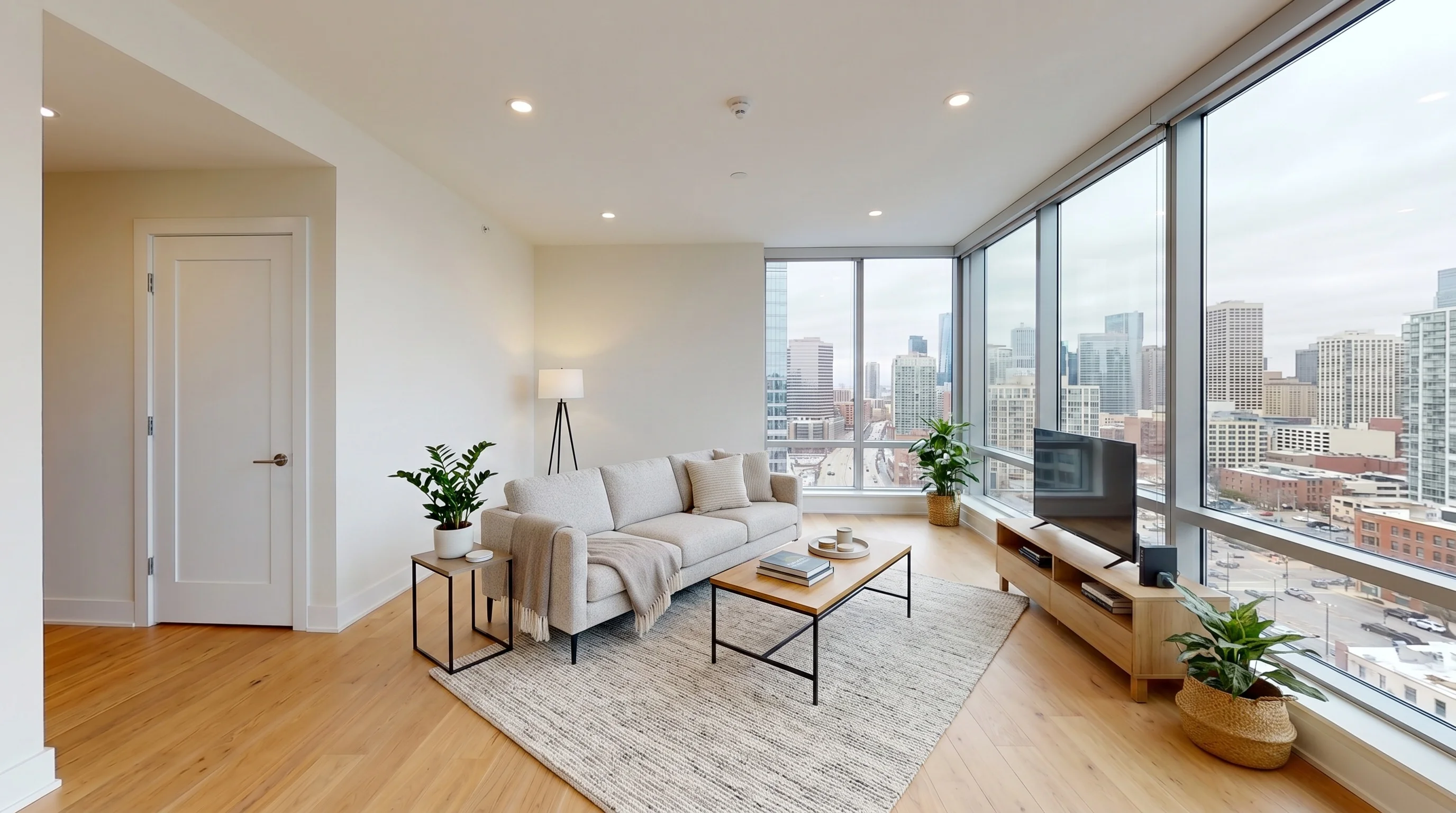
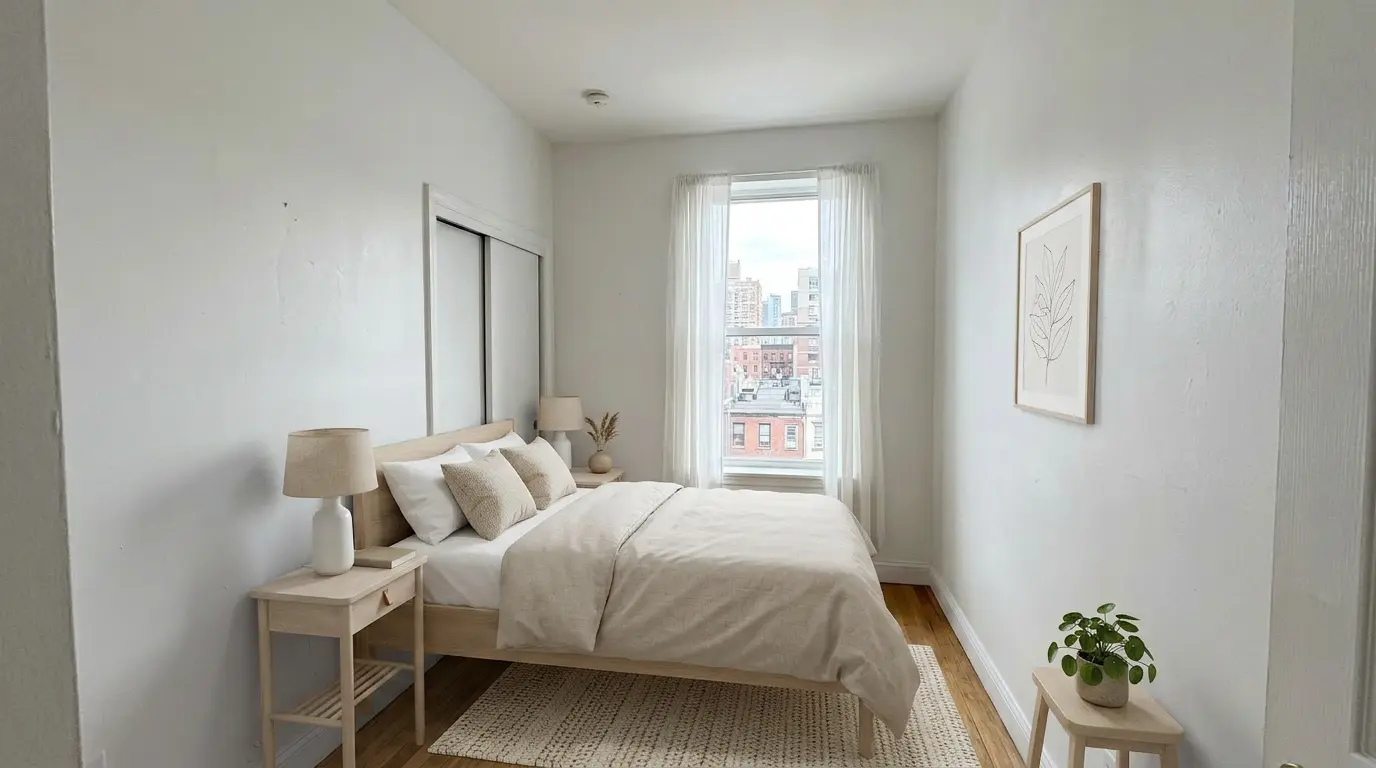
AI Virtual Staging — See the Quality, Every Room
PhotoUp shows a curated portfolio of finished work. Here is what our AI produces in about 30 seconds — living rooms, bedrooms, dining areas, home offices. Judge the quality yourself, then generate your own free sample.
What Real PhotoUp Users Say
PhotoUp is a service, not software, so it has no Capterra or G2 page. Its real feedback lives on Google (4.9/5, 211 reviews, HQ listing, June 2026), an independent FixThePhoto test (2026), and r/RealEstatePhotography threads. We list both the praise and the friction that actually drives people to look for an alternative.
PhotoUp vs VirtualStaging.tools — Verified Specs
| Feature | PhotoUp | VirtualStaging.tools |
|---|---|---|
| Staging method | AI-generated (3 options per order) | AI-generated by machine learning model |
| Turnaround per photo | ~1–2 minutes (AI render) | Typically about 30 seconds; complex rooms or queue conditions can take longer |
| Free tier | 5 credits ≈ 1 staged image, no card | 3 free photos, lifetime, no credit card |
| Staging price | 3 credits/image ≈ $3.30–$4.50 (credits $1.10–$1.50) | $25/month for 36 photos (~$0.70/image) |
| Credit expiry | Monthly-plan credits expire end of month; packs never expire | No credits — flat monthly photo allotment, nothing expires |
| Design styles | 11 styles, 21 room types (style library page) | 10+ built-in styles, switch instantly per photo |
| Regeneration limit | Up to 10 free revisions in 5 days — but downloading disables regeneration | Generate unlimited variations on the spot, before or after download |
| Surprise charges | Users report being charged for revisions without consent (r/RealEstatePhotography) | Flat plan price — no per-revision fees, no surprise charges |
| Third-party rating | Google 4.9/5 (211 reviews); FixThePhoto staging 3/5 (2026) | n/a — newer product, no public review aggregator yet |
| Commercial license | Not stated on public site — verify with PhotoUp | Included on every plan, including free tier |
| Best for | High-volume photographers, studios, full-service pipelines | Solo realtors and small teams, listing volume 3+/month |
The Math: One Listing, and One Year
Real cost comparison. PhotoUp figures use 3 credits/image at the $1.10–$1.50 credit range (help center + pricing page, June 2026); our figures use the $25/month plan.
PhotoUp's Strengths — and Where a Focused Tool Wins
An honest split: 3 things PhotoUp genuinely does well, and 3 places a focused AI staging tool takes the lead.
✅ PhotoUp: True full-service platform
Photo editing, floor plans, virtual tours, single-property websites, even virtual assistants — all under one vendor. If you want one invoice for every listing asset, that breadth is real and we do not match it.
✅ PhotoUp: US phone + live chat support
Operating since 2011 with US-based phone and live chat, plus dedicated-editor relationships. For teams that want a human on the line, that support depth is a genuine advantage over self-serve tools.
✅ PhotoUp: Human photo editing craft
Its editing (HDR, flambient, sky replacement, retouching) is human-done and well-reviewed by photographers — 4.9/5 on Google. Staging is only one product in a strong editing house.
⚡ Focused tool: Lower cost per photo at volume
About $0.70 per image on a flat $25/month plan versus $3.30–$4.50 in PhotoUp credits. At 3+ listings a month the gap compounds into hundreds of dollars a year.
⚡ Focused tool: A real free tier, no expiry
3 free staged photos with no card versus roughly one free image from 5 credits — and no monthly-credit-expiry trap. Test across multiple rooms, and never lose credits you already paid for.
⚡ Focused tool: Self-serve, no platform overhead
Upload, pick a style, download — no editing-platform onboarding, no dedicated-editor queue, no credit budgeting. Built for the solo agent who just needs the room furnished now.
Will AI-Staged Photos Pass MLS Review?
The number-one concern realtors raise about any virtual staging — PhotoUp or otherwise. The compliance rules are the same either way; here is how to stay safe.
When PhotoUp Might Still Be the Right Choice
A focused AI staging tool is not the universal answer. PhotoUp's full-service platform has genuine strengths in specific scenarios.
Switching Just Staging Is Low-Risk
The biggest hesitation switchers raise: 'I use PhotoUp for editing AND staging.' You don't have to move everything — staging is a clean, standalone job.
Stage Your First Listing in Three Steps
If you want to compare quality and speed directly, the fastest test is a real listing photo on the free tier.
Upload a Listing Photo
Drag and drop a photo of an empty or under-furnished room. JPG, PNG or WebP (iPhone HEIC needs converting first). No batch upload needed.
Pick a Style
Choose from modern, farmhouse, Scandinavian, traditional, and 6+ other styles. Test multiple in seconds before committing to a final version.
Typical result in about 30 seconds
Download a 2K staged photo, compare it with the original, and apply the disclosure rules for each publishing destination. Free-tier outputs are watermarked; paid plans are watermark-free.
Staging for a Brokerage or Team?
PhotoUp serves studios well, but its staging is still priced per credit. At office scale, the per-photo math compounds fast.
Want a different competitor, or a deeper head-to-head? These go further.
Try the PhotoUp Alternative — Free, No Card
Upload one of your own empty rooms and see it staged in about 30 seconds. 3 free photos, no credit card. Compare it to your last PhotoUp order before you switch a thing — then upgrade to $25/mo for 36 watermark-free photos when you're ready.
Stage Your Own Room FreeSources & Methodology
Facts on this page were verified June 2026 against primary sources. We refresh competitor pricing checks every 90 days; this page's next refresh is September 2026.