Stage the whole listing,
not just one room.
Upload every room in the listing at once, compare each result against the original, choose the version you want, and download the finished set as one archive.
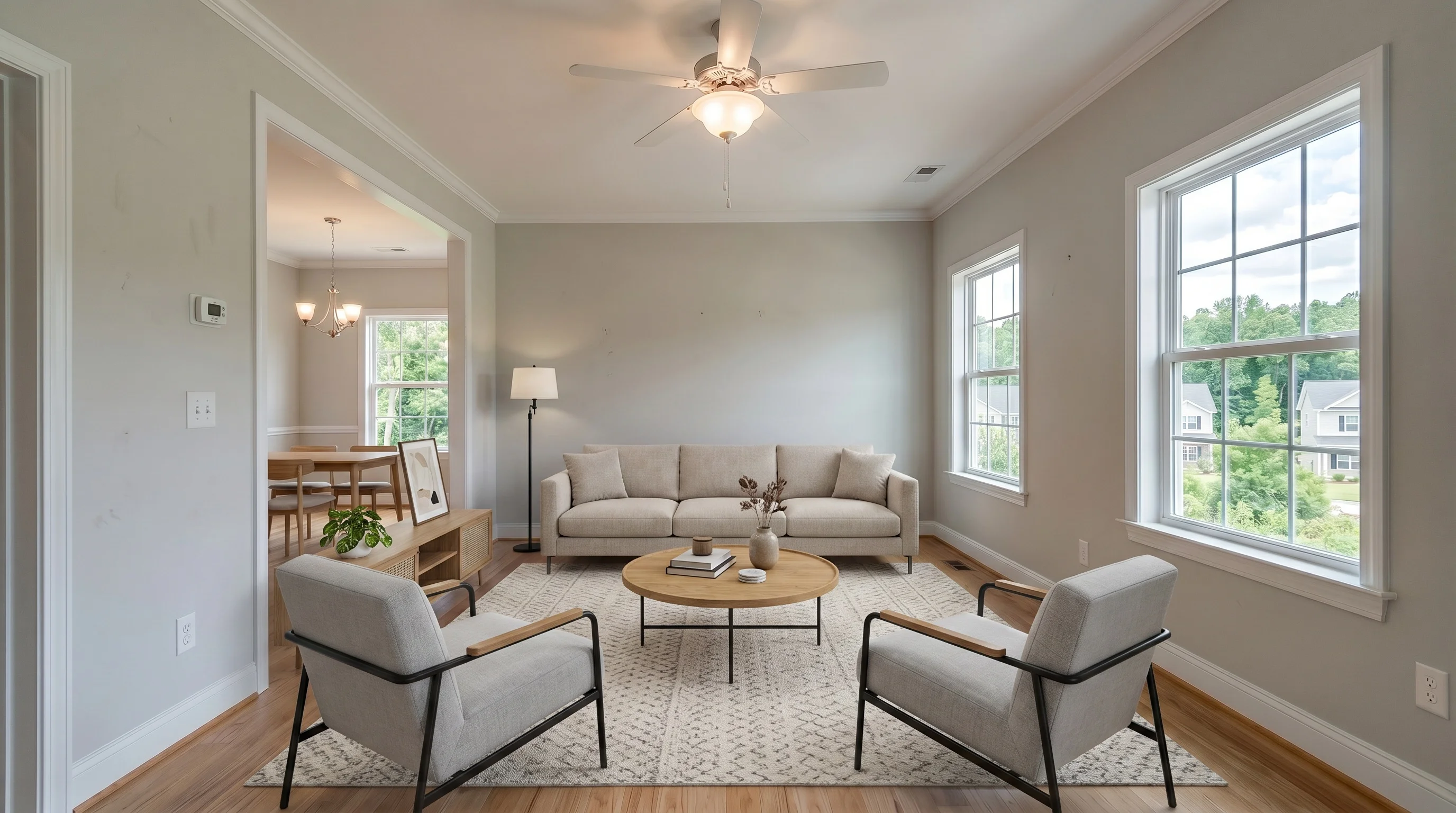
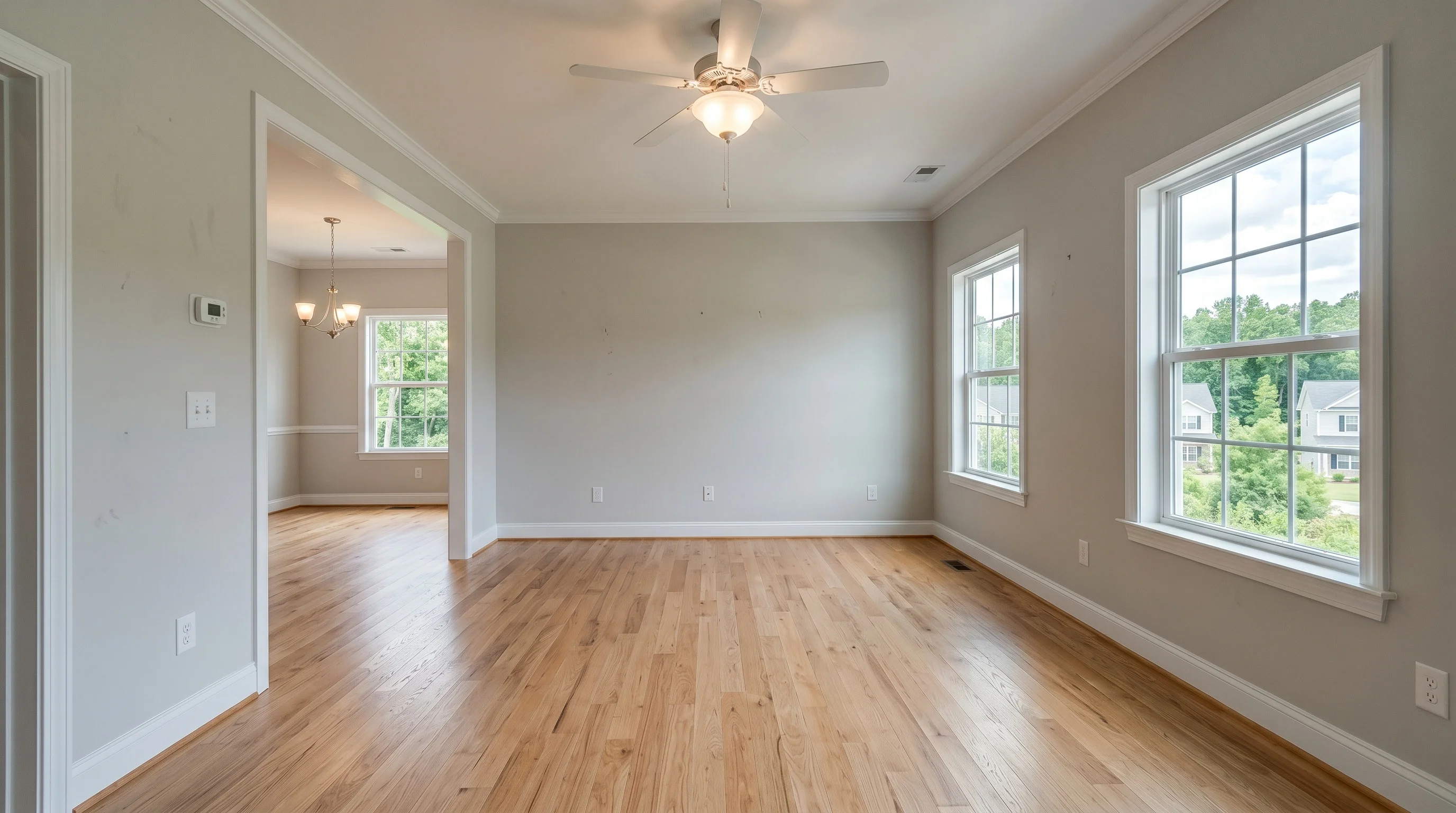
- Commercial license
- Disclosure tools
- Cancel anytime
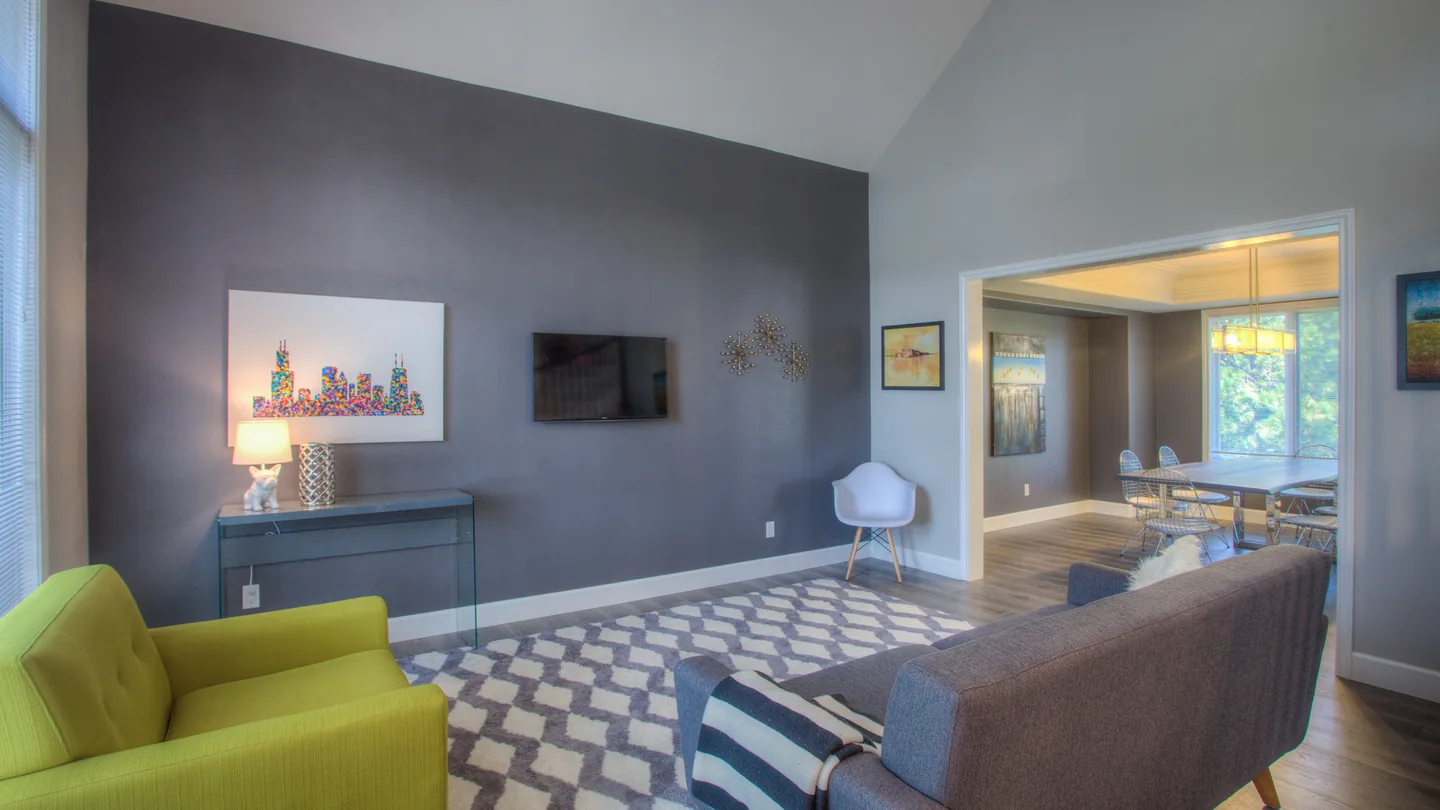
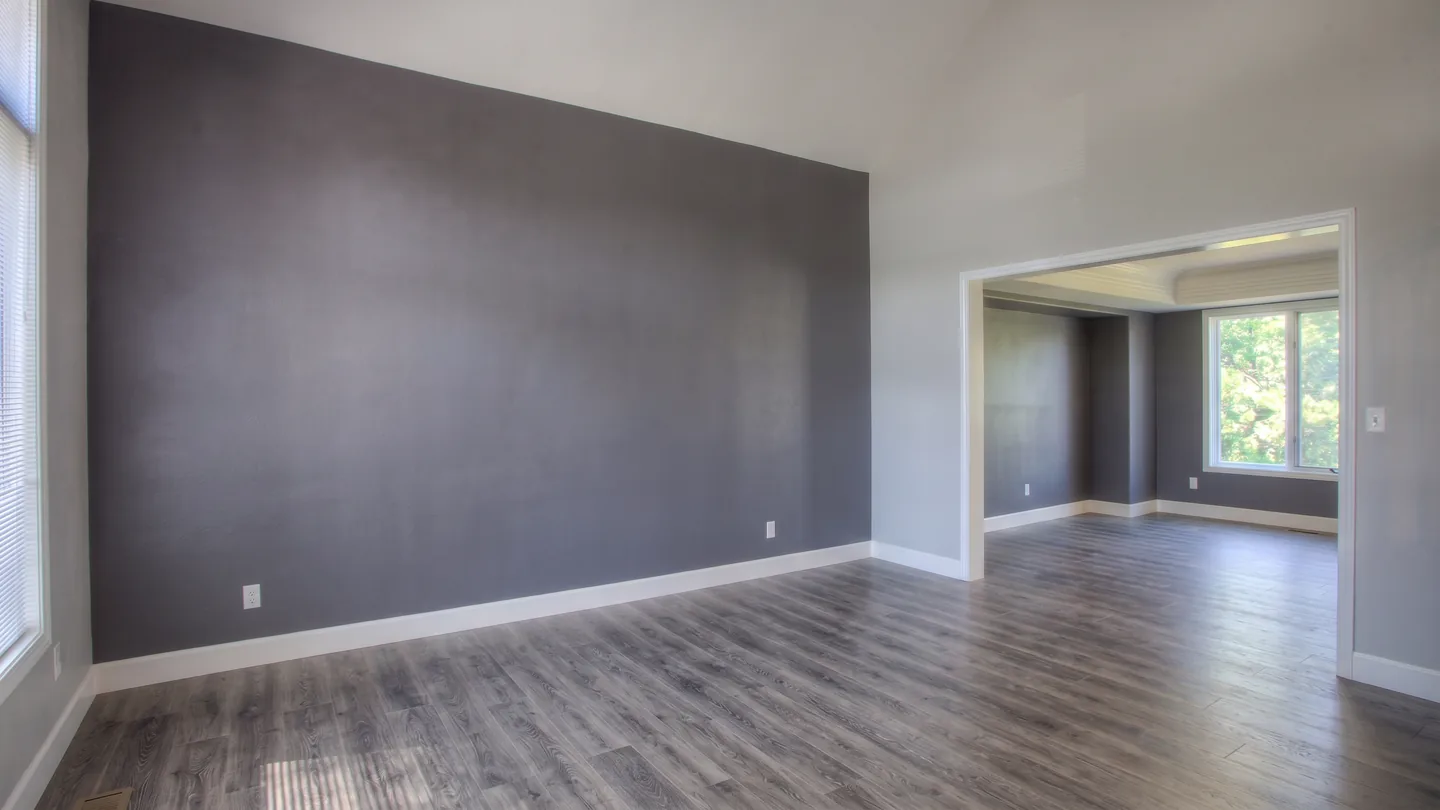
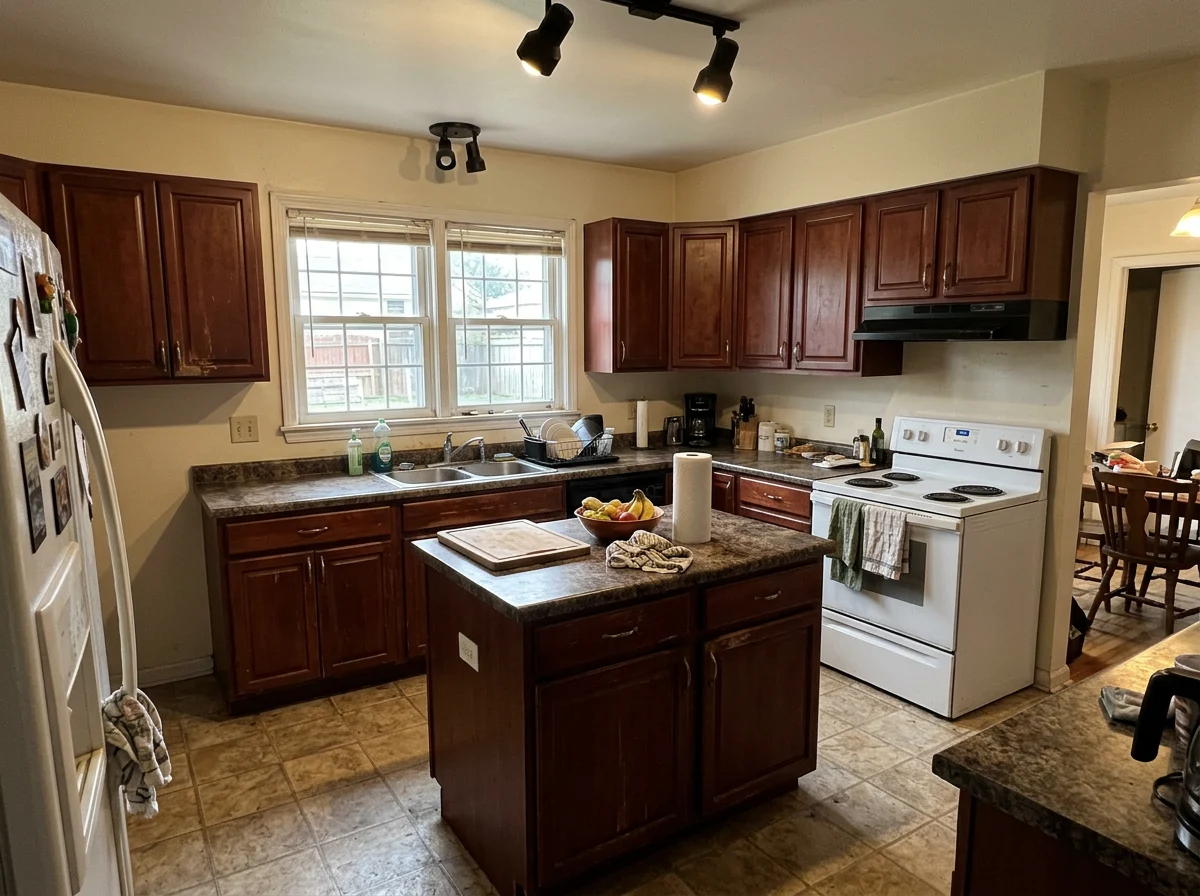
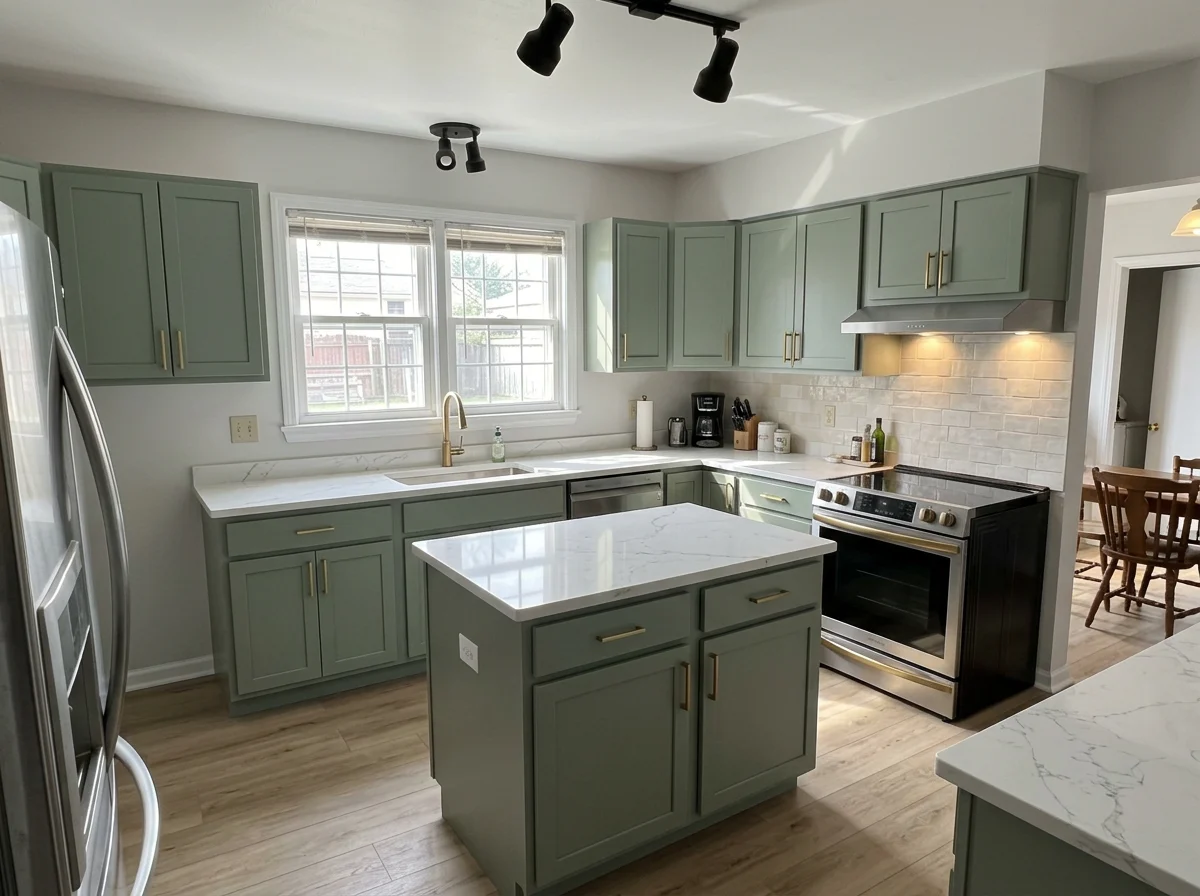
One property. 4 staged rooms.
Uploaded together and reviewed in one workspace — each photo against its own original before it was marked final.
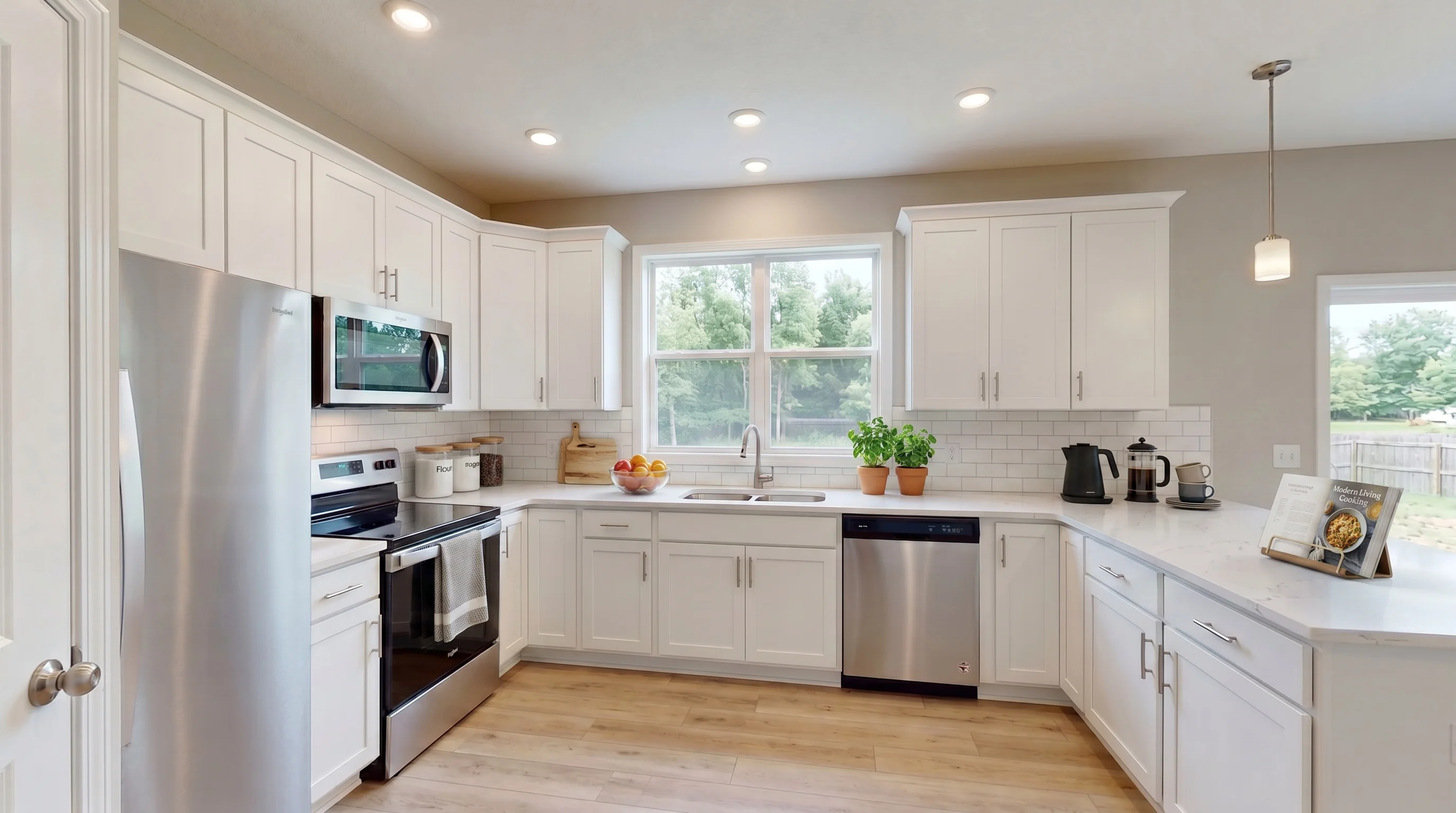
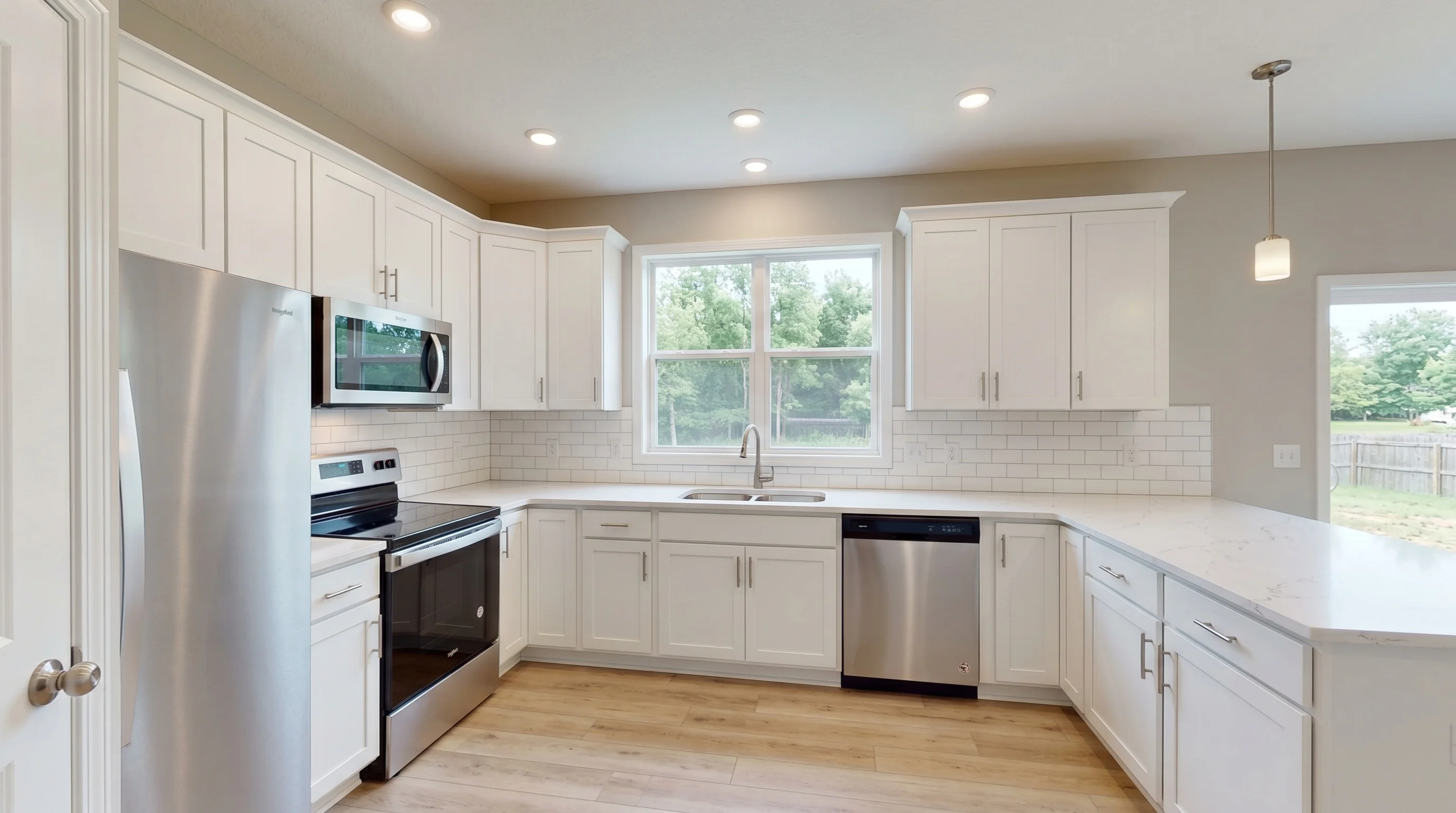
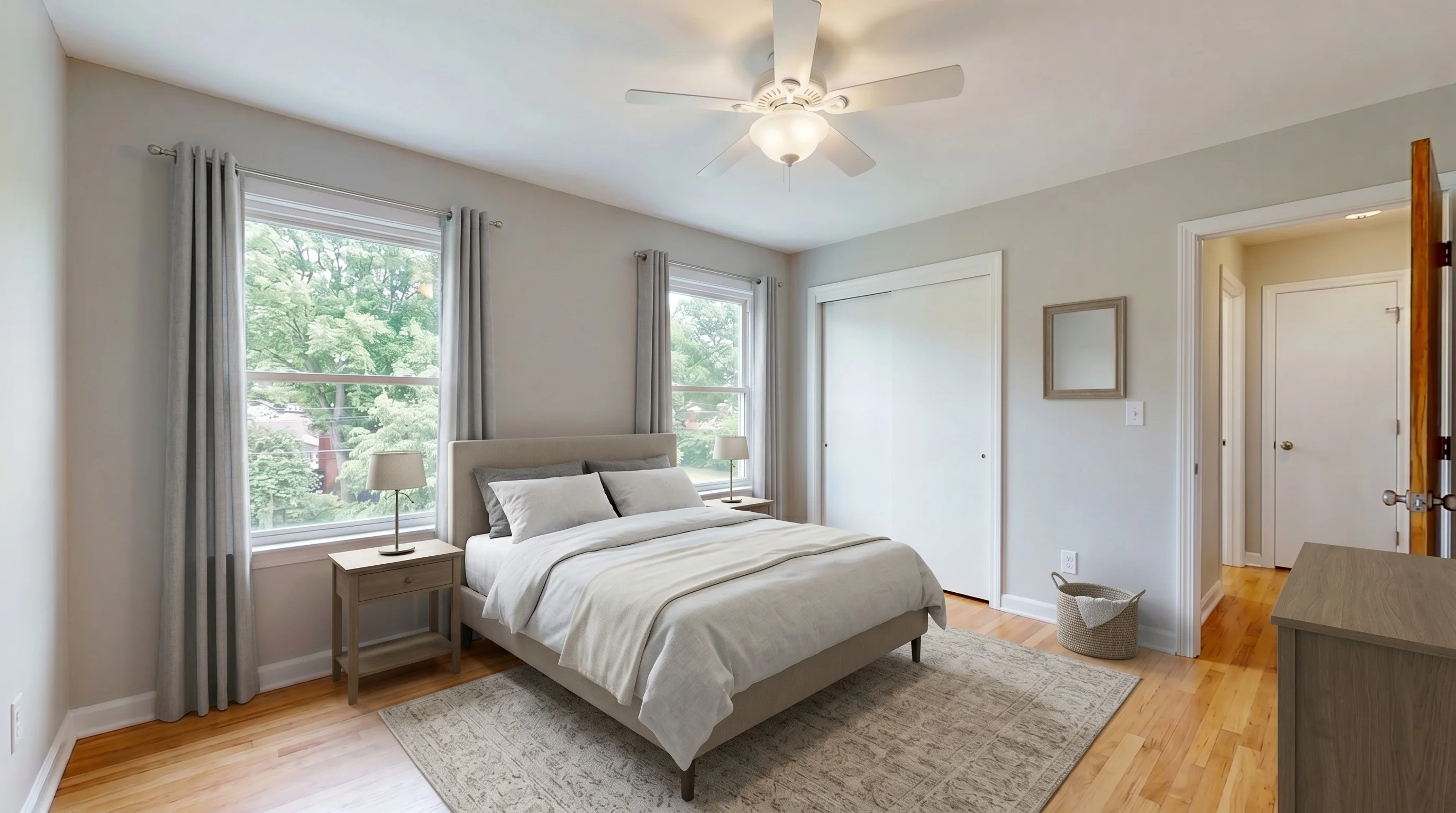
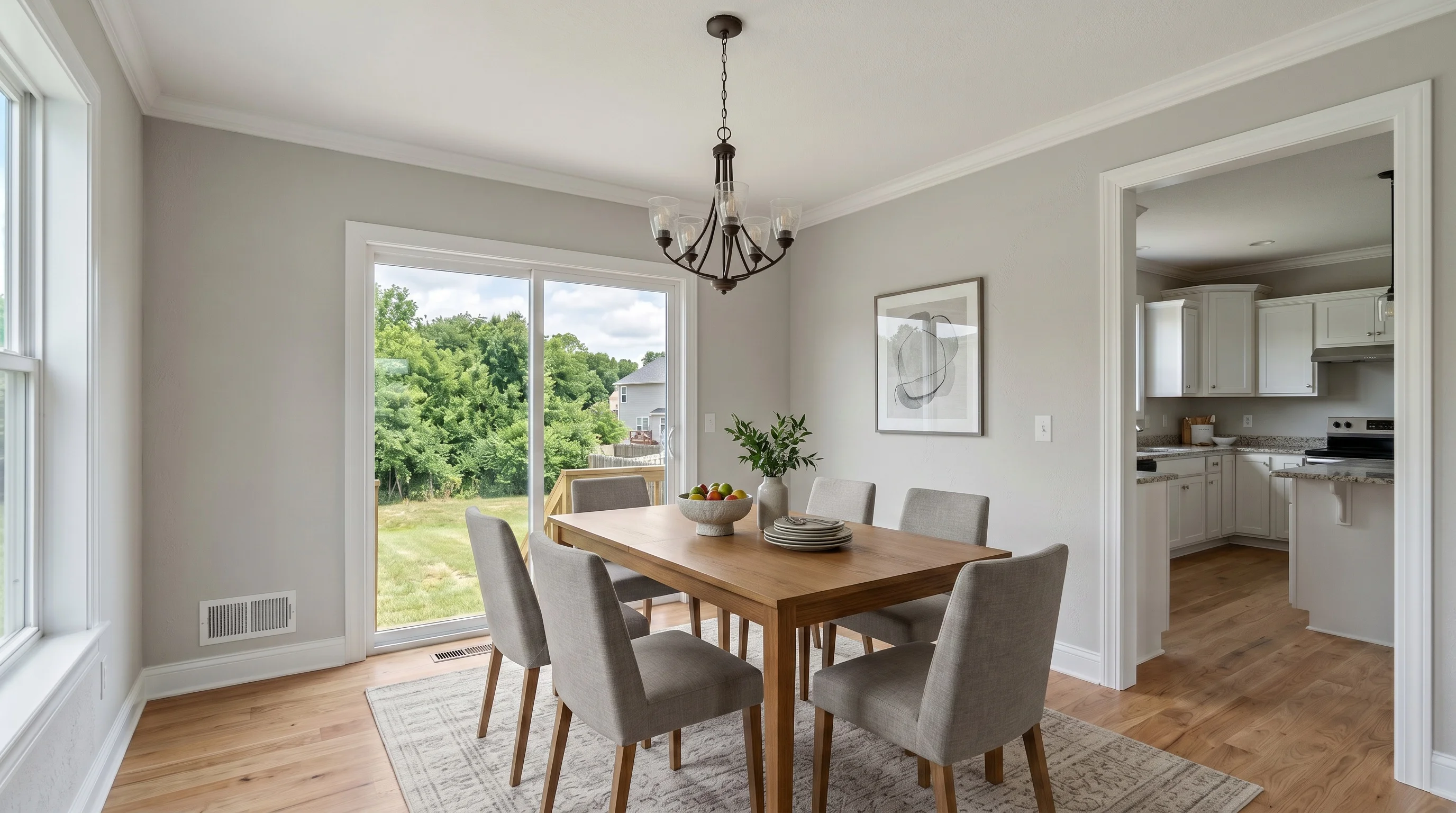
An example listing, not a customer’s. Every staged frame is unretouched model output — no hand retouching, no upscaler.
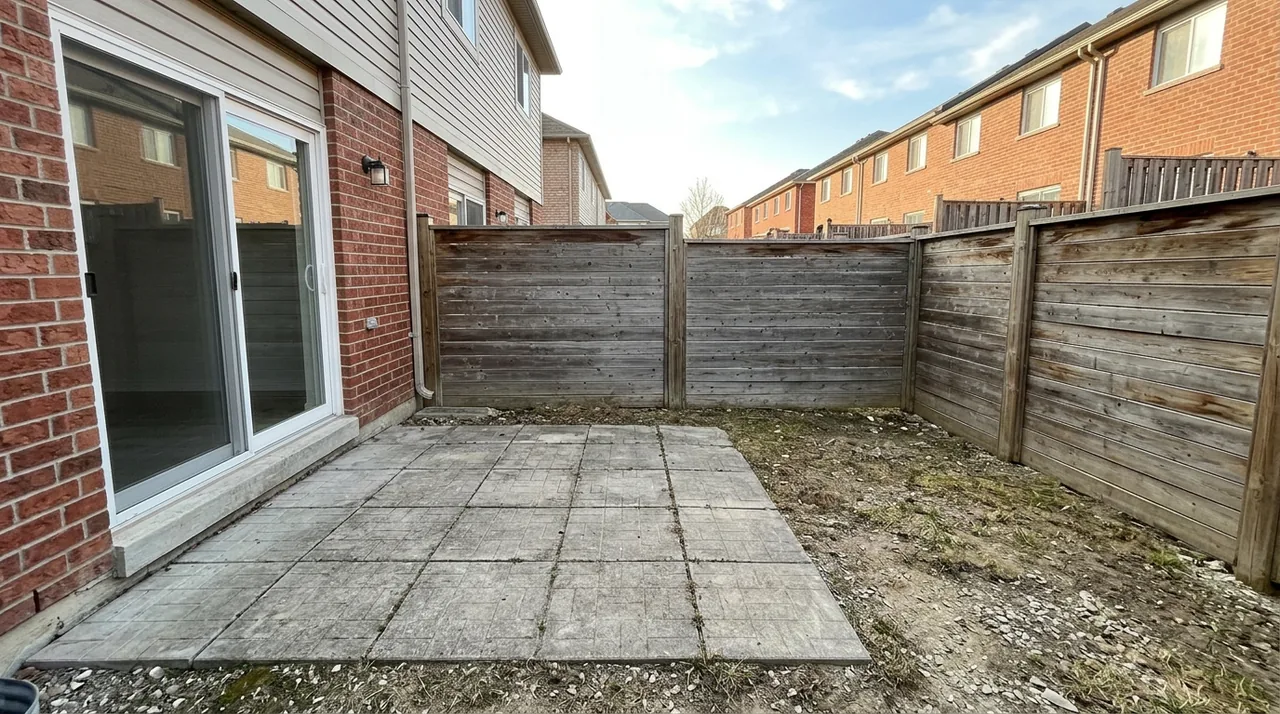
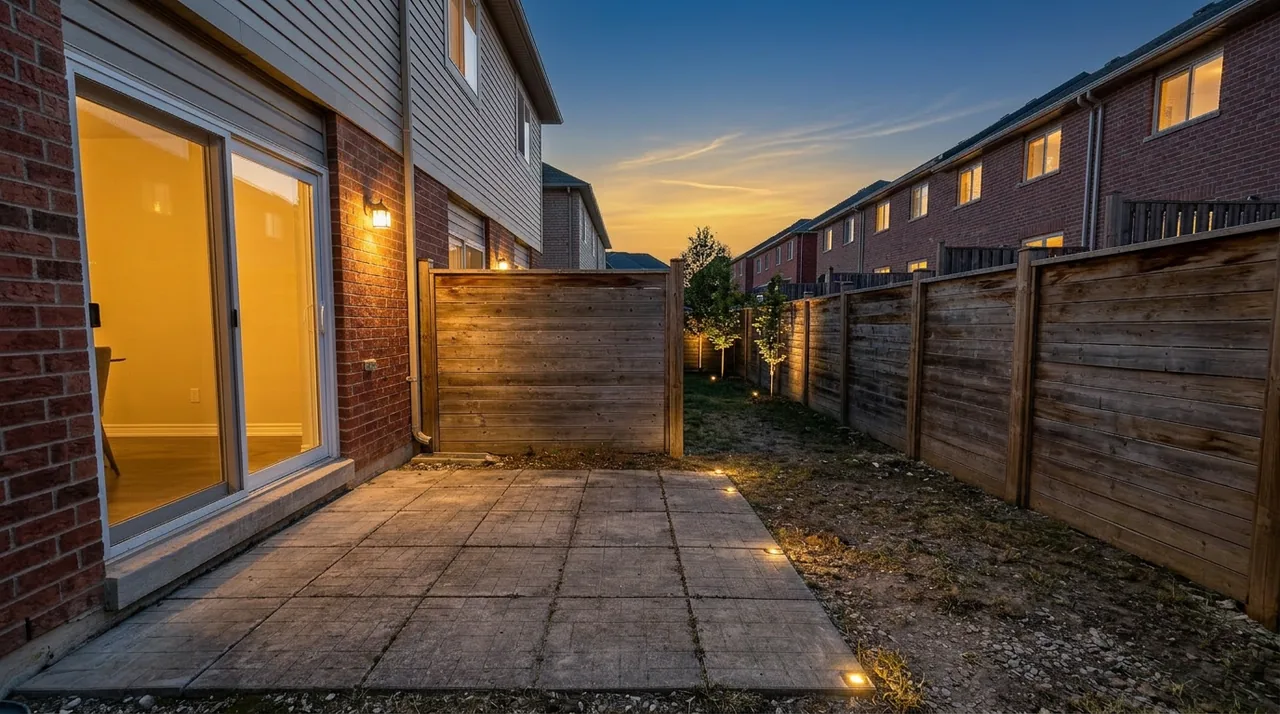
See every room in the gallery Original
 Staged
Review before publishing — you make this call, nothing here does.
Furniture changes.
The property shouldn’t.
Staging is meant to change the furniture and nothing else. It can still alter small details, so compare the staged result with the original before publishing — the same three views you get on every photo in the workspace.
What staging is meant to leave alone
- Walls
- Windows
- Doors
- Flooring
- Built-ins
- Fixtures
From your listing photos to the final set.
Add your listing
Add your listing photos at once. They stay together in one listing workspace from here on.
Photos · 4 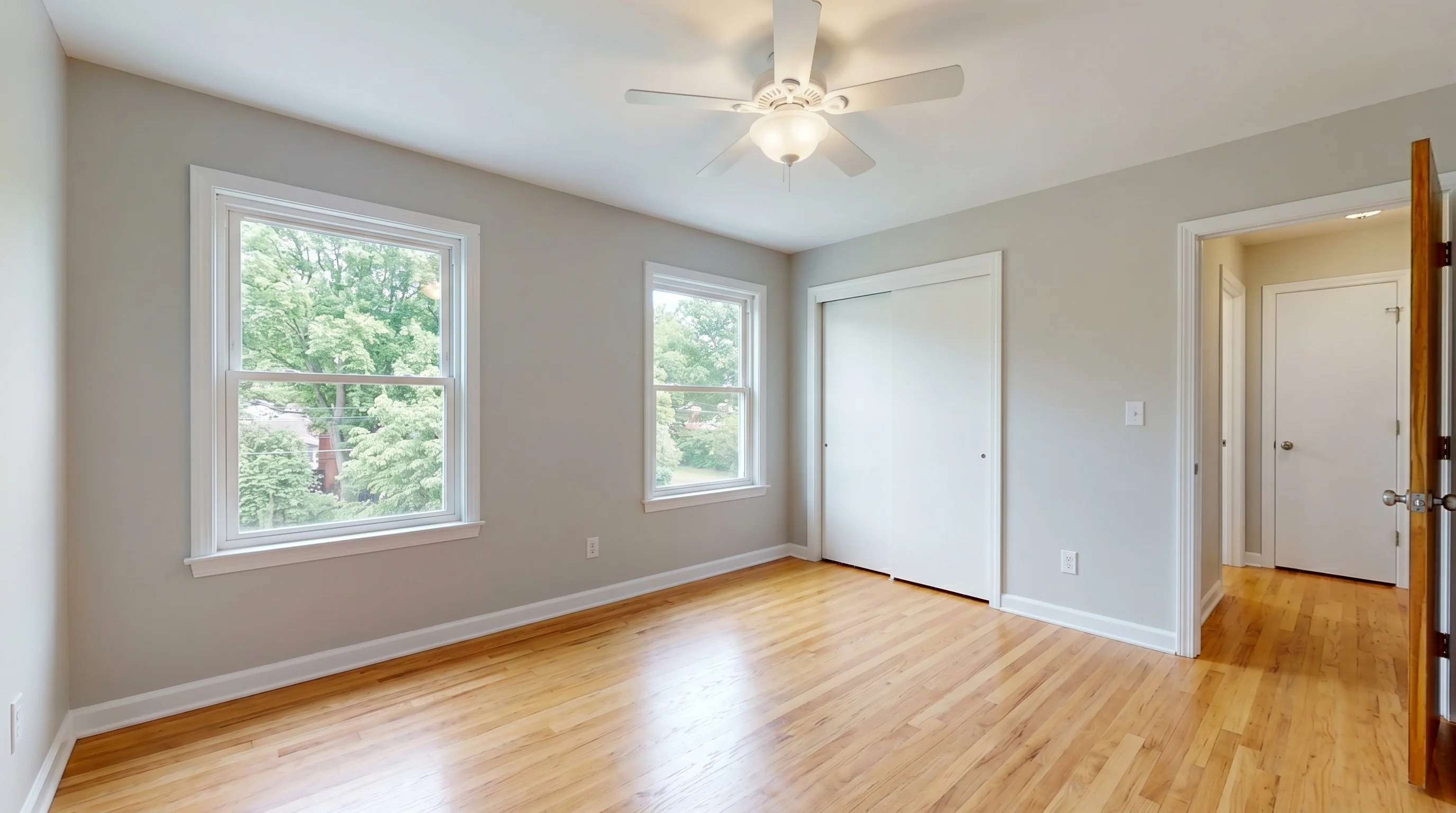
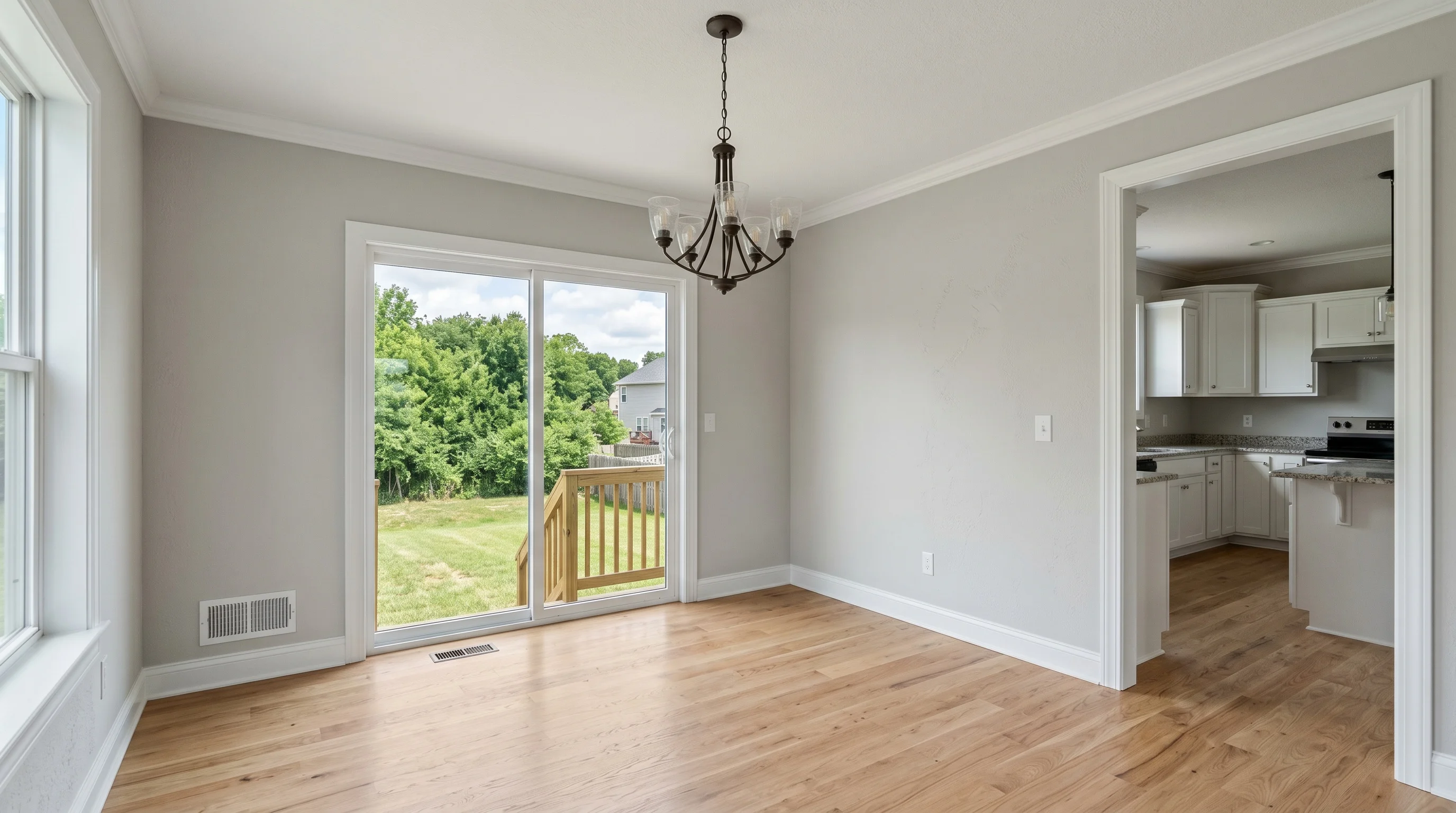
Stage & review
Stage empty rooms directly. For furnished rooms, use Furniture Removal first. Compare each result against its original, and try another version when you want a different take.
Versions  v2 · CoastalViewingv1 · ModernFinal
Approve & deliver
Mark the version you want for each photo, then download the whole set as one archive.
listing review - Living roomFinal
- KitchenFinal
- BedroomFinal
- Dining roomFinal
All three stages run on the free tier — three photos, watermarked, same model and same output size as a paid plan. Staging and Furniture Removal share that allowance.
Open the workspaceReview the set. Publish with confidence.
Mark the version you want as final for each photo, still comparing it against its original as you go. What downloads is one archive: photos in listing order, plus a report naming anything left out.
- Final versions
- Ordered filenames
- Disclosure starter
Disclosure requirements vary by MLS and platform — the file in the archive is wording to start from, not a substitute for the rules that apply to your listing.
- 01-living-room.jpg
- 02-kitchen.jpg
- 03-bedroom.jpg
- 04-dining-room.jpg
- disclosure.txt
- download-report.txt
Pricing that fits real listing volume
Pick a plan based on how many empty-room photos you need to stage each month, without paying designer-style per-image fees.
Free
- Watermarked results
- Up to 3 versions per photo
- 1 photo at a time
No credit card required.
Standard
- Watermark-free while subscribed
- Extra versions use no credits
- Up to 2 photos at once
- Multi-Angle Staging
7-day refund · Cancel anytime · Auto-renews
Professional
- Everything in Standard, plus
- Up to 3 photos at once
- 3× Standard's monthly credits
7-day refund · Cancel anytime · Auto-renews
Business
- Everything in Professional, plus
- 2× Professional's monthly credits
7-day refund · Cancel anytime · Auto-renews
When the listing needs more than staging.
One shared credit pool across your listing tools.
Frequently asked questions
Quick answers to common questions about AI virtual staging.
Stage your next listing today.
Free for 3 photos. No credit card required.