
Living Room Virtual Staging in Seconds
Stage the most important room in every listing. Upload a photo and download a photorealistic, MLS-ready staged living room in seconds.
Living Room Virtual Staging Before and After
Real before-and-after living room staging examples — AI places sofas, rugs, and decor that fit naturally with accurate shadows, correct scale, and cohesive design.
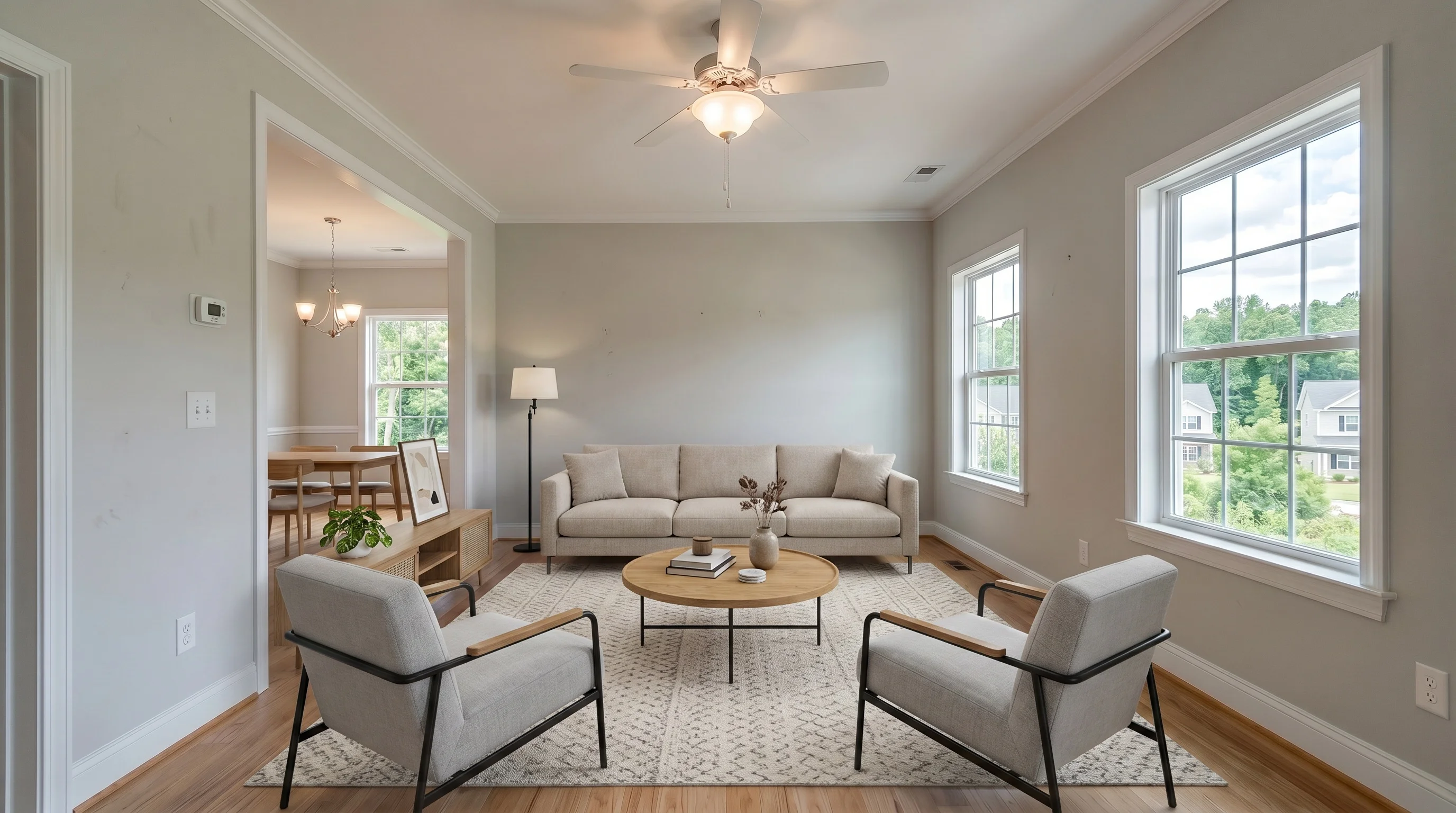
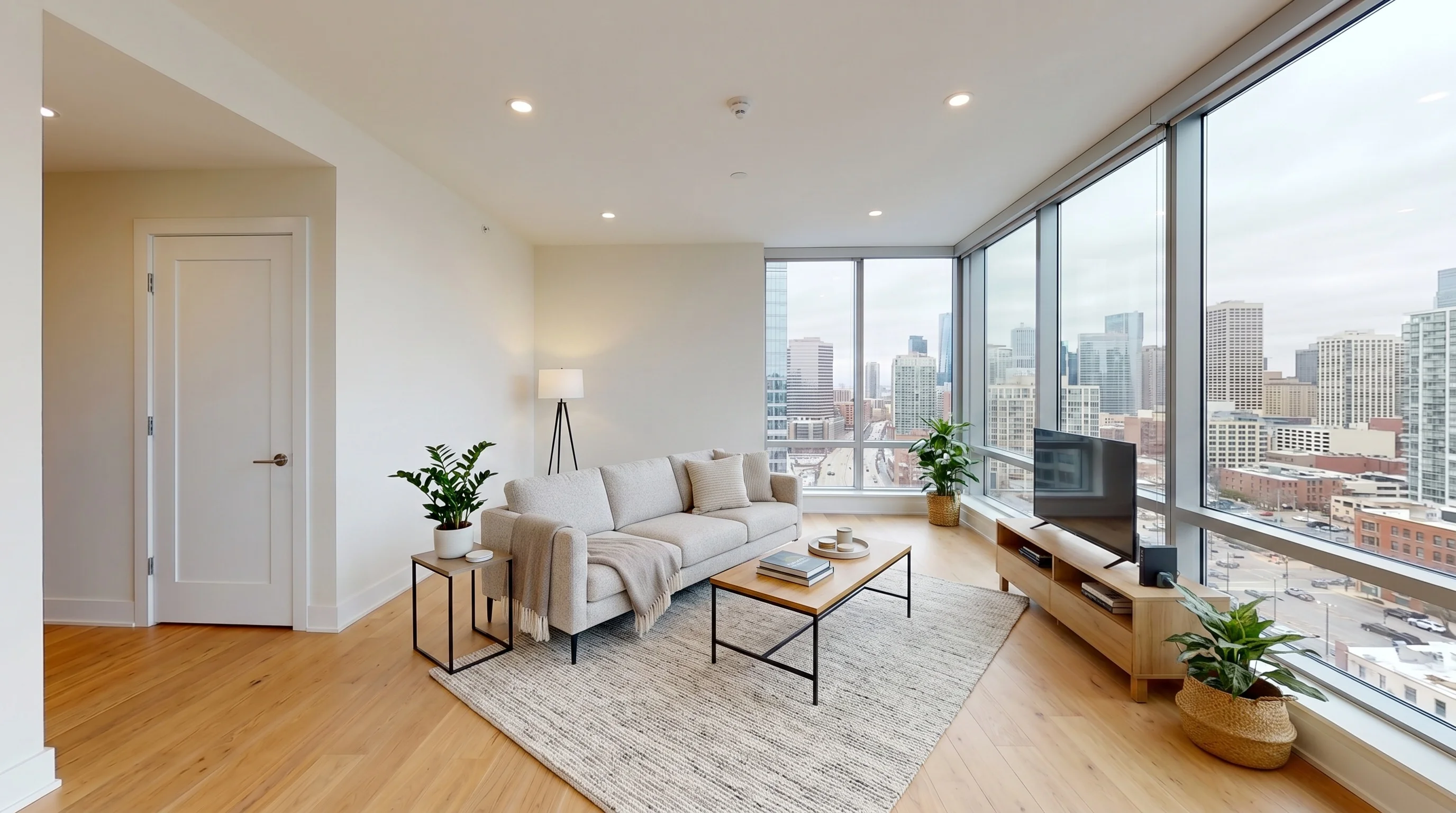
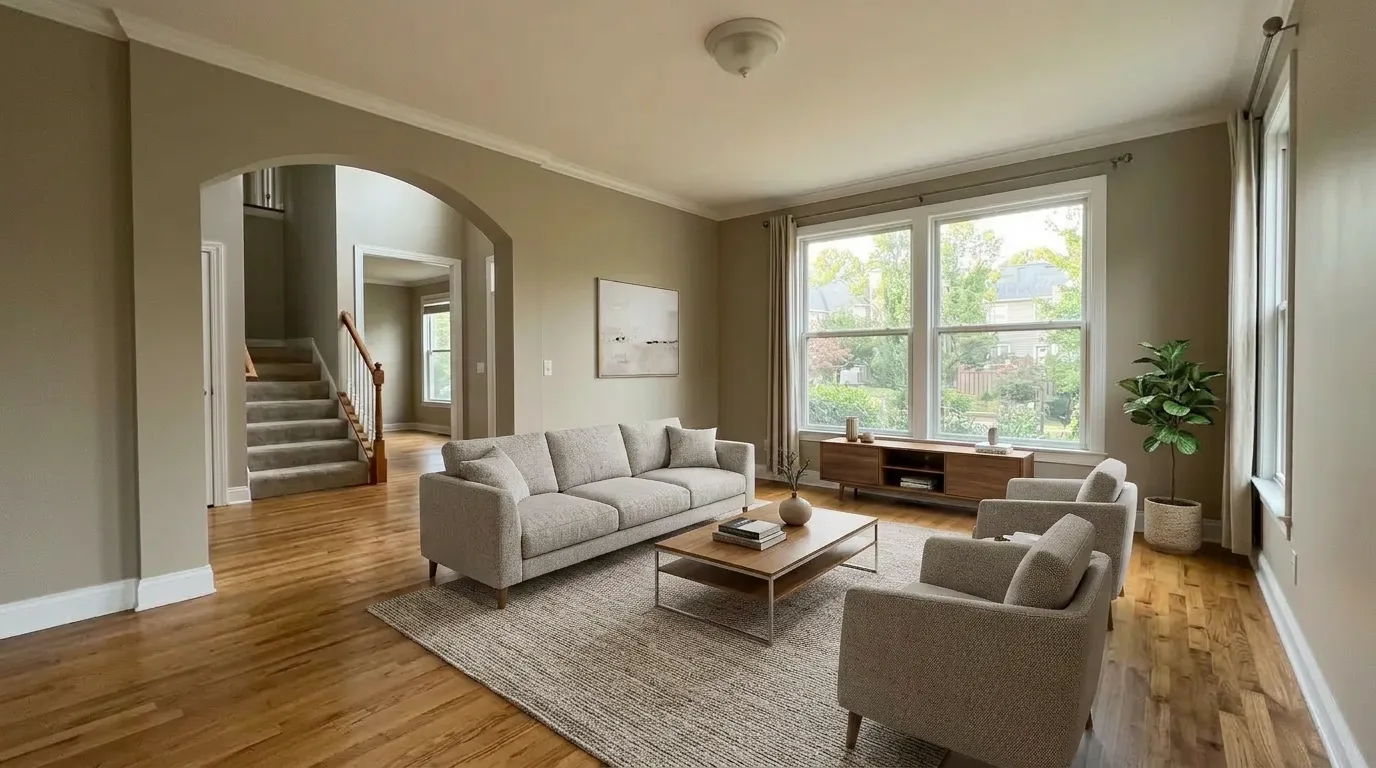
What Is Living Room Virtual Staging?
Digitally add sofas, rugs, and decor to empty-living-room photos in seconds.
Instead of hauling sectional sofas up apartment stairs or scheduling furniture delivery, you upload a living room photo and AI generates a staged version that looks professionally photographed. The technology understands open-concept geometry, window light, and sight lines from room entries to place furniture that anchors the space naturally.
Modern AI living room staging produces results indistinguishable from professional interior photography. Sofas sit flush with walls, area rugs define zones in open-concept layouts, and lighting cues feel natural. What once required a staging company and a photo crew now happens in under 30 seconds.
Why the Living Room Matters Most
The living room is the single highest-leverage room to stage in any listing. Buyers form opinions within seconds of seeing the first interior photo — make that photo work for you.
In listing galleries, the living room is usually the first or second photo buyers see. It sets expectations for the entire home. An empty, echo-y living room reads as cold and unfinished; a staged living room reads as a place someone already lives. This single photo can be the difference between a showing request and a scroll-past.
Living rooms also vary more than any other room in the home — open-concept vs. formal, small condo vs. suburban great room, bright midday light vs. dim evening photography. Virtual staging lets you test multiple approaches to find what works for each specific listing, something impossible with physical furniture rental.
How We Keep Living Room Staging Realistic
Living rooms fail when staged furniture feels too large, traffic flow disappears, or open-concept boundaries get blurred. Strong staging should clarify the room, not exaggerate it.
Why Use AI for Living Room Staging
Stage every living room in every listing at a fraction of the cost of physical furniture rental.
Open & Traditional Layouts
Stage open-concept living areas with zone-defining area rugs, or traditional living rooms with formal sofa-and-armchair arrangements. The AI adapts to the room's layout.
Multiple Design Styles
Modern, contemporary, Scandinavian, farmhouse, and traditional. Match the staging style to the property type and target buyer with one click.
Multiple Lighting Conditions
Bright midday, soft evening, or dim interior lighting. The AI adapts furniture color and shadow placement to match the photo's actual lighting condition.
Results in Seconds
Upload a living room photo and get a staged image in under 30 seconds. Try multiple sofa configurations and design styles without waiting for designers.
Fraction of Physical Cost
Physical living room staging runs thousands per listing including sectional rental and delivery. AI staging starts free and scales to every listing.
Works From Your Phone
Photograph the living room on your listing walkthrough, stage it from your phone between showings, and have staged photos on MLS by end of day.
Stage a Living Room in Three Steps
Under 30 seconds from upload to download — no designer, no furniture delivery, no revision cycles.
Upload the Living Room Photo
Take a photo of the empty living room. Standard smartphone photos work perfectly. Upload directly from your phone or computer.
AI Stages the Living Room
Select a style and let the AI generate a photorealistic staged living room in under 30 seconds. Try multiple styles to find the best match.
Download and Use
Download the high-resolution staged living room image. Ready for MLS, Zillow, Realtor.com, social media, or any listing material.
Physical vs Virtual Living Room Staging
| Factor | Physical Staging | Virtual Staging |
|---|---|---|
| Cost per living room | $800–$2,000+ | Starting at $0 (free tier) |
| Setup time | 2–5 days coordination | Under 30 seconds |
| Style changes | Not possible once set up | Instant — try 10+ styles |
| Scalability | 1 listing at a time | Every listing, every style |
| Lighting adaptation | Fixed to rental furniture | Adapts to photo lighting |
| Best for | In-person open houses | Every online listing |
Explore staging guides for other rooms buyers judge fastest in listing photos.
Stage Your First Living Room Free
See how virtual living room staging transforms your listing photos. Upload a room, pick a style, and download the staged result — no credit card needed.
Try Free — 3 Photos