Built for listing agents

AI Virtual Staging for Realtors

Upload a vacant listing photo and generate a staged concept in about 30 seconds. Start with 3 watermarked previews, no credit card, then review and disclose every image before publishing.
3 free photosNo credit cardCommercial license included
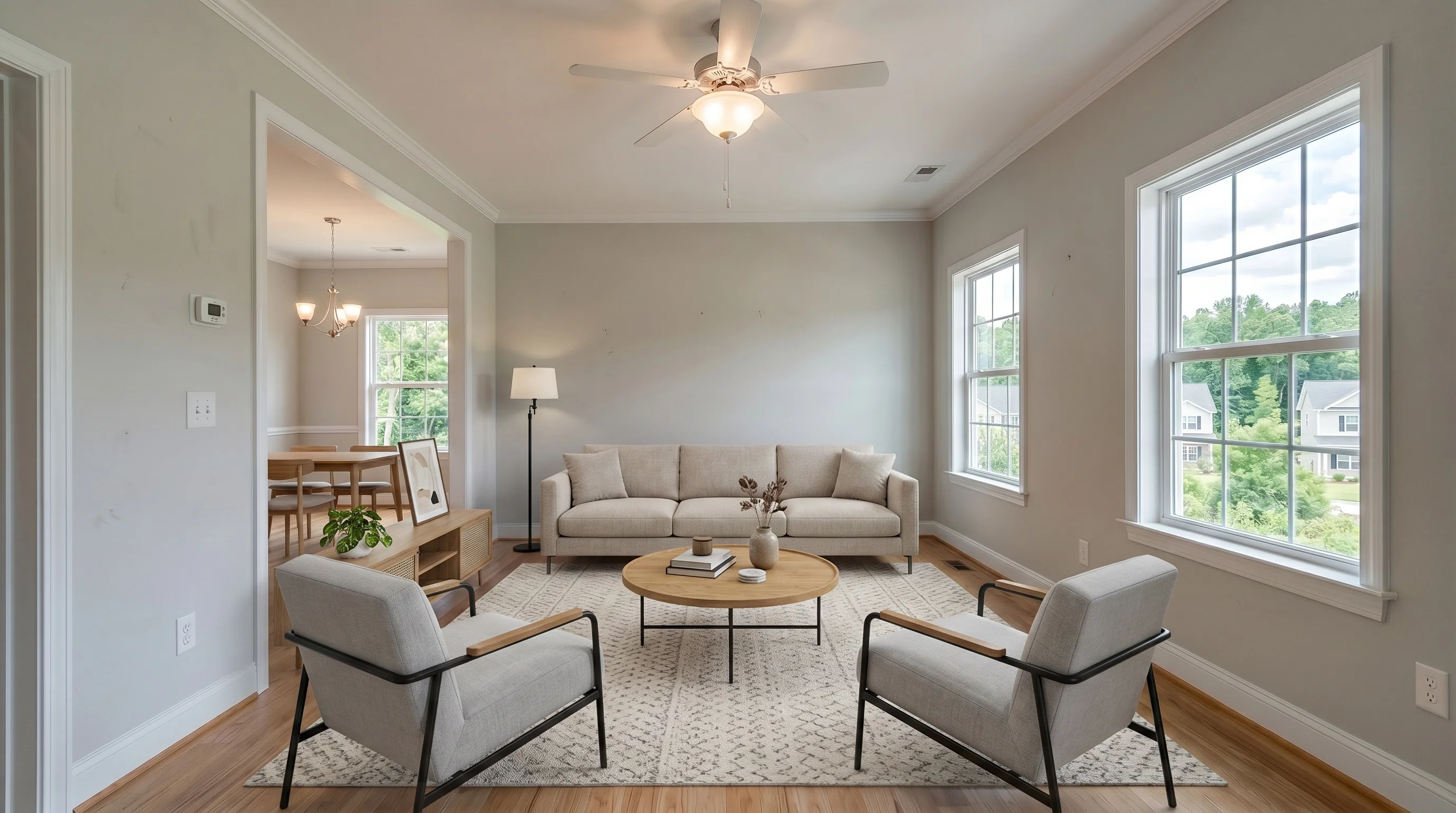
Same suburban living room shown as a modern AI-staged conceptBeforeModern
Original — vacant listing photoAI-staged concept — generated in about 30 seconds

Product details, pricing integration, and disclosure guidance reviewed August 3, 2026 by Evan Ye, founder of VirtualStaging.tools. This page explains our own product; the limitations below are included so agents can decide when a different workflow is safer.

Fit check

Is Self-Service AI Staging Right for This Listing?

Listing needGood fit for self-service AIConsider another option
Property and photoVacant or recently emptied room with a clear, well-lit angleComplex mirrors, glass, severe shadows, hidden damage, or an unclear room boundary
Creative directionA credible style concept for selected hero photosSpecific designer furniture, brand standards, or luxury art direction
Number of viewsOne primary angle per room, reviewed individuallySeveral angles that must show identical furniture and placement
DeadlineSame-day listing preparation and seller presentation mockupsA project where human review matters more than speed
Editing scopeAdding furniture to an already finished listing photoRAW processing, HDR merging, full-gallery color correction, or architectural retouching
Swipe to compare columns →
Product examples

Review the Output Across Common Listing Rooms

These examples show the kind of staged concept the product creates for living rooms, bedrooms, dining areas, and home offices. Inspect your own result against the original before using it in marketing.
Bright Suburban Living staged in Modern style
Living RoomModern
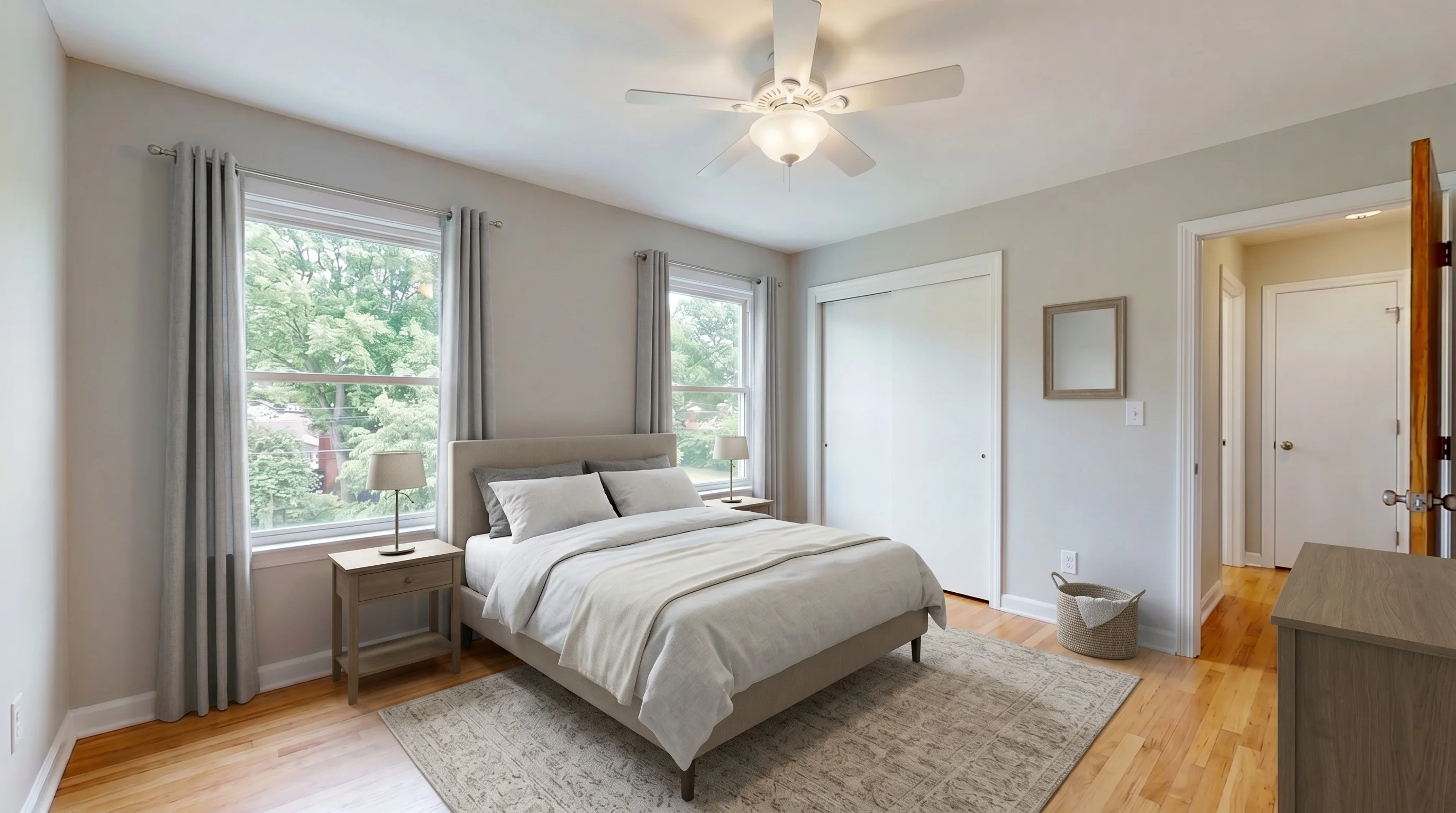
Suburban Master Bedroom staged in Modern style
BedroomModern
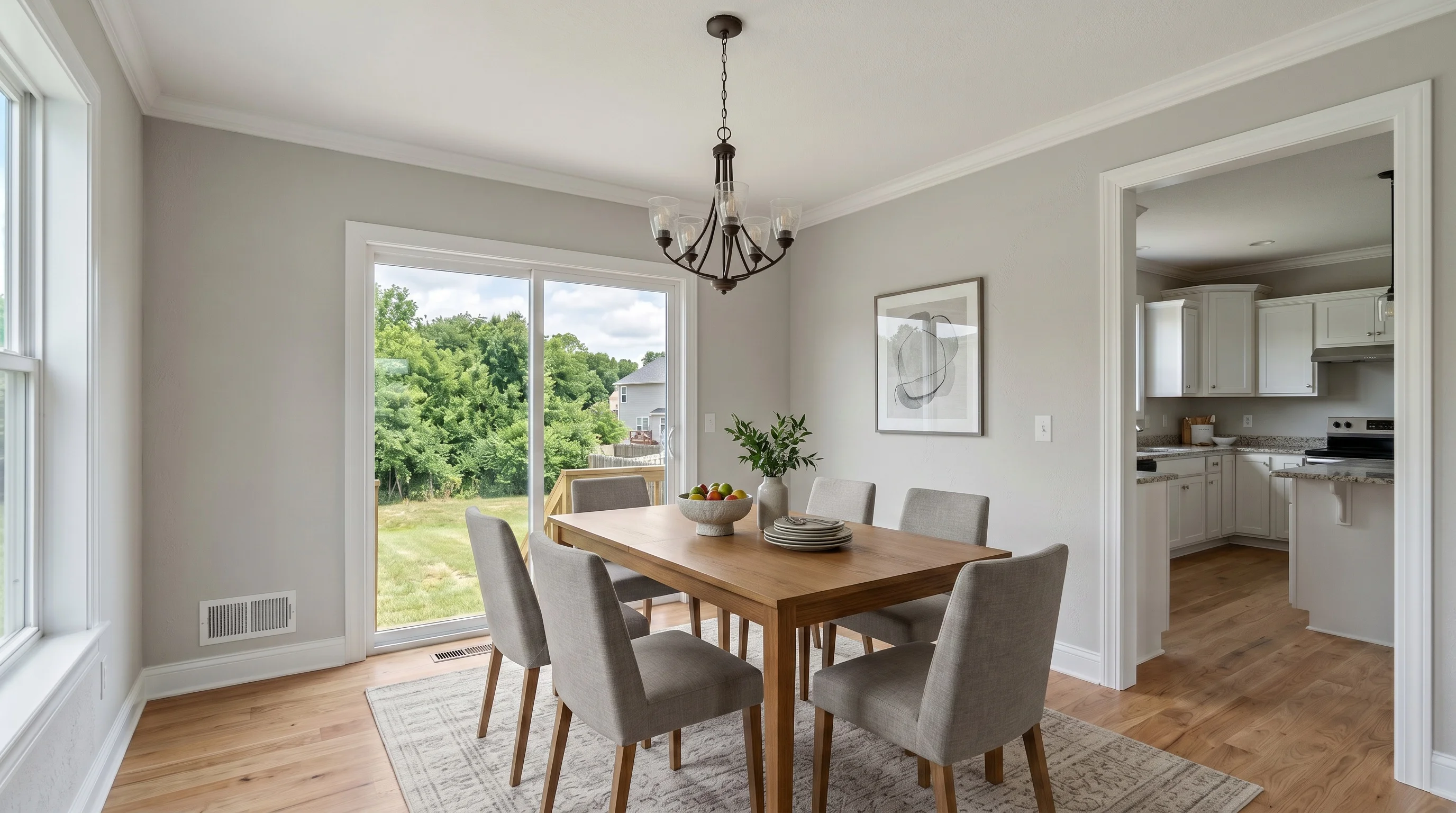
Suburban Dining Room staged in Modern style
Dining RoomModern
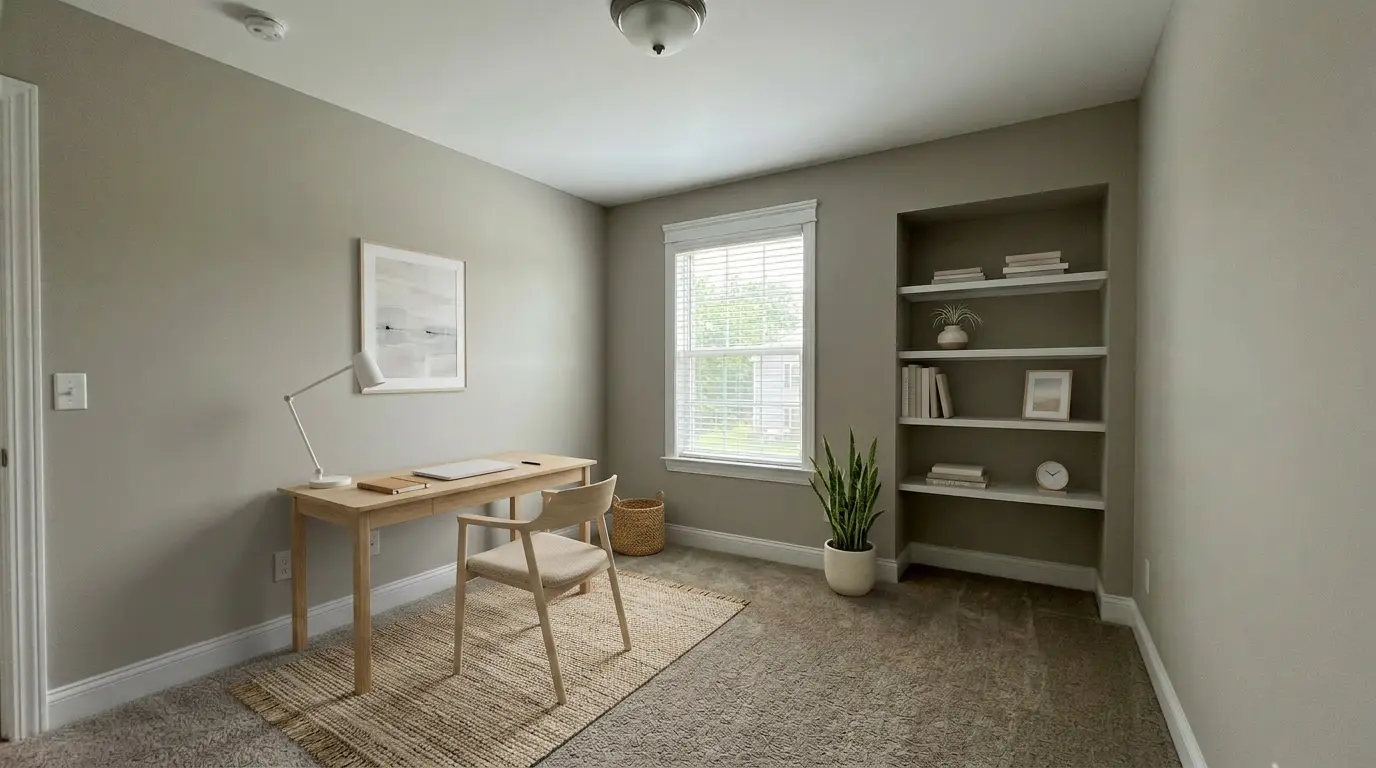
Suburban Home Office staged in Scandinavian style
Home OfficeScandinavian
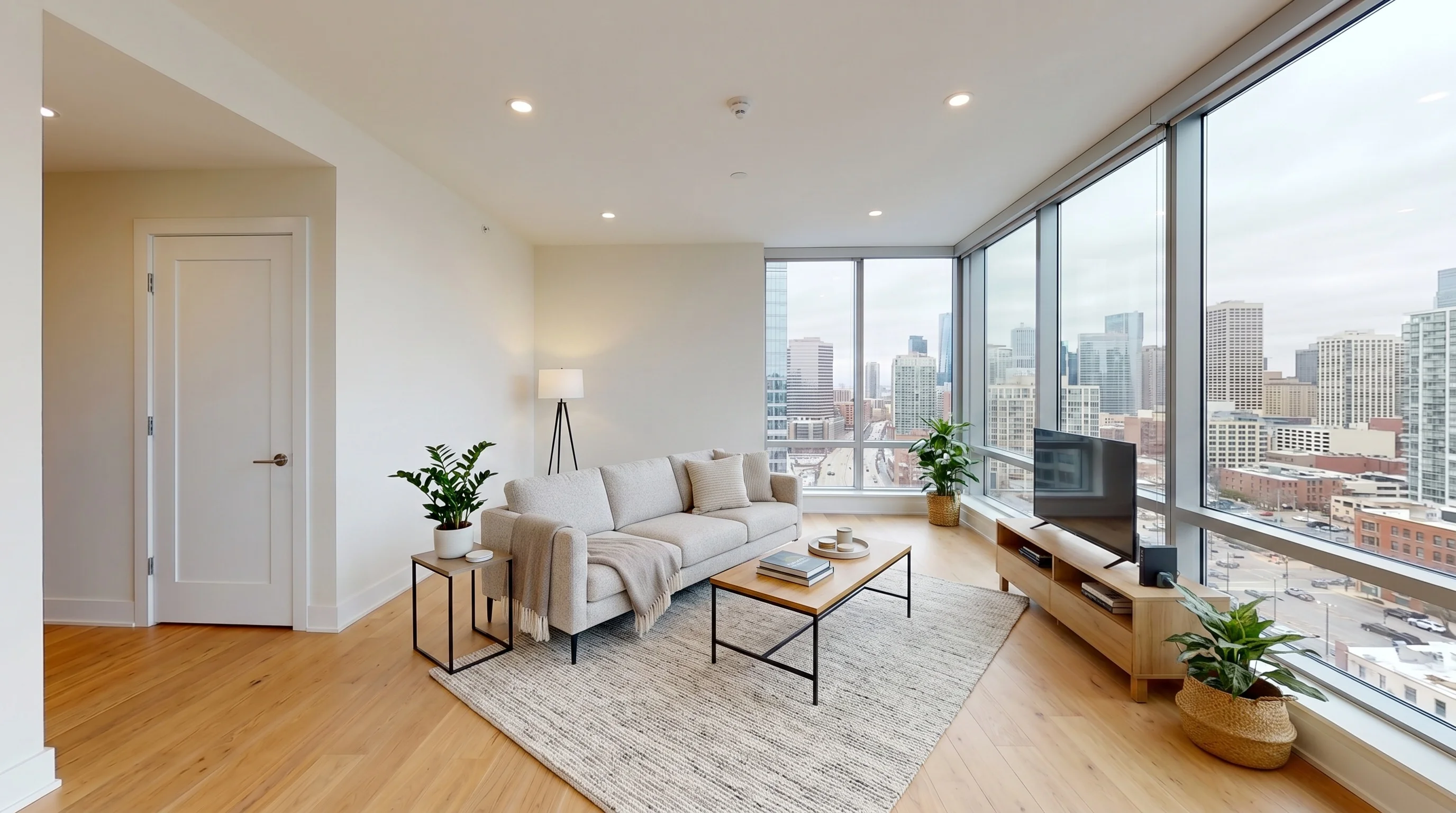
Urban High-Rise Living staged in Modern style
Living RoomModern
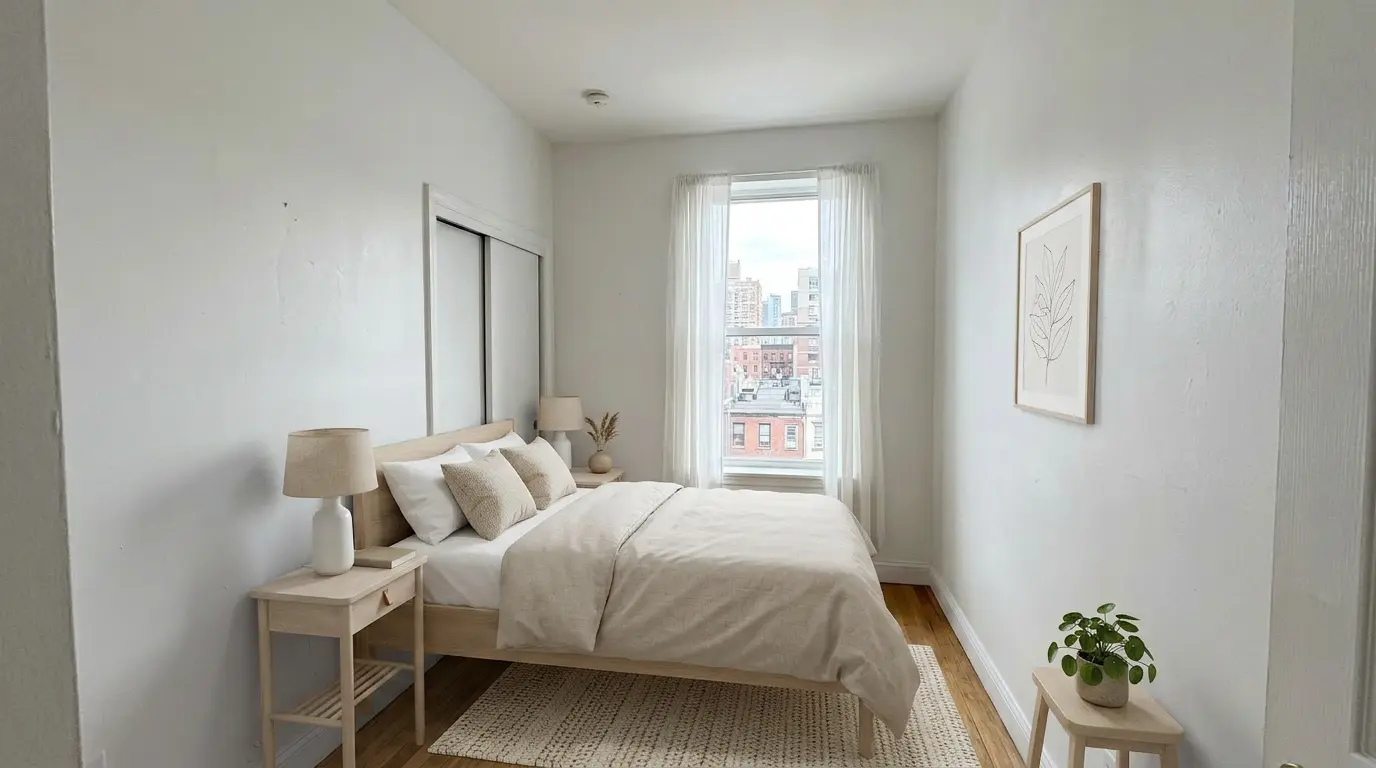
Urban Bedroom Retreat staged in Scandinavian style
BedroomScandinavian
Realtor workflow

What the Tool Helps You Do

The useful outcome is a faster, lower-friction listing workflow—not a promise that staging alone will win the listing or change the sale result.

Prepare Selected Hero Photos

Stage the rooms that need help explaining scale or purpose instead of editing every image by default.

Generate in About 30 Seconds

Create a first concept without scheduling furniture delivery or waiting for a manual editing queue.

Try More Than One Style

Compare styles for the same room and choose the version that best fits the property and likely buyer.

Support a Listing Presentation

Use a clearly labeled before-and-after concept to show a seller how you plan to market a vacant or awkward room.

Unlock 2K, Watermark-Free Output

The free tier is for three watermarked previews. Paid plans unlock higher-resolution, watermark-free downloads.

Review Before Publishing

The workflow is designed to preserve structure, but AI output is not a guarantee. Check walls, windows, floors, fixtures, views, and proportions against the original.

Evidence, not a guarantee

Which Rooms Should You Stage First?

NAR's 2025 Profile of Home Staging measured home staging generally—not VirtualStaging.tools or AI staging specifically. It is useful for prioritizing rooms, not for promising a sale outcome.

Living room — 91%
The most commonly staged room among sellers’ agents in NAR’s 2025 survey and often the clearest place to explain scale and furniture layout.
Primary bedroom — 83%
A high-priority room when an empty photo makes size, bed placement, or circulation difficult to understand.
Dining room — 69%
Useful when buyers may otherwise interpret the space as an undefined pass-through or flex area.
Kitchen — 68%
Stage cautiously: furniture and decor can help scale, but appliances, cabinets, surfaces, and defects must remain truthful.
Choose the delivery model

Self-Service AI vs Human or Physical Staging

DecisionSelf-service AIHuman or physical staging
Best useSelected listing photos, same-day concepts, repeatable standard stylesLuxury art direction, complex spaces, exact briefs, and hands-on accountability
TurnaroundUsually seconds per generation, plus your review timeUsually requires scheduling, an editing queue, or furniture logistics
Creative controlChoose room and style, then regenerate and selectGive a detailed brief and request human-directed revisions
ConsistencyReview every angle independently; multi-view furniture can varyBetter fit when several views must match exactly
ResponsibilityThe agent or marketer performs the final truthfulness and disclosure reviewA provider may review the edit, but the listing professional still owns the advertising decision
Swipe to compare columns →
Current pricing

Start with a Real Listing Photo

These cards read from the same plan configuration as the main pricing page, so prices and quotas cannot drift between the two pages.

Free
$0/forever
3 previews · watermarked

Try the full workflow.

Try 3 free
Standard
$25/mo
36 photos · ~$0.69 each

For agents getting started.

See Standard
Professional
$65/mo
108 photos · ~$0.60 each

For high-volume agents.

See Professional
Realtor use cases

Where Virtual Staging Fits in the Listing Process

Use the staged image as one marketing asset inside a truthful listing workflow—not as a substitute for photography, disclosure, or seller expectations.

Listing Presentation Concept
Show a labeled original-and-concept pair to explain how you would market a vacant room. Avoid implying that the concept guarantees the seller will choose you.
Same-Day Seller Follow-Up
Send a small number of reviewed mockups after the walkthrough to make the proposed marketing plan concrete.
Stale Listing Refresh
Add carefully selected staged images when vacant rooms are difficult to interpret, while keeping the originals available and preserving listing history.
Clarify an Awkward Space
Give a flex room, small bedroom, dining area, or home office a plausible purpose without changing the walls, layout, or permanent features.
Safer workflow

Prepare and Publish in Three Steps

Generation is fast. Selection, review, and disclosure are the parts that protect the listing.

01

Choose the Right Photo

Start with a bright, straight-on vacant room. For occupied rooms, remove furniture first and inspect the emptied result before staging.

02

Generate a Staged Concept

Select the room and style, generate the image, and retry only when the result remains truthful and useful.

03

Review, Disclose, and Publish

Compare with the original, reject misleading changes, retain the source image, and follow the current MLS and brokerage rules.

Publishing checklist

Five Checks Before the Image Goes Live

Structure-preserving prompts reduce risk, but the publishing professional must still verify the final image.

1. Compare With the Original
Check room shape, doors, windows, flooring, built-ins, fixtures, outlets, fireplaces, views, and visible defects.
2. Check Scale and Placement
Reject furniture that blocks doors, floats, changes circulation, or makes the room appear materially larger than it is.
3. Keep the Source File
Retain the unaltered original and keep a clear relationship between the original and every staged derivative.
4. Apply the Required Disclosure
Use the label, caption, remarks, URL, QR code, and original-image placement required by the applicable rules.
5. Confirm Rights and Approval
Confirm the photographer’s license permits editing and follow the seller, brokerage, portal, and MLS approval process.
MLS and advertising guardrails

The Rule Is Truthfulness; the Exact Workflow Is Local

NAR establishes the true-picture standard. State law and MLS policy can add specific disclosure and original-image requirements.

NAR Standard of Practice 12-10
REALTORS must present a true picture and may not manipulate listing content in a way that creates a deceptive or misleading result. NAR does not prescribe one universal virtual-staging caption.
California AB 723 / BPC §10140.8
Covered advertising must include a reasonably conspicuous disclosure and a public way to access the original image. Broker-controlled websites must include the original or a compliant public link.
CRMLS Image Order
CRMLS guidance currently requires the original image immediately before or after the digitally enhanced image and requires the enhanced image to be identified as altered.
Your MLS and Brokerage May Be Stricter
Verify the current rule before each publishing workflow. This page provides practical product guidance, not legal advice.
Continue the workflow

Choose the next page based on the task you actually need to complete.

Test One Real Listing Photo Before You Commit

Start with 3 lifetime watermarked previews and no credit card. Review the result against the original; upgrade only when the workflow and output fit your listing.

Stage a Listing Free
3 watermarked previewsNo cardReview before publishing
FAQ

Questions Realtors Ask Before Publishing

Many MLS organizations allow virtually staged interior photos when the alteration is disclosed, but the label, caption, original-photo, and image-order rules vary. Verify the current policy with your MLS and brokerage before publishing.
No. NAR Standard of Practice 12-10 requires REALTORS to present a true picture and prohibits misleading images, but it does not prescribe one nationwide caption format. Local MLS rules, state law, portals, and brokerage policy determine the exact workflow.
A typical VirtualStaging.tools generation takes about 30 seconds per image. A complete listing takes longer because you still need to select the right rooms, review each result against the original, regenerate weak results, and add the required disclosure before publishing.
Start with the rooms buyers use to understand the home. NAR's 2025 Profile of Home Staging found that sellers' agents most commonly staged the living room (91%), primary bedroom (83%), dining room (69%), and kitchen (68%). Those figures describe home staging generally and do not guarantee a result from AI staging.
The free tier includes 3 lifetime watermarked previews. Paid subscriptions and one-time credit packs unlock watermark-free output and are shown on the pricing page. The pricing cards on this page read from the same plan configuration as the main pricing page to prevent mismatched prices or quotas.
For the most predictable workflow, first use Furniture Eraser to create a clean vacant version, then stage that image. Always compare both AI edits with the original, especially around windows, built-ins, flooring, fixtures, mirrors, and areas that were hidden by furniture.
Yes. Keep the unaltered source file and make it accessible wherever your state, MLS, portal, or brokerage requires. California AB 723 requires a conspicuous alteration disclosure and access to the original for covered advertising, while CRMLS also requires the original immediately before or after the enhanced image in the MLS.
Do not hide defects, remove permanent fixtures, change the floor plan, invent a view, alter square footage, or present a renovation concept as the current condition. Virtual staging should help buyers understand furniture layout without changing material facts about the property.
Yes. A before-and-after concept can help a seller understand your proposed marketing approach. Present it as an illustrative concept rather than evidence that staging will guarantee a faster sale, higher price, or signed listing agreement.
Confirm that the photography agreement permits editing and derivative marketing use. Copyright and licensing terms vary, so written permission is safer than assuming the listing agent automatically owns the image.