There are more virtual staging tools on the market in 2026 than most listing agents have time to evaluate. This guide cuts through the marketing and compares the ones that actually matter for a solo realtor: what you pay per photo, how long you wait, whether it holds up on MLS, and what honestly breaks.
We operate VirtualStaging.tools, so we have a clear bias — but we've been honest below about where competitors do better. Read the "When X wins" sections.
 BeforeAfter
Best Picks by Use Case
| Use case | Our pick | Why |
|---|---|---|
| Solo agent, 1–3 listings/month | VirtualStaging.tools Standard ($25 monthly or $156 yearly) | 36 photos per monthly term or a 432-photo annual pool, 30-second turnaround, disclosure helper |
| High-volume, 10+ listings/month | VirtualStaging.tools Professional ($65 monthly or $468 yearly) | 108 photos per monthly term or a 1,296-photo annual pool, same workflow |
| One-off listing, no subscription | BoxBrownie (~$24/photo) | Pay per image, no monthly commitment. Slow (24–48h) and pricey, but fine for a single big listing |
| Brokerage / team with brand standards | VirtualStaging.tools Business ($105/mo) or VSAI Enterprise | Volume pricing + consistent output |
What "Best" Means for a Realtor (Evaluation Criteria)
Most "best of" lists are affiliate roundups that rank by commission. We ranked by what actually moves a listing:
- Per-photo cost under $1 — anything above this eats into commission on a $400k sale. (See our full virtual staging cost breakdown for the per-photo and per-listing math.)
- Turnaround under 1 hour — you photographed this morning, you need to go live today, not Wednesday.
- Listing-ready output — sufficient resolution, a commercial-use license, and clear watermark terms. VirtualStaging.tools' license covers paid outputs and free-tier outputs only while the VirtualStaging.tools watermark remains intact; removing or obscuring that watermark voids the free-output grant.
- Disclosure support — California law and some MLS rules require clear disclosure and access to the unaltered image. Requirements vary, so a useful tool should reduce the manual work without claiming to make a listing automatically compliant.
- Honesty about free tier — a "free forever" tool with 1 photo and a watermark isn't really free for production work. We care about how transparent the free tier is (we break down which tools are actually free for realtors separately).
- Structural integrity — the AI should not move your walls, warp your windows, or "improve" the flooring unless you ask it to.
Tool-by-Tool Review
Full comparison across pricing, turnaround, and features — then each tool's strengths, trade-offs, and where it fits.
| VirtualStaging.tools | BoxBrownie | VSAI | Collov | REimagineHome | |
|---|---|---|---|---|---|
| Entry production cost | $0.69/photo monthly | $24/photo | $0.95/photo on Standard annual | $0.32/photo on Standard annual | $0.63/credit on Essential monthly |
| Turnaround | 30s | 24–48h | 10s | 10s | ~60s |
| Try before paying | 3 photos | 1 trial edit | Free preview | 5 trial credits | 5 designs |
| Disclosure aid | Copy-ready text | Manual | Not advertised | One-click disclaimer | AI label; verify MLS workflow |
| Commercial-use terms | Paid; free only with watermark intact | Vendor retains no ownership | Check current terms | Included | Check current terms |
| Realtor-first UX | Yes | Neutral | Yes | Neutral | No |
VirtualStaging.tools plan terms were rechecked on August 2, 2026; competitor prices and allowances were last checked against the linked official pages on August 1, 2026. Monthly-equivalent prices are not the same as month-to-month billing; confirm the amount charged at checkout.
1. VirtualStaging.tools (Our Product) — Best for Individual Realtors
Pricing:
| Plan | Monthly plan | Annual plan |
|---|---|---|
| Free | 3 photos total (lifetime), watermarked | — |
| Standard | $25; 36 photos per monthly term | $156/year ($13/mo equivalent); 432-photo pool |
| Professional | $65; 108 photos per monthly term | $468/year ($39/mo equivalent); 1,296-photo pool |
| Business | $105; 216 photos per monthly term | $828/year ($69/mo equivalent); 2,592-photo pool |
Annual subscriptions are charged for the full year and the published allowance is an annual pool available during that annual term. The $13 / $39 / $69 per month figures are monthly equivalents, not month-to-month charges.
Turnaround: 30 seconds per photo.

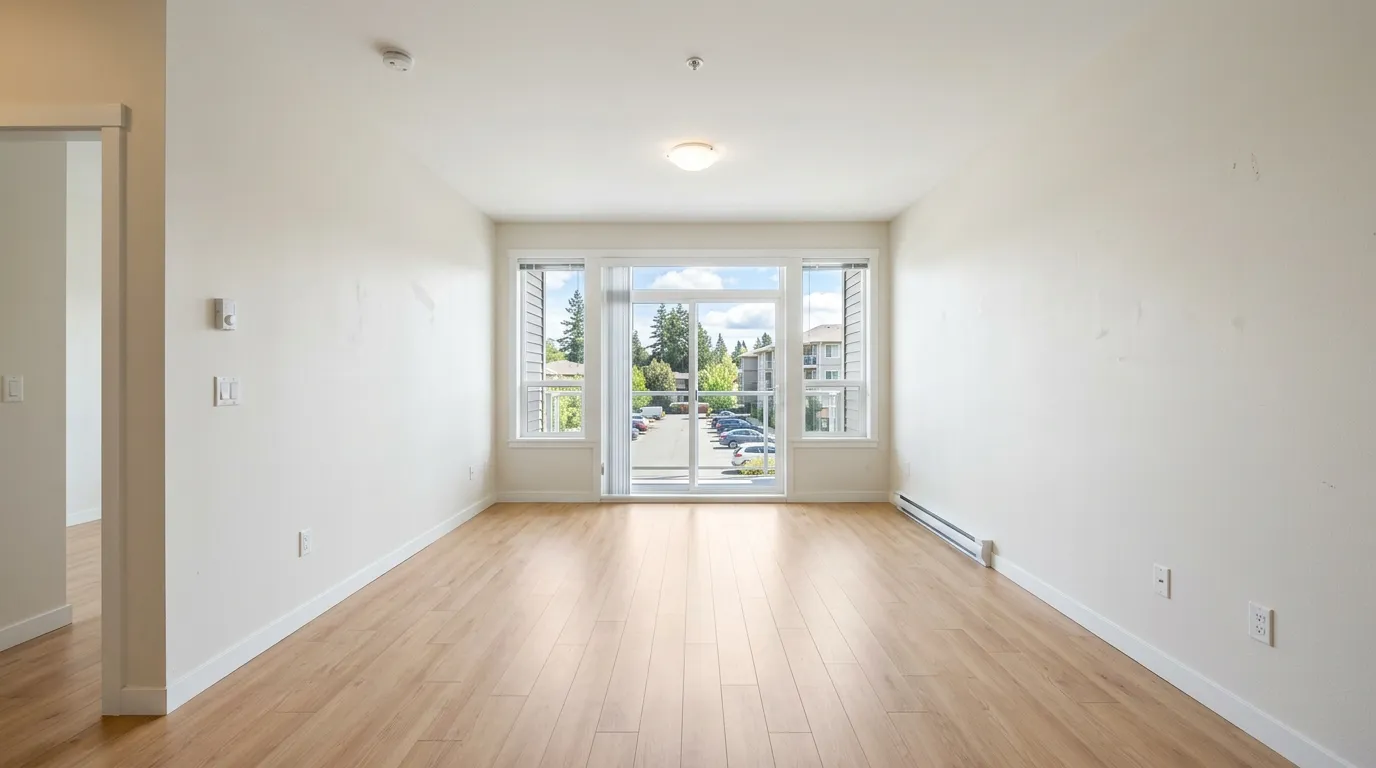
What we're honest about:
- Free tier is 3 photos total, not 3 per month, and outputs are watermarked. It's enough to validate quality, not to run a listing.
- The first successful generation for a new source photo consumes one photo credit. Restyling that same source does not consume another credit, but the product limits each paid source photo to 15 total versions.
What we do better than competitors:
- Under $0.70 per photo on Standard — one of the most agent-friendly per-photo prices on the market.
- Disclosure Helper — the result workflow can generate copy-ready listing remarks. You still need to apply the right label and original-image workflow for your MLS.
- Structure-preserving workflow — the generation pipeline is designed to preserve walls, windows, and flooring geometry, but every output still needs a visual check before publication.
- Commercial-use license — paid outputs are watermark-free; a free-tier output is covered only while the VirtualStaging.tools watermark remains intact, as required by the current Terms.
When we win: Solo listing agents who need same-day output, straightforward pricing, and disclosure text inside the result workflow.
When we don't: You need human-designer craftsmanship for a complex space (BoxBrownie is the pick there).
2. BoxBrownie — Best for One-Off Listings and Complex Rooms
Pricing: $24 per photo with no subscription.
Turnaround: 24–48 hours.
When BoxBrownie wins:
- One-off big listing where you're not subscribing to anything.
- Highly unusual room layouts or angles where AI struggles.
- You want a designer's taste with an enormous style library, not an algorithm's.
When BoxBrownie loses:
- Price: At $24 per photo you're paying about 35× more per image than a fully used VirtualStaging.tools Standard monthly allowance.
- Speed: 24–48 hours is a dealbreaker if you need to list the same day.
- Volume: A 20-photo listing costs $500+ vs. less than $20 on a Standard subscription.
For the full side-by-side, see our BoxBrownie vs VirtualStaging.tools comparison.
3. VirtualStagingAI.app — Established AI Alternative
Pricing: The official pricing page lists annual plans as monthly equivalents: Basic $16/mo for 6 photos, Standard $19/mo for 20, Professional $39/mo for 60, and Enterprise $79/mo for 150. The checkout amount shown for those offers is 12 months at once.
Turnaround: 10 seconds (claimed).
Key strengths: Fast generation, unlimited regenerations within the plan allowance, furniture removal, and a free preview for a quality spot-check.
What they don't ship:
- No MLS Disclosure Helper.
- VSAI's marketing states "leaves room layout untouched," but we couldn't find a published structural-integrity verification test or a dedicated constraint toggle — it's a claim, not a feature you can turn on.
- Generic staging UX — not built specifically around a realtor's weekly workflow.
Billing note: treat the large monthly-equivalent figure and the checkout charge as separate facts. The offers we checked were billed annually, so confirm the total and renewal cadence before purchase.
When VSAI wins: You want very fast previews and unlimited regenerations within a smaller photo allowance.
When VSAI loses: MLS compliance matters to your brokerage. You want realtor-specific workflow tooling.
4. Collov.AI — Best for Photo Editing + Staging Combined
Pricing: Standard $19/mo (60 photos), Advanced $49/mo (150), Premium $79/mo (263), Enterprise $127/mo (526). Enterprise also publishes overage at $0.24/photo, one of the cheapest published overage rates in the category.
Turnaround: 10 seconds (claimed).
Key strength: Beyond virtual staging, Advanced+ plans include day-to-dusk conversion, furniture removal, sky replacement, lawn enhancement, and material overlays. If your workflow is "everything a photographer does to a listing photo," Collov consolidates the toolchain.
When Collov wins: You do your own listing photography and want one tool for staging + editing.
When Collov loses: The broader editing suite can be more than a staging-only workflow needs. Its pricing page does advertise a one-click staging disclaimer, but you still need to follow your local original-image and labeling rules.
5. REimagineHome — Best for Design-Adjacent Work
Pricing: Essential $19/mo (30 credits), Pro $36/mo (200), Advanced $59/mo (400), Agency $119/mo (900).
Turnaround: typically under a minute (vendor guidance).
Key strength: 2.1M users, broad tool set (staging + landscape + exterior), shoppable furniture links (West Elm, IKEA, Target). Best fit if your clients also ask for design consultation.
When REimagineHome wins: You work adjacent to designers and need design-facing output. You want "shop this staged look" links in your listing content.
When REimagineHome loses: Its feature set is aimed at broader design decisions as well as listings, and some workflows use more than one credit. Confirm the exact credit cost for the action you need.
Our 8 Curated Styles (Not a 40-Option Catalog Buyers Never Use)
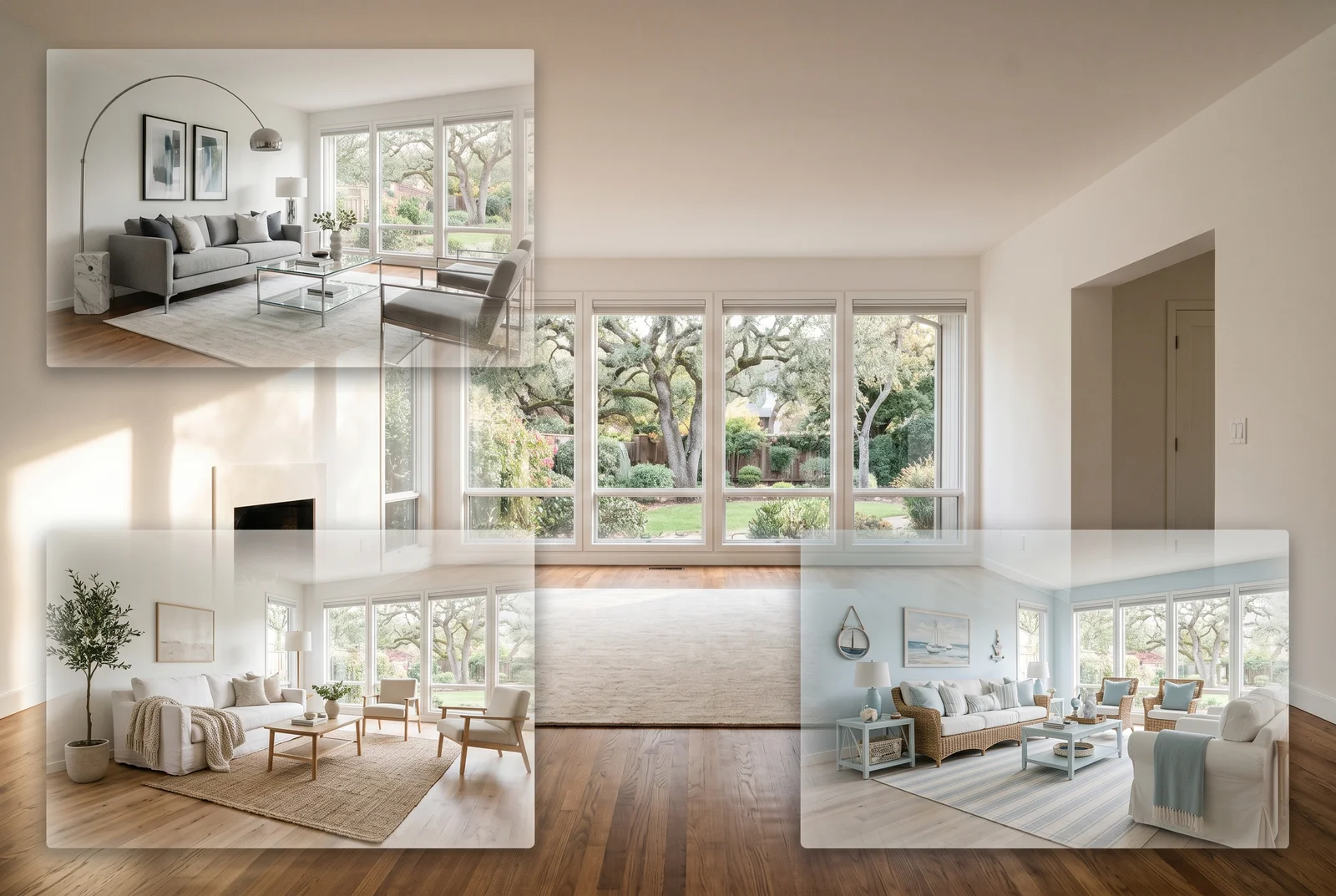
We ship 8 styles selected around common US listing aesthetics. The goal isn't the biggest catalog; it is a short list an agent can choose from quickly.
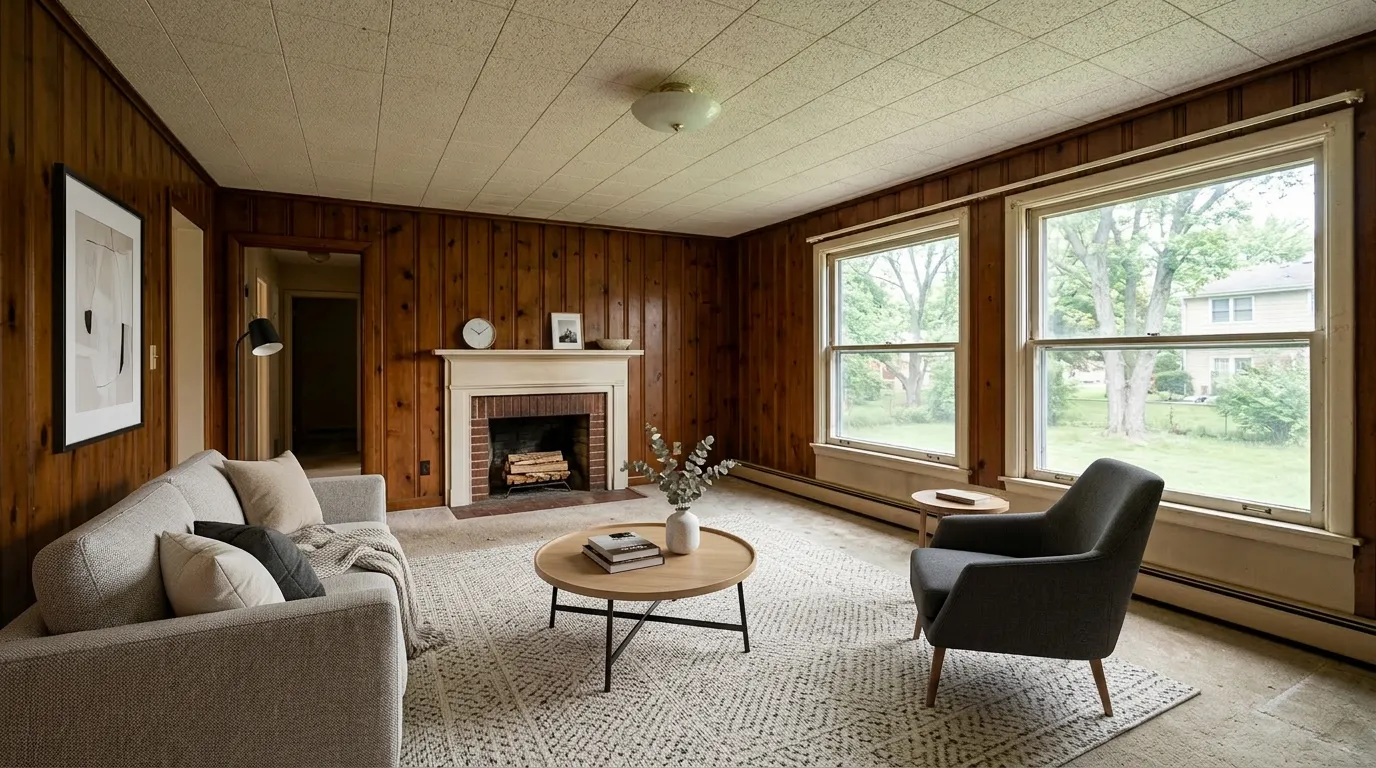
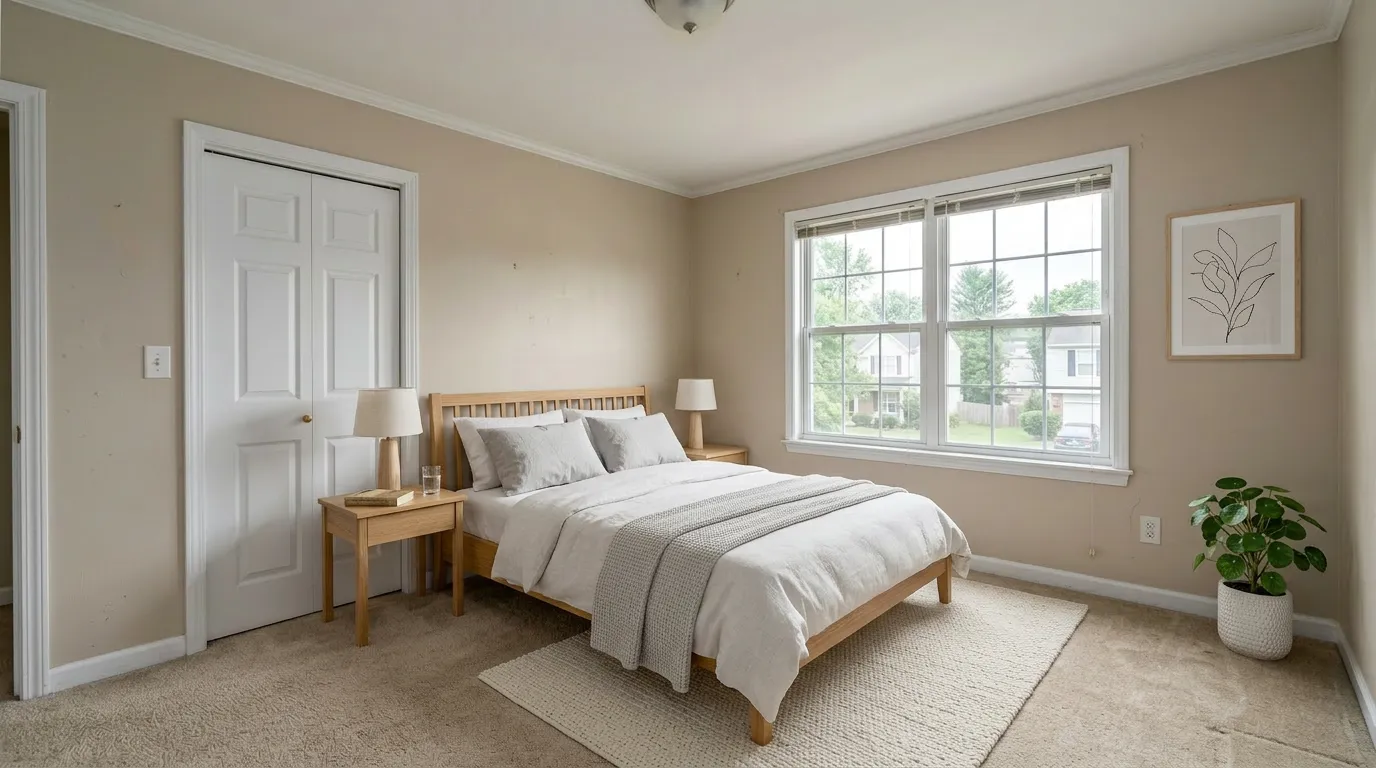
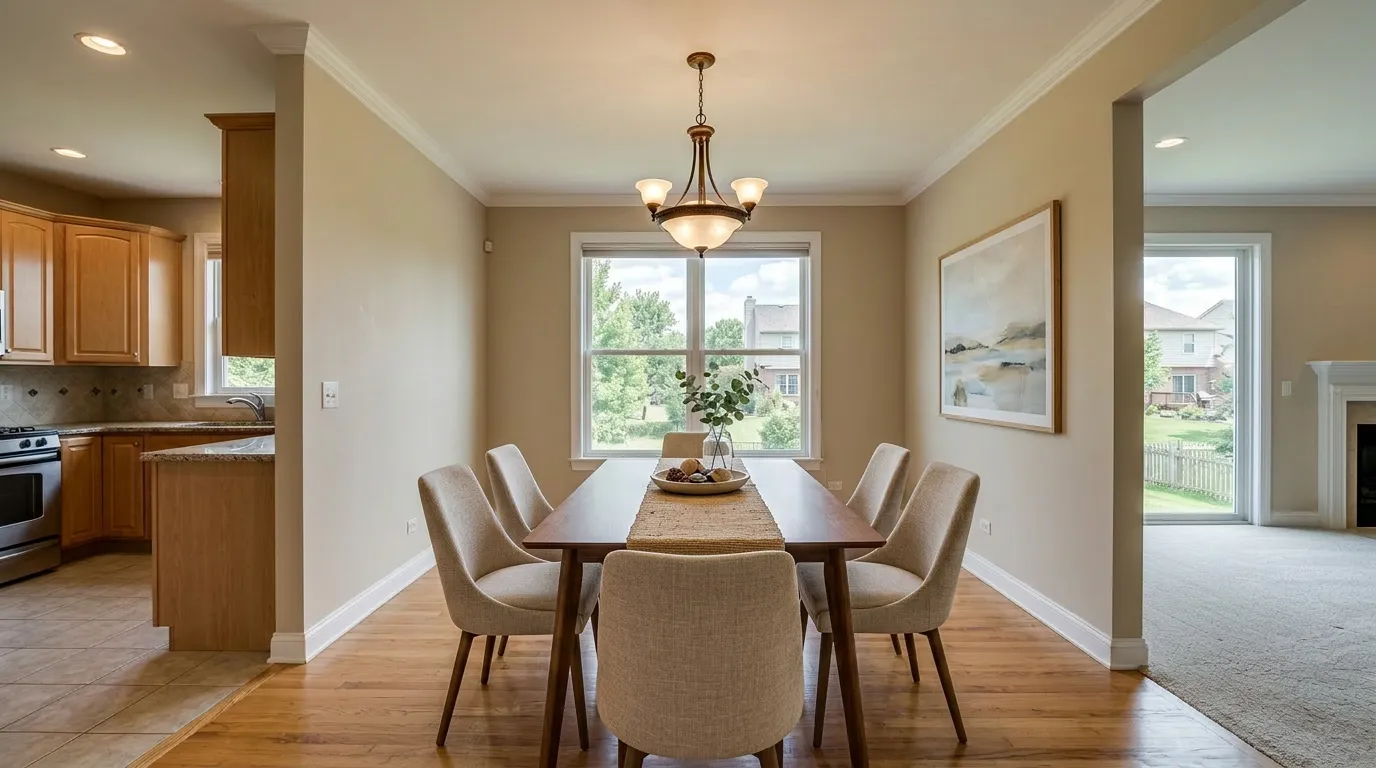
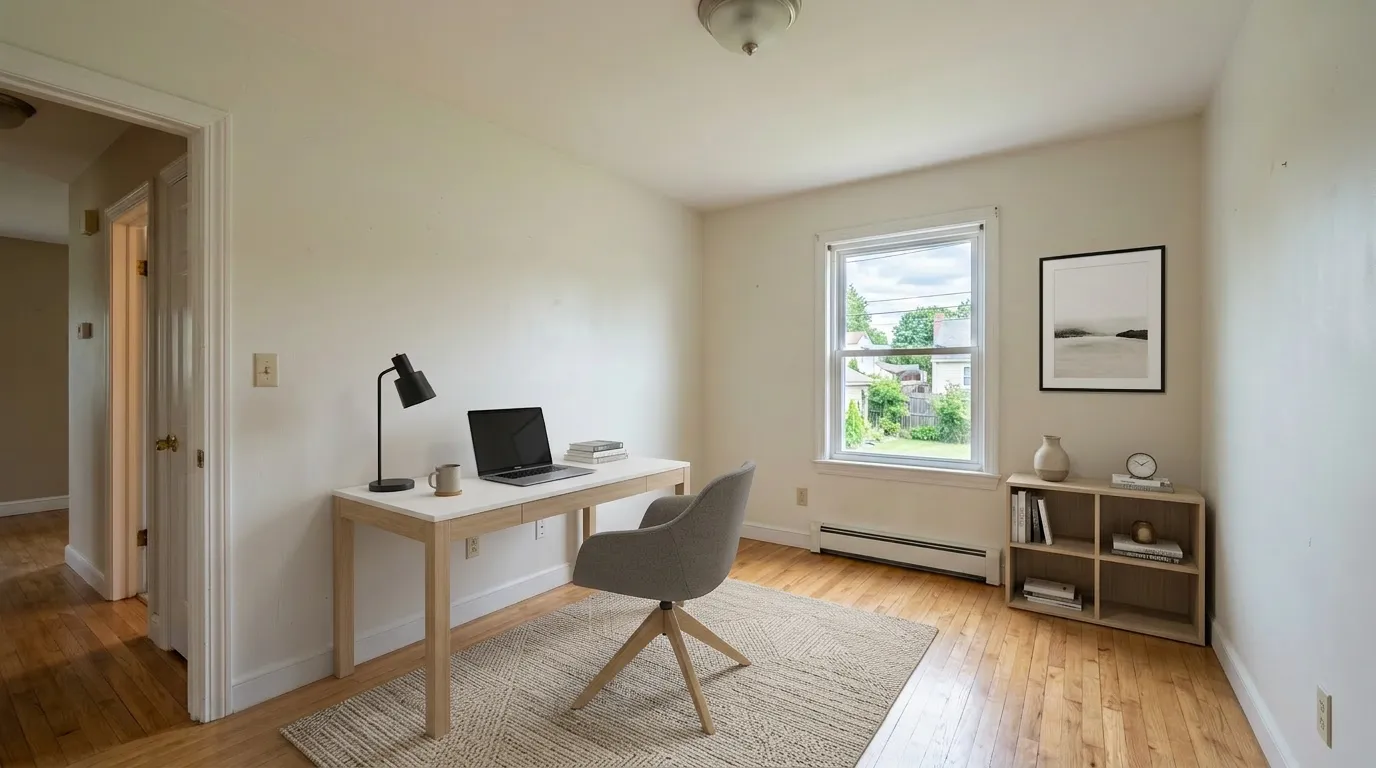
Full catalog: Modern, Scandinavian, Luxury, Industrial, Minimalist, Farmhouse, Coastal, Japandi.
Each style is designed for residential listing photos. A shorter catalog also makes it easier to compare outputs without working through dozens of near-duplicate labels.
Our Recommendation
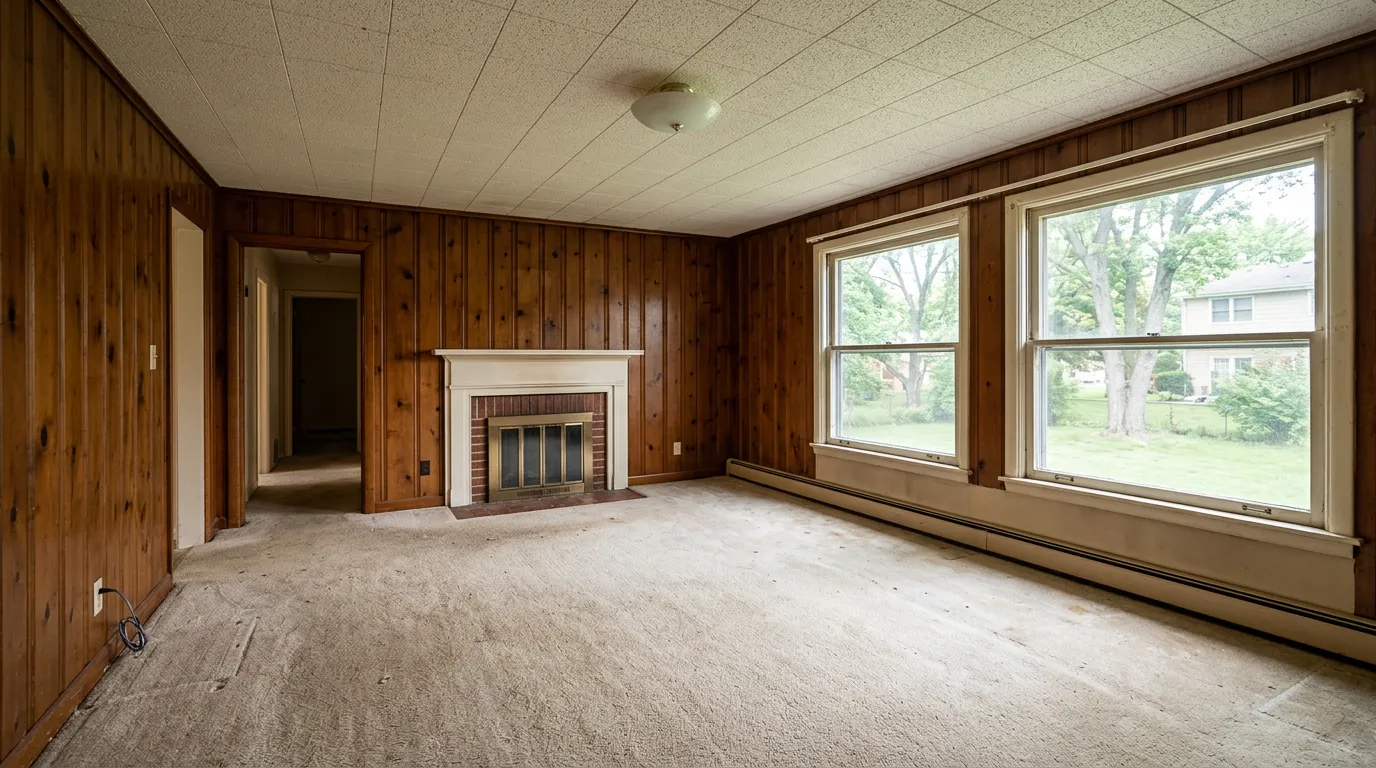
- Do one listing a month? Standard is $25 for a 36-photo monthly term or $156 upfront for a 432-photo annual pool ($13/mo equivalent; see full pricing). Either allowance can cover several typical listings when used across the applicable term.
- Need human designer work on one hard property? BoxBrownie, accepting the $24/photo price and 48-hour wait.
- Want a combined staging + photo editing toolchain? Collov Advanced.
- Just testing? Use the published free allowance or preview for the same source room, then compare structure preservation and download terms.
- Comparing a specific competitor? See our side-by-side of every major virtual staging tool.
Try VirtualStaging.tools free with 3 photos — no credit card. Upgrade only if it pays for itself in your next listing cycle.
Methodology — How We Tested
Review updated and VirtualStaging.tools product sources rechecked: August 2, 2026. Competitor and regulatory sources last checked: August 1, 2026.
- Pricing and allowances came from each vendor's public pricing or product page. We distinguish monthly billing from a monthly equivalent on an annual charge.
- Turnaround is vendor-claimed unless explicitly described as our own measurement.
- Disclosure rules were checked against the enacted California bill, the current NAR Code of Ethics, and CRMLS guidance. This is workflow information, not legal advice.
- Unsupported complaints and unattributed quotations were removed. We do not use platform-level review pages as evidence for a specific allegation.
- We are VirtualStaging.tools. We did not rank ourselves #1 because we think we are better at everything — we ranked by use case. The above is what we would tell a solo agent friend in an honest conversation.
Source ledger
| Claim group | Direct source | Checked |
|---|---|---|
| VirtualStaging.tools prices, allowances, and billing | Official pricing and Terms | Aug 2, 2026 |
| BoxBrownie price and turnaround | Official virtual staging page | Aug 1, 2026 |
| Virtual Staging AI prices, allowances, and billing cadence | Official pricing | Aug 1, 2026 |
| Collov prices, credits, and features | Official pricing | Aug 1, 2026 |
| REimagineHome prices and credit rules | Official pricing | Aug 1, 2026 |
| California disclosure law | California AB 723 bill text | Aug 1, 2026 |
| REALTOR® advertising standard | NAR 2026 Code of Ethics, Standard of Practice 12-10 | Aug 1, 2026 |
| CRMLS altered-image workflow | CRMLS guidance and FAQs | Aug 1, 2026 |
Disclosure and Billing Checks Before You Publish
California AB 723 has applied since January 1, 2026. For covered California real-estate advertising, a digitally altered image needs a reasonably conspicuous disclosure on or adjacent to the image and a public link, URL, or QR code to the original. On a website controlled by the broker, salesperson, or their representative, the unaltered version must also be included or linked. CRMLS adds a specific MLS workflow: put the original immediately before or after the altered image and label the altered image in the photo-description field.
NAR Standard of Practice 12-10 separately prohibits misleading internet content and images. Outside California and CRMLS, rules vary by state, MLS, portal, and brokerage. A software badge or text template helps with the workflow; it does not make a listing compliant by itself.
Before paying for any tool, confirm the total charged today, renewal cadence, cancellation path, unused-credit policy, refund terms, watermark rules, and commercial-use rights on the checkout and terms pages.
FAQ
What is the cheapest virtual staging software that actually works?
At full allowance, VirtualStaging.tools Standard is about $0.69/photo on the $25 monthly plan or about $0.36/photo across the 432-photo annual pool. Collov advertises about $0.32/photo on its annually billed Standard plan. Compare the actual checkout total, watermark, license, and credit-reset rules rather than price per image alone.
Is there a free virtual staging tool for realtors?
Yes, for evaluation. VirtualStaging.tools publishes 3 lifetime photos with no card, Collov lists trial credits, and REimagineHome lists free designs. Check whether the downloaded file is watermarked and licensed for a live listing before publishing it. VirtualStaging.tools' free-output license applies only while its watermark remains intact.
Which virtual staging software is MLS compliant?
No tool can guarantee compliance across every MLS. Compliance depends on the image, disclosure, placement of the original, and your state, MLS, portal, and brokerage rules. VirtualStaging.tools provides copy-ready disclosure text; Collov advertises a one-click disclaimer. You remain responsible for applying the correct workflow.
Can I really stage a full listing for under $20?
Yes. A 20-photo listing on a Standard ($25/mo) subscription costs you 20 credits out of 36 monthly credits, roughly $14 in subscription cost. Compare to BoxBrownie at ~$480 for the same 20 photos.
What about watermarks and commercial rights?
Watermark and license rules differ. VirtualStaging.tools grants commercial use for paid outputs and for free-tier outputs only while its watermark remains intact. Cropping, covering, blurring, editing, or otherwise removing or obscuring that watermark voids the free-output grant. Other vendors publish different trial and paid-plan terms, so verify the current terms before using any generated image on MLS, portals, flyers, or ads.
Does California's AB 723 mean I can't virtually stage anymore?
No. For covered California real-estate advertising, AB 723 requires a conspicuous disclosure on or adjacent to the altered image and public access to the original. Websites under the covered party's control must include or link the original. CRMLS separately requires the original immediately before or after the altered MLS image and a label in the photo-description field. Confirm the exact workflow with your broker and MLS.
How do I avoid an unexpected annual charge?
Treat a displayed monthly equivalent and the amount charged today as separate facts. Before purchase, confirm the checkout total, billing period, renewal date, cancellation path, and refund terms. Take a copy of the confirmation page and set a reminder before renewal if the plan is annual.
Can I just use ChatGPT or Gemini for this?
For one-off listing images, yes — the underlying diffusion models are capable. But realtor workflow adds three things a general-purpose chat AI doesn't ship:
- A constrained listing workflow — room and style controls can reduce accidental structural changes, although every result still needs inspection.
- Predictable output and licensing — dedicated tools publish resolution, watermark, allowance, and commercial-use terms for the workflow.
- Disclosure support — some dedicated tools provide labeling or copy-ready disclosure text, while a general image model leaves that process to you.
If you stage less than one listing a month and have an eye for scale/shadow realism, ChatGPT is a reasonable free-tier substitute. If you're selling volume and your broker cares about compliance, the dedicated tools earn the subscription.
More from the blog
Related reading
Best AI Virtual Staging Tools Compared (2026)
Compare the top AI virtual staging tools for real estate. Side-by-side review of features, pricing, speed, and quality to help you pick the right platform.

10 Best Real Estate Photo Editing Tools & Services (2026)
Compare 10 real estate photo editing tools and services by pricing, turnaround, editing type, revisions, and best fit for agents and photographers.

Box Brownie vs VirtualStaging.tools: Honest Comparison (2026)
Comparing Box Brownie and VirtualStaging.tools for virtual staging. See pricing, turnaround, quality, and features side by side to pick the right tool.