Full disclosure: We operate VirtualStaging.tools, so we have a clear bias. This comparison is based on (1) BoxBrownie's public pricing page fetched April 23, 2026, (2) a sampling of recent Trustpilot reviews, (3) our internal performance testing, and (4) community discussion on r/realtors and r/RealEstatePhotography. Links to sources are inline. We've included the places where BoxBrownie does better than us — read "Choose Box Brownie If" before you pick.
Choosing a virtual staging service can make or break your listing strategy. Two popular options in the real estate space are Box Brownie and VirtualStaging.tools -- each taking a fundamentally different approach to the problem.
Box Brownie relies on professional human designers to hand-craft each staged photo. VirtualStaging.tools uses AI to generate staged rooms. Both can produce listing-marketing images, but every result still needs review against the original and the disclosure required by the applicable MLS, brokerage, and state rules.
In this comparison, we will walk through both platforms honestly so you can decide which one fits your business.
Quick Feature Comparison
| Feature | Box Brownie | VirtualStaging.tools |
|---|---|---|
| Technology | Human designers | AI-powered |
| Turnaround | 24-48 hours | Typically about 30 seconds; complex rooms or queue conditions can take longer |
| Starting Price | $24 per photo (source, Jul 16, 2026) | Free tier (3 photos lifetime, watermarked); plans from $13/mo |
| Free Trial | No free staging credits | 3 photos lifetime, no credit card required |
| Room Styles | Wide selection (designer-curated) | Multiple AI-generated styles |
| Output Quality | High (hand-crafted) | High (2K resolution) |
| Revisions | Unlimited within 2 months of order (each revision re-queues) | Regenerate instantly, no extra credit (up to 15 versions per photo) |
| Occupied-room de-clutter | +$4–8 per photo add-on | Included in subscription credits |
| MLS Disclosure helper | Not published as a named feature | Built-in one-click AB 723-compliant paired export |
| Watermark | No (paid orders) | No (paid plans) |
Box Brownie Overview
Box Brownie is an established photo editing company based in Australia that offers a broad range of real estate image services, including virtual staging, photo enhancement, floor plans, and renders.
How It Works
You upload your empty room photo, select a style and room type, and a professional designer stages the image by hand. Turnaround is typically 24-48 hours, though rush options may be available.
Strengths
- Human creativity: Real designers can handle unusual room layouts, tricky angles, and special requests that automated tools sometimes struggle with.
- Broad service range: Beyond virtual staging, Box Brownie offers photo retouching, day-to-dusk editing, floor plan redraws, item removal, color change, and CGI renders — making it a one-stop shop for listing media. If your job is to deliver a complete listing package (stager + retoucher + floor-plan service + dusk shots), BoxBrownie is one contract instead of four. Pure AI staging tools, including ours, don't compete on that.
- Established reputation: Box Brownie has been in the market for years and is well-known among real estate professionals.
- Multi-angle consistency by default: Human designers staging multiple angles of the same room will naturally keep the same furniture in the same position. This is a persistent weakness of AI tools that lack explicit multi-angle engineering.
- Long revision window: Revisions are unlimited within 2 months of the original order.
Limitations
- Turnaround time: 24-48 hours is the advertised SLA, and some recent Trustpilot reviewers report 4–5 day actual delivery on individual revisions. One 2025 review described asking three times to redo four photos and "being put back a day when I needed to make a listing live." If you're on listing-day deadlines, build in buffer.
- Per-photo pricing: At $24 per image, costs add up quickly for agents with many listings. Add-ons compound the bill: item removal is $4–8 extra per photo, which you'll hit often on occupied listings.
- No instant iteration: If you want to try a different style, you submit a new order and wait again — each revision round re-enters the human queue.
- Upload size change in late 2025: Box Brownie tightened its upload pipeline for rework orders in December 2025; its public response cites a 16,000-pixel resolution cap. A handful of professional photographers have flagged friction with the new limit.
VirtualStaging.tools Overview
VirtualStaging.tools is an AI-powered virtual staging platform built specifically for real estate agents who need fast, affordable results.
How It Works
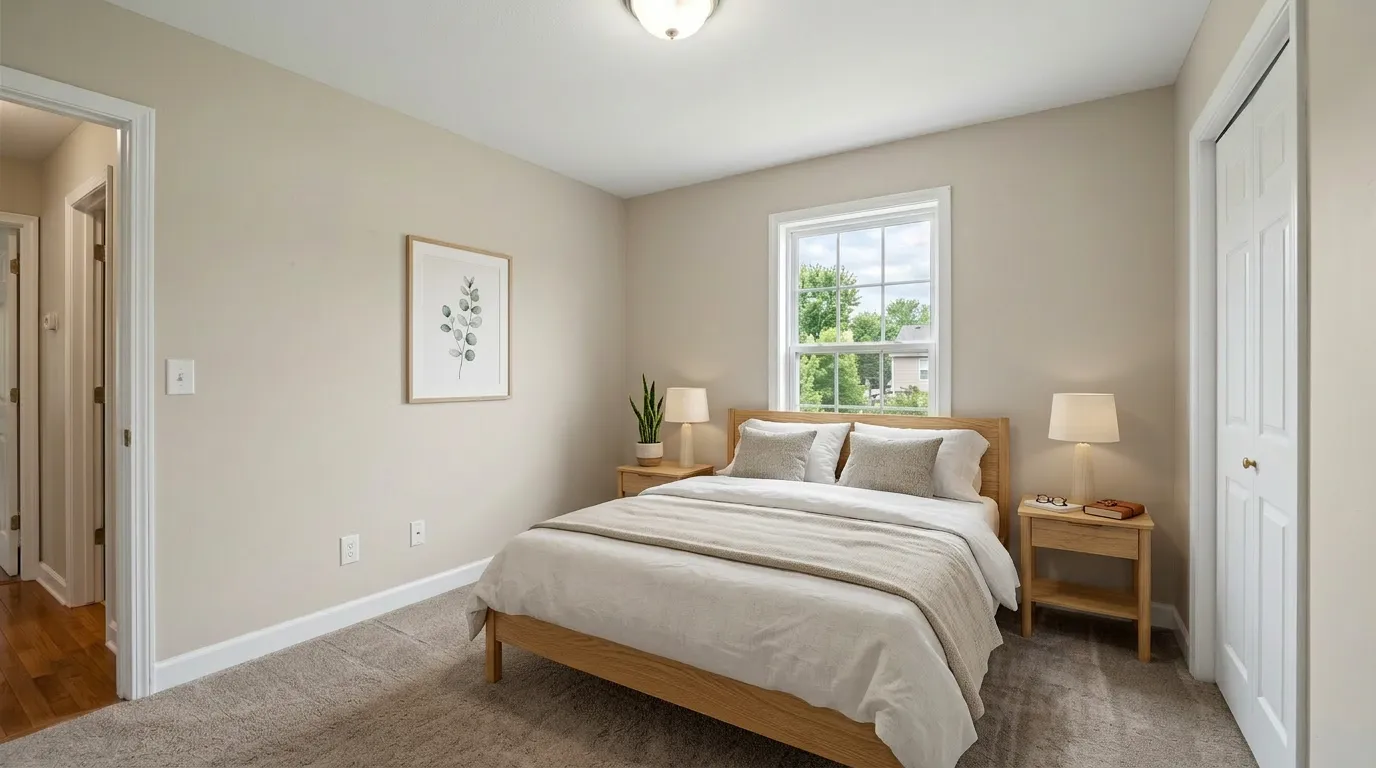
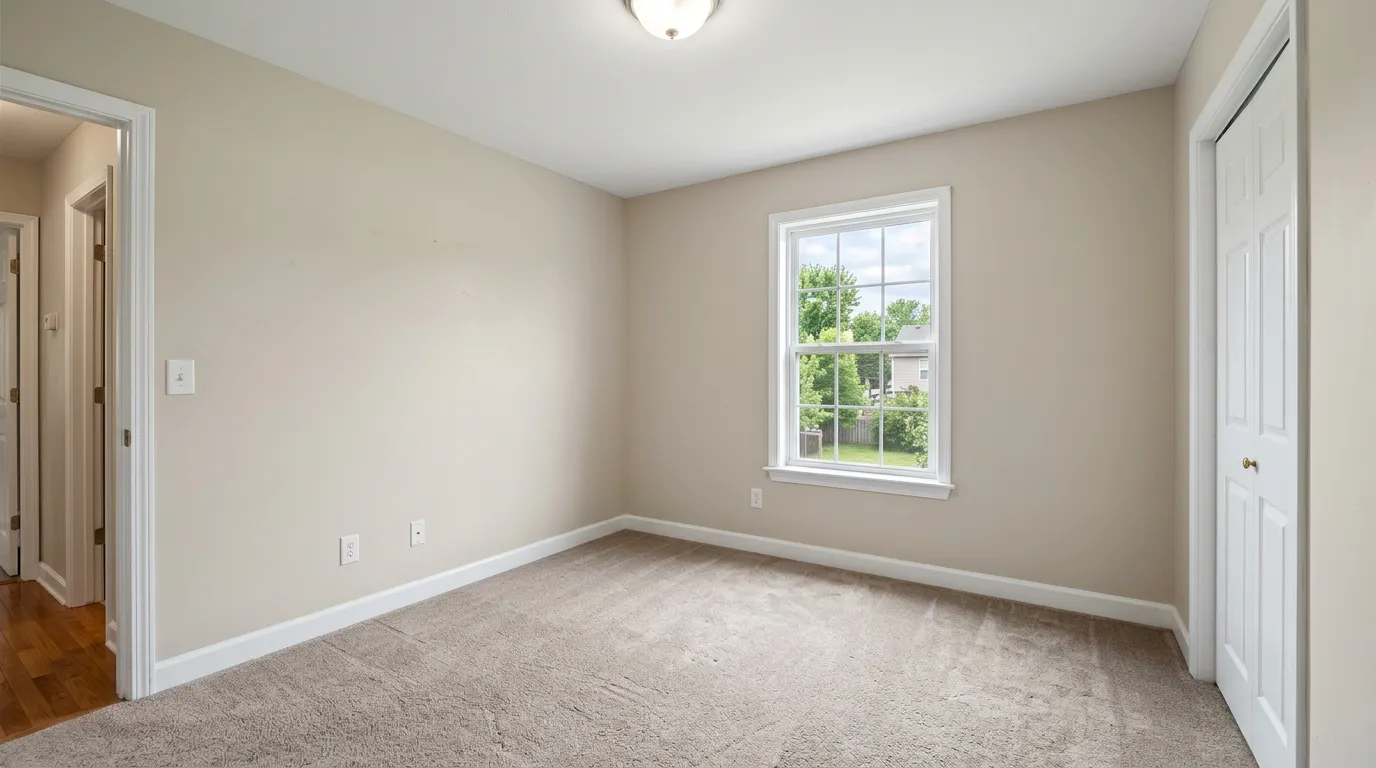
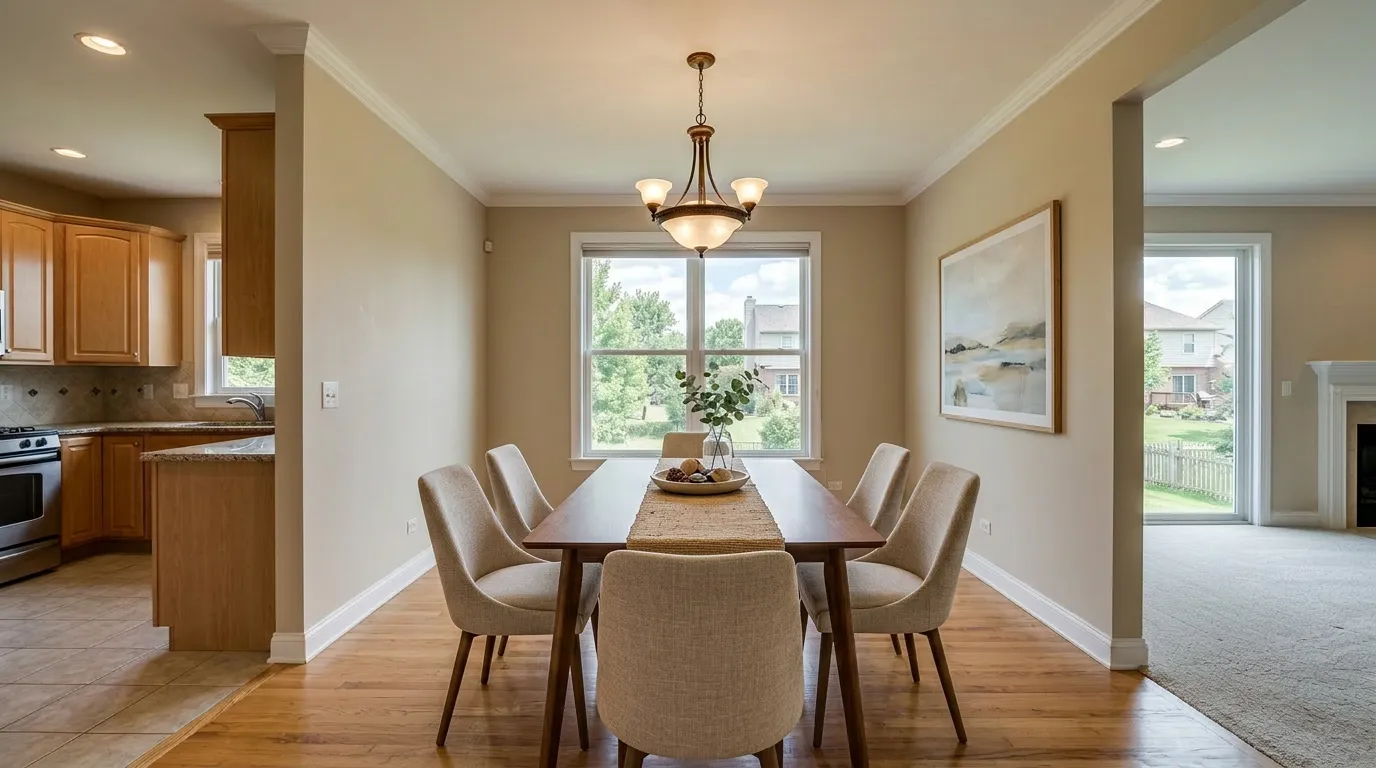
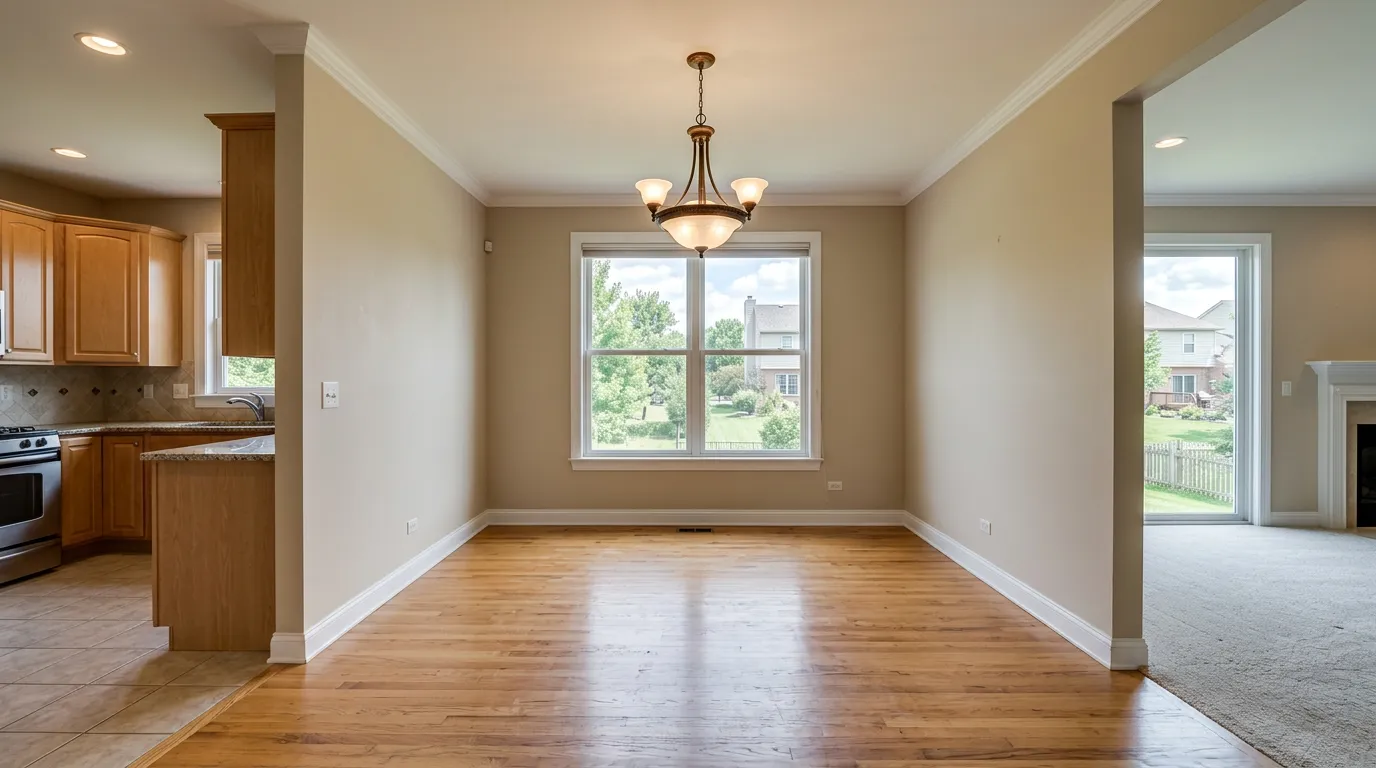
Upload an empty room photo, choose your room type and style, and typically receive a staged image to review in about 30 seconds. Complex rooms or queue conditions can take longer. You can then regenerate with different styles to explore options within the per-photo version limit.
Strengths
- Speed: Results in seconds, not days. You can stage photos between showings, during a client call, or right before uploading to the MLS.
- Free tier: Try the full workflow with 3 free photos -- no credit card required. This lets you evaluate quality before committing.
- Subscription pricing: Standard is $156/year, charged once per year, with 36 credits released monthly and no rollover.
- Same-day iteration: Not happy with a result? Regenerate with a different style. Re-rolling the same photo does not spend another photo from your allowance, subject to the per-photo version limit; queue conditions can still affect turnaround.
- High resolution: Every plan delivers 2K resolution output; paid plans remove the watermark.
Limitations
- AI consistency: While AI handles most rooms well, unusual angles or heavily cluttered spaces can occasionally produce imperfect results.
- Staging only: VirtualStaging.tools focuses specifically on virtual staging. If you also need floor plans, day-to-dusk edits, or CGI renders, you would need a separate service.
- Less custom control: You cannot give the AI specific furniture placement instructions the way you could brief a human designer.
Pricing Comparison
Here is how costs compare across different usage volumes. For VirtualStaging.tools, we are using the annual billing rates which offer the best value. For Box Brownie, we are using their published virtual staging rate of $24 per photo (verified July 16, 2026).
Cost for 1 Photo
| Box Brownie | VirtualStaging.tools | |
|---|---|---|
| Cost | $24 | $0 (free tier) |
| Turnaround | 24-48 hours | Typically about 30 seconds; complex rooms or queue conditions can take longer |
For a single photo, VirtualStaging.tools is free for your first 3 photos (lifetime, with watermark).
Cost for 10 Photos per Month
| Box Brownie | VirtualStaging.tools | |
|---|---|---|
| Monthly cost | ~$240 | $13/mo equivalent ($156 charged yearly) |
| Per-photo cost at this usage | $24 | ~$1.30 |
At 10 photos per month, the annual Standard plan charges $156 once per year and releases 36 credits each month. Unused monthly subscription credits do not roll over.
Cost for 50 Photos per Month
| Box Brownie | VirtualStaging.tools | |
|---|---|---|
| Monthly cost | ~$1,200 | $39/mo equivalent ($468 charged yearly) |
| Per-photo cost at this usage | $24 | ~$0.78 |
For high-volume agents staging 50 photos monthly, the annual Professional plan charges $468 once per year and releases 108 credits each month. At that usage, the math swings roughly $1,161 per month toward AI.
Add-on costs to know about
Occupied rooms — listings with existing furniture — usually need de-clutter before staging. Box Brownie charges $4–8 per photo for item removal ($4 minor, $8 standard) on top of the $24 stage, putting a realistic occupied-room photo at $28–32. On VirtualStaging.tools, de-clutter and re-stage happen in the same generation — no separate SKU.
Other Box Brownie prices worth knowing if you bundle listing media (source, verified Jul 16, 2026): Image Enhancement $1.60, Day to Dusk $4, Color Change $2.40, 360° Virtual Staging $48.
See the full breakdown on our pricing page.
How Each Tool Handles Revisions
Revision workflow is where the philosophies diverge most visibly, and it changes your calculus more than either advertised price does.
Box Brownie includes revisions at no extra per-photo cost within two months of the original order. In practice, each revision goes back into the human design queue — so you wait another 24–48 hours per round. A 2025 Trustpilot reviewer captured the friction: "I had to ask 3 times for 4 photos to be redone. They're too expensive for the quality and they put me back a day when I needed to make a listing live" (via Trustpilot). For agents on a same-day listing deadline, the re-queue friction is underrated.
VirtualStaging.tools typically returns a regeneration to review in about 30 seconds, although complex rooms or queue conditions can take longer. Re-rolling the same photo doesn't spend another photo from your allowance: a paid photo allows up to 15 total versions (the first generation plus 14 regenerations). Staging a new room is what draws down your allowance.
Bottom line: Box Brownie includes revisions in the per-photo price but you pay in days. We include them too, and you get them in seconds. If a listing ever has to go live today, that trade-off decides.
MLS Disclosure: What Each Tool Ships
California's AB 723 took effect January 1, 2026. Any virtually staged photo on an MLS listing in California now has to carry a conspicuous disclosure and make the unaltered original image accessible — most CA MLSes (CRMLS, SDMLS, Bay East) tightened this to require the original posted directly adjacent to the altered one. New York, Massachusetts, and Florida have similar bills in committee. See our what is virtual staging guide for the full breakdown of the law.
Box Brownie does not publish a named "MLS Disclosure" feature on its pricing page or product pages as of April 23, 2026. You receive a single staged image; it's on you (or your Photoshop workflow) to assemble a labeled paired export and the remarks language for your MLS.
VirtualStaging.tools ships a one-click MLS Disclosure Helper in every plan — including Free. It generates the compliant remarks text, tags the staged image, and exports the original alongside the staged version as a labeled pair. It's the feature we invest most in on the compliance side, and for California agents it's the main reason to pick an AI-native workflow over a human-service workflow in 2026.
Doing this manually in Photoshop for a 20-photo listing takes roughly an hour per listing. At five listings a month that's a workday.
Pros and Cons Summary
Box Brownie
Pros:
- Human designers handle complex and unusual scenes well
- Wide range of additional services (retouching, floor plans, renders)
- Established brand with a long track record
- Good for one-off projects where you need specific creative direction
Cons:
- 24-48 hour turnaround slows down your workflow
- $24 per photo is expensive at scale
- No free trial for virtual staging
- Revisions require additional wait time
VirtualStaging.tools
Pros:
- Results in seconds, not days
- Free tier lets you evaluate before paying
- Subscription model makes high-volume staging affordable
- Instant regeneration to try different styles
- 2K resolution on every plan, including free
Cons:
- AI may struggle with very unusual room layouts
- Focused on staging only (no floor plans or photo retouching)
- Less control over specific furniture placement
Who Each Tool Is Best For
Choose Box Brownie If:
- You need additional services beyond staging (photo retouching, floor plans, CGI renders)
- You work on luxury listings where you want a human designer to handle every detail
- You have a low volume of photos and do not mind waiting 24-48 hours
- You need to give specific creative direction for unusual spaces or custom staging requests
Choose VirtualStaging.tools If:
- You need staged photos immediately -- during showings, open houses, or listing appointments
- You are staging multiple listings per month and need to keep costs under control
- You want to experiment with different styles quickly before committing to a look
- You are an individual agent looking for the best value without sacrificing quality
- You want to try before you buy with a free tier
Frequently Asked Questions
Why compare a human service to an AI tool at all?
Because in 2026 most individual agents evaluating virtual staging are genuinely choosing between these two paradigms. Speed, cost, and compliance are real variables, and the answer for a solo agent doing five listings a month is different from the answer for a luxury-focused photographer doing six a quarter. Comparing them side-by-side lets you match tool choice to workflow.
Which one produces better-quality staged photos?
For a well-shot, standard residential room — living room, bedroom, dining — we consider the two roughly tied in 2026. A human designer at Box Brownie will win on a genuinely unusual scene (awkward angle, heavy architectural feature, cluttered mixed-use space). AI will win on iteration: if the first output isn't right, you can try seven styles in the time Box Brownie delivers one round.
Can I use Box Brownie and VirtualStaging.tools together?
Yes, and plenty of agents do. A common pattern: AI handles 80% of listings (the standard rooms that photograph cleanly) on the Standard or Professional subscription, while Box Brownie handles the 10–20% of listings with luxury tier requirements, unusual layouts, or clients who specifically request human review. The two workflows aren't mutually exclusive.
How do they compare on MLS disclosure and California AB 723?
Neither tool lets you bypass disclosure — the law applies to the staged image itself, not the tool that made it. Where they differ is workflow. VirtualStaging.tools ships a one-click MLS Disclosure Helper that produces the compliant remarks language and a paired-image export. Box Brownie's staging product, as of April 2026, doesn't publish a named disclosure feature, so paired-image assembly and remarks language are on you. See the "MLS Disclosure" section above for detail.
What about occupied rooms and clutter removal?
Box Brownie charges $4–8 per photo for item removal on top of the $24 virtual-staging fee — so an occupied-room photo lands at $28–32 per image. VirtualStaging.tools de-clutters and re-stages in the same generation, using one credit. On Standard annual billing, that's roughly $0.36 per staged occupied-room photo when all 36 credits released each month are used, versus $28–32 at Box Brownie. If your listings are often occupied, this is the biggest economic gap in the comparison.
Verdict
Both Box Brownie and VirtualStaging.tools are legitimate options for real estate virtual staging, and the right choice depends on your specific needs.
Box Brownie is the better pick if you value the breadth of a full-service editing platform and do not mind the wait. Their human designers excel at handling tricky scenes and can take specific creative direction. If you only stage a few photos per month and also need other editing services, Box Brownie's pay-per-photo model may work fine.
VirtualStaging.tools is the better pick if speed and cost are your priorities. For agents who stage regularly, the subscription model delivers dramatic savings -- and getting results in seconds instead of days can genuinely change your workflow. The free tier means there is zero risk in trying it.
Our recommendation: start with the free tier at VirtualStaging.tools to see if AI staging meets your quality standards. For most real estate photos, it will. If you encounter a particularly complex scene that needs a human touch, you can always use Box Brownie for those one-off situations.
The two services are not mutually exclusive -- many agents use AI staging for the bulk of their listings and reserve manual services for premium properties that need custom attention.
For a focused look at Box Brownie specifically -- verified pricing, real Trustpilot and PhotoUp feedback, a single-listing cost breakdown, and the AI alternative side by side -- see our BoxBrownie virtual staging review.
More from the blog
Related reading
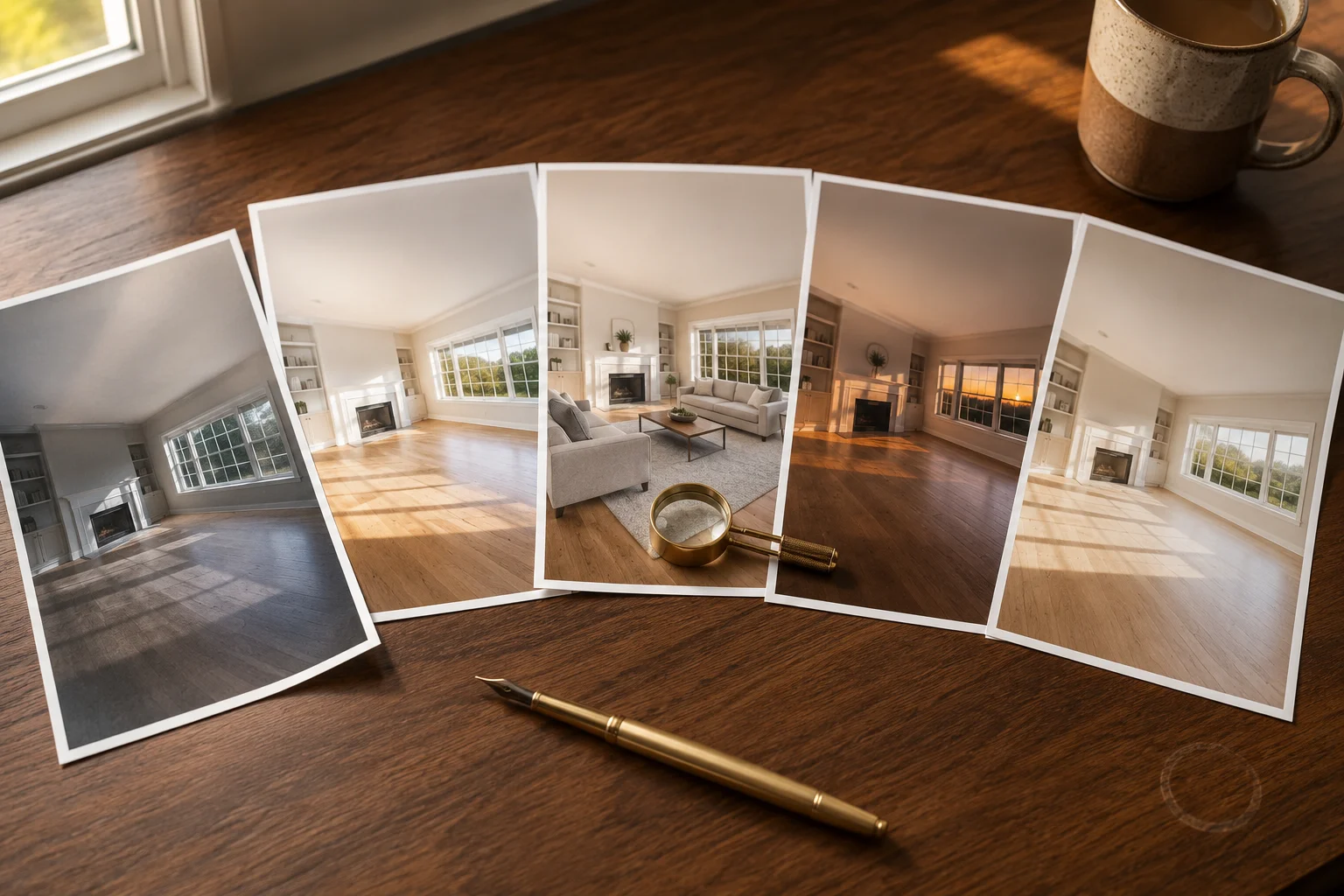
10 Best Real Estate Photo Editing Tools & Services (2026)
Compare 10 real estate photo editing tools and services by pricing, turnaround, editing type, revisions, and best fit for agents and photographers.

10 Best Virtual Staging Companies in 2026
Compare 10 virtual staging companies by pricing, turnaround, service model, revisions, and best fit for agents, photographers, and real estate teams.
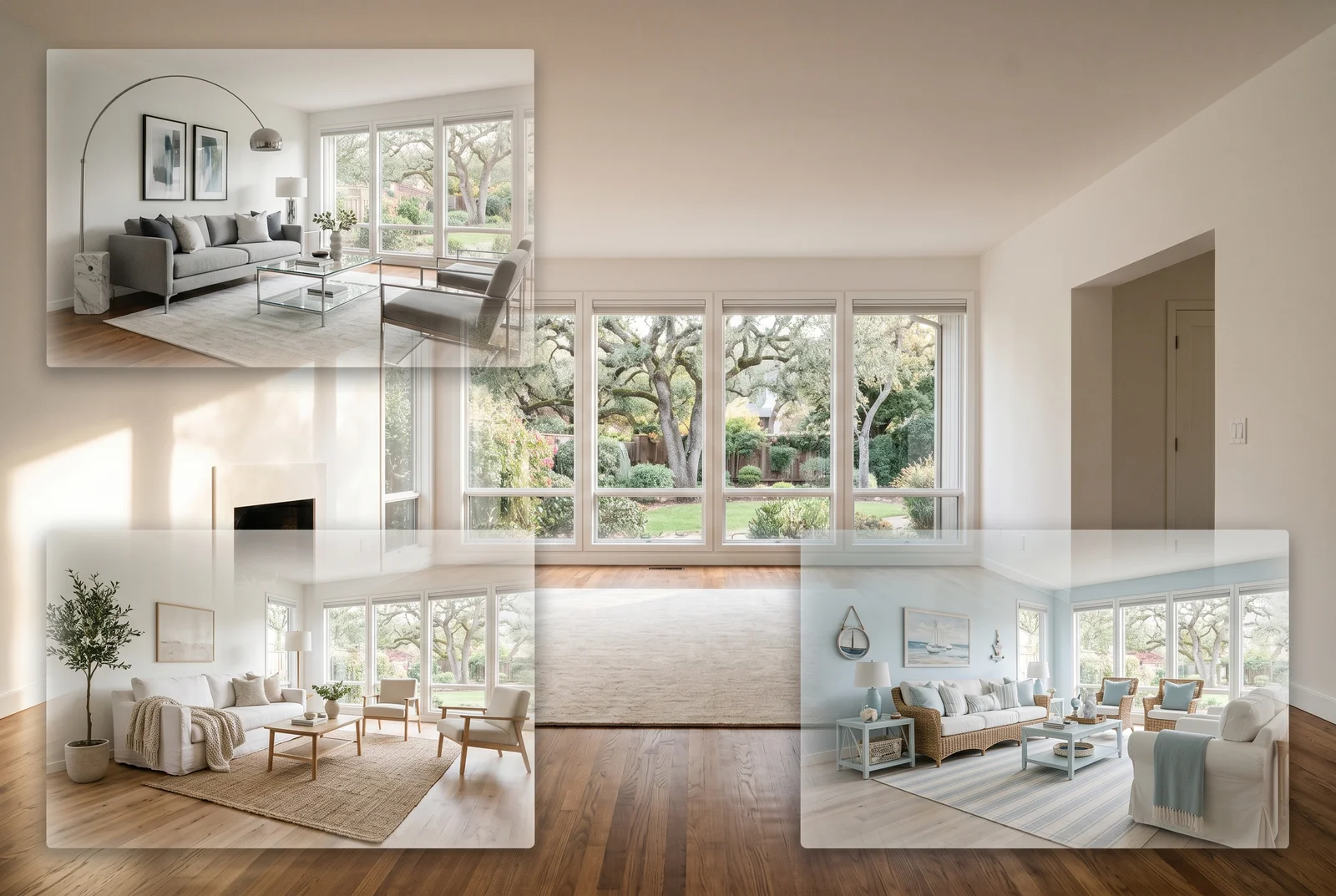
Best AI Virtual Staging Tools Compared (2026)
Compare the top AI virtual staging tools for real estate. Side-by-side review of features, pricing, speed, and quality to help you pick the right platform.