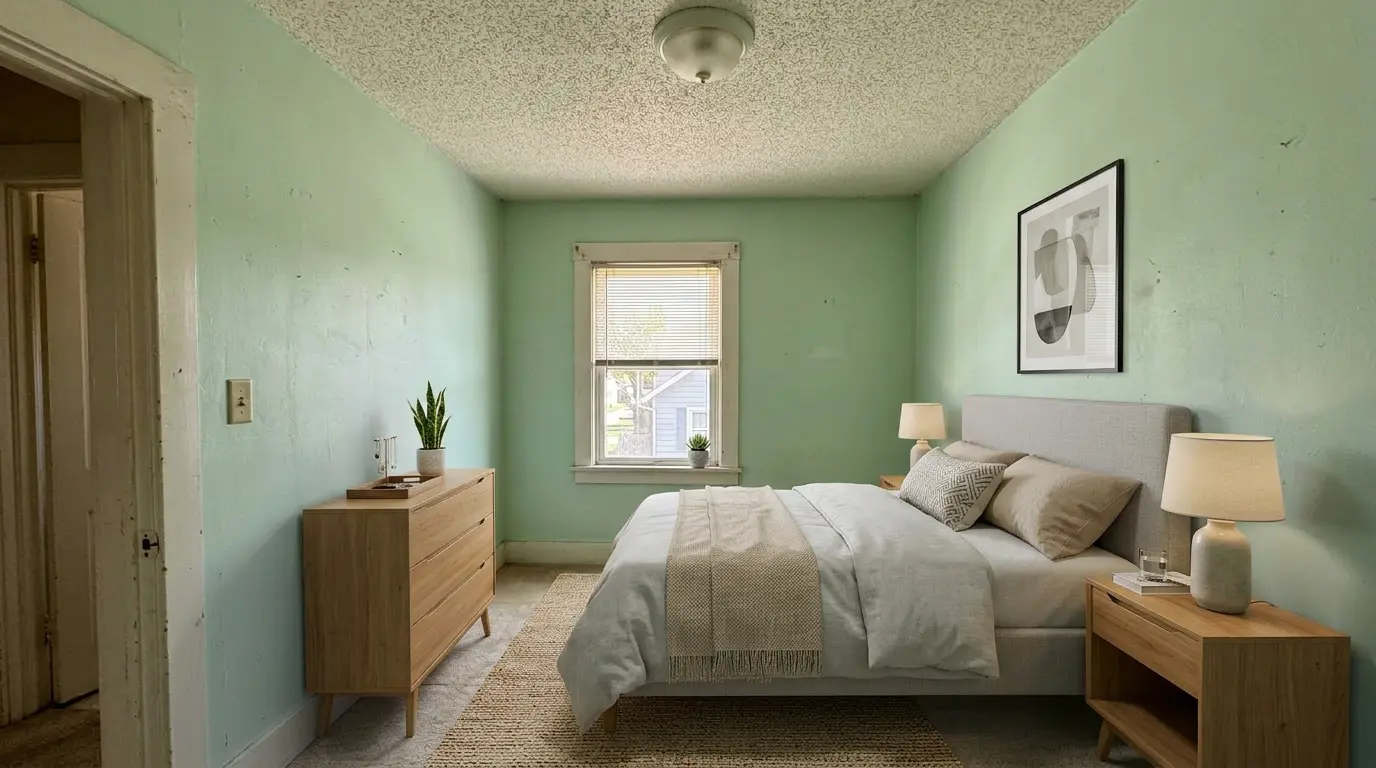
Bedroom staging

Bedroom Virtual Staging in Seconds

Stage master bedrooms, guest rooms, and kids' rooms with photorealistic AI. Upload a photo and download an MLS-ready staged bedroom in seconds.

3 free photosNo credit cardCommercial license included
Bedroom examples

Bedroom Virtual Staging Before and After

Real before-and-after bedroom staging examples — AI places beds, nightstands, and decor that fit naturally with accurate shadows and correct perspective.
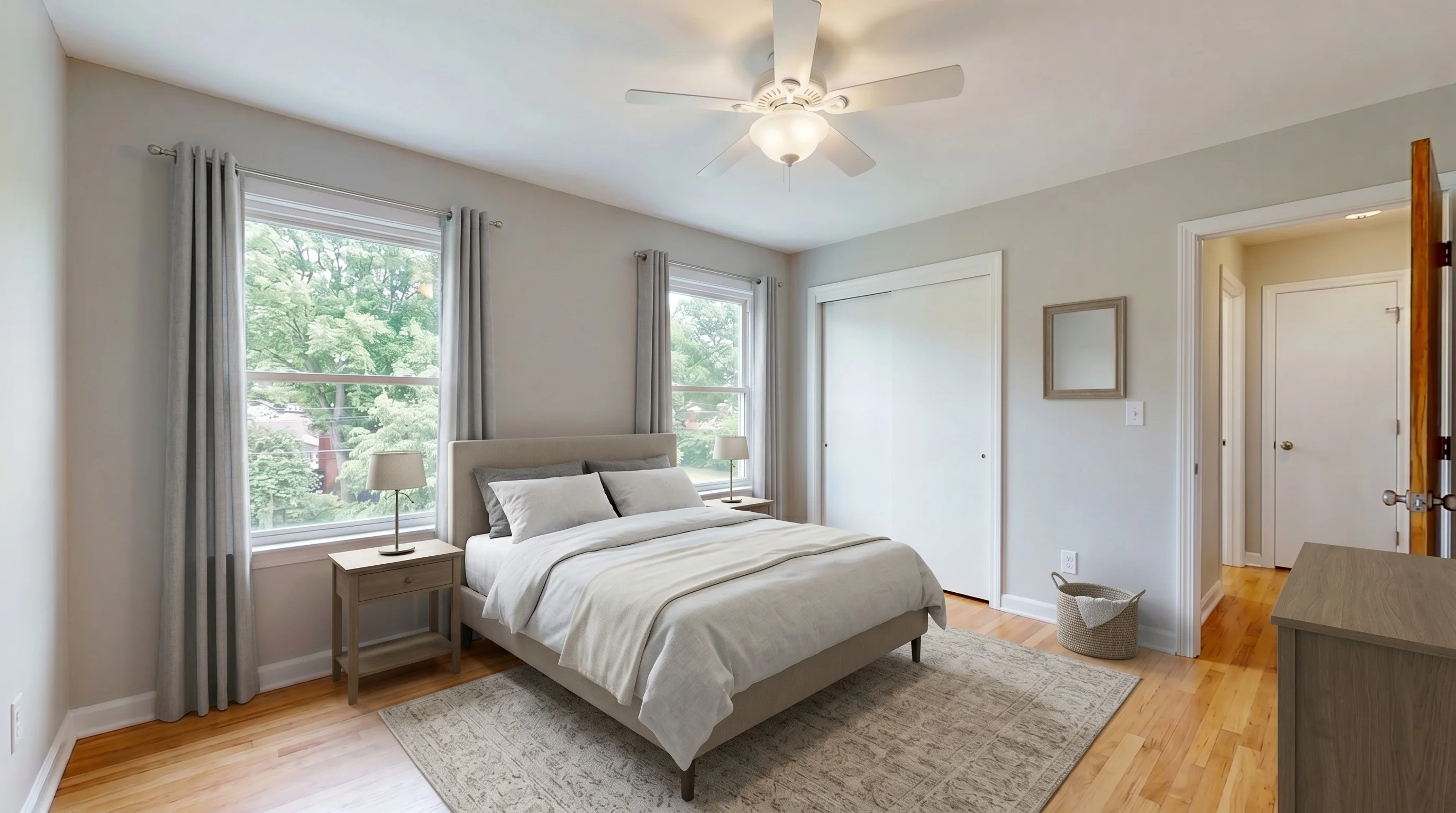
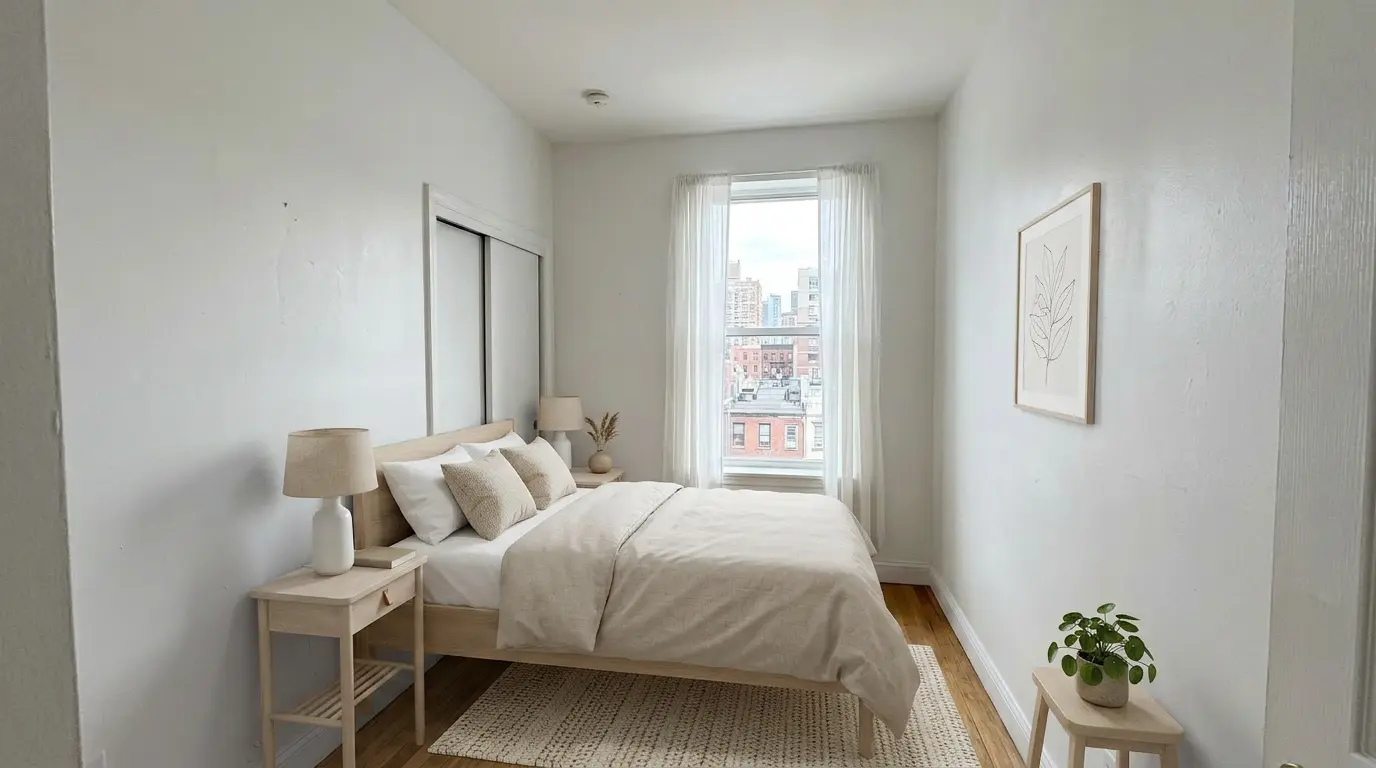
Suburban Master Bedroom staged in Modern style
BedroomModern
Urban Bedroom Retreat staged in Scandinavian style
BedroomScandinavian
Dated Bedroom Refresh staged in Modern style
BedroomModern
Quick primer

What Is Bedroom Virtual Staging?

Digitally add a bed, nightstands, and decor to empty-bedroom photos in seconds.

Instead of hauling a mattress up the stairs, renting furniture, and coordinating movers, you upload a bedroom photo and AI generates a staged version that looks professionally photographed. The technology understands bedroom geometry, window light, and ceiling height to place furniture that is properly scaled to the space.

Modern AI bedroom staging produces results indistinguishable from a real photo shoot. Bed linens drape naturally, lamps cast realistic shadows, and the overall composition feels intentional rather than inserted. What once required an interior designer and a photographer now happens in under 30 seconds from your phone.

Bedroom types

Stage Every Bedroom Type in Your Listing

Bedroom virtual staging adapts to the room's role in the home. Match the design style and furniture scale to the specific bedroom and target buyer.

Master Bedroom
Stage master suites to feel like a personal retreat. Oversized bed, layered bedding, nightstand lamps, and an accent chair communicate comfort and perceived luxury.
Guest Bedroom
Keep guest rooms simple and welcoming. A queen bed, clean linens, and minimal decor signal hospitality without feeling cluttered or over-styled.
Kids' Bedroom
Suggest functional play space without locking in a specific age. A twin or full bed with neutral bedding keeps the appeal broad across buyer demographics.
Small Secondary Bedroom
Compact bedrooms benefit from minimalist styling. Show how the space can function as a bedroom without feeling cramped — critical for smaller listings.
Prioritization

Which Bedrooms Should You Stage First?

If you are not staging every bedroom, start with the rooms that most influence buyer perception and listing performance.

Start with the Primary Bedroom
The primary bedroom usually carries the most emotional weight after the living room. Stage it first when you want the strongest payoff from a single bedroom image.
Stage Small Secondary Bedrooms Next
Small or awkward bedrooms benefit most from staging because buyers struggle to judge bed size, circulation, and layout from empty photos alone.
Use Guest Bedrooms Selectively
Guest bedrooms are worth staging when they support the buyer story, such as multigenerational living, frequent hosting, or a polished move-in-ready feel.
Keep Kids' Rooms Broadly Appealing
For resale listings, use neutral furniture and restrained decor so buyers see flexibility rather than a room locked to one child's age or taste.
Key benefits

Why Use AI for Bedroom Staging

Stage every bedroom in every listing at a fraction of the cost of physical furniture rental.

Every Bedroom Type

Master suites, guest rooms, secondary bedrooms, and kids' rooms — each with furniture selections optimized for the room's purpose and size.

Multiple Design Styles

Modern, farmhouse, Scandinavian, contemporary, and traditional. Match the staging style to your target buyer demographic with one click.

Photorealistic Quality

AI understands bedroom geometry, window light, and ceiling height. Furniture placement looks natural with accurate shadows and proper scale.

Results in Seconds

Upload a bedroom photo and get a staged image in under 30 seconds. No designers, no revision cycles, no scheduling bottlenecks.

Fraction of Physical Cost

Physical bedroom staging runs hundreds per room including furniture rental. AI staging starts free and scales affordably for every listing.

Works From Your Phone

Photograph bedrooms on a listing walkthrough, stage them from your phone in the car, and upload to MLS before you get back to the office.

How it works

Stage a Bedroom in Three Steps

What once required an interior designer and a photographer now happens in seconds.

01

Upload the Bedroom Photo

Take a photo of the empty bedroom. Standard smartphone photos work perfectly. Upload directly from your phone or computer.

02

AI Stages the Bedroom

Select a bedroom style and let the AI generate a photorealistic staged version in under 30 seconds. Try multiple styles to find the best match.

03

Download and Use

Download the high-resolution staged bedroom image. Ready for MLS, Zillow, Realtor.com, social media, or any listing material.

ROI snapshot

Is Bedroom Virtual Staging Worth It?

Bedrooms influence buyer decisions more than most listing photos. A well-staged master bedroom can make the difference between a showing request and a scroll-past.

Buyers project themselves onto bedroom photos more than any other room in a listing. An empty bedroom reads as cold and unfinished; a staged bedroom reads as home. With the vast majority of home searches starting online today (per NAR Profile of Home Buyers and Sellers), your listing photos are the first — and often only — impression a buyer gets, and the bedroom image drives the click.

The economics are simple: physical bedroom staging costs hundreds per room including furniture rental, delivery, and setup. AI virtual staging delivers equivalent visual impact in seconds at a fraction of the cost. For agents managing multiple listings, staging every bedroom in every listing becomes practical instead of a budget decision.

More examples

Explore staging guides for other rooms buyers judge fastest in listing photos.

Stage Your First Bedroom Free

See how virtual bedroom staging transforms your listing photos. Upload a room, pick a style, and download the staged result — no credit card needed.

Try Free — 3 Photos
No credit card3 free photosCommercial license on every plan
FAQ

Bedroom Virtual Staging FAQ

Upload a photo of an empty or under-furnished bedroom, choose a design style, and AI generates a photorealistic staged version in under 30 seconds. The AI analyzes room geometry, lighting, and perspective to place a bed, nightstands, dressers, lamps, and decor that fit naturally with correct scale and shadows.
Yes. Master bedrooms should feel like a personal retreat — oversized bed, soft lighting, layered bedding, and an accent chair or bench communicate luxury and comfort. Guest bedrooms benefit from a simpler, welcoming setup that signals hospitality without feeling cluttered. Kids' bedrooms should suggest functional play space without locking in a specific age.
Modern minimalist and Scandinavian styles work well for smaller bedrooms because they emphasize openness. Farmhouse and transitional styles resonate with suburban family buyers. Contemporary works for master suites in mid-to-upper market properties. Test multiple styles in seconds to find what matches your target buyer demographic.
Yes. AI bedroom staging works across master suites, standard bedrooms, small secondary bedrooms, guest rooms, and nursery-sized spaces. The AI adjusts furniture scale to the room's actual dimensions — a queen bed in a small room, a king bed in a master suite — so results look realistic regardless of square footage.
Many MLSs allow virtually staged bedroom photos when the edits are clearly disclosed, but local MLS and brokerage rules vary. Before publishing, verify your market’s requirements for disclosure language, original-photo retention, and where altered images may appear in the gallery.
A fraction of physical staging. Physical bedroom staging runs hundreds of dollars per room including furniture rental and setup. AI virtual staging starts free and scales affordably, making it practical to stage every bedroom in every listing without blowing the marketing budget.
Stage one angle first and lock the style — bedding color, headboard shape, lamps, rug. Then reference that first staged image for angles 2 and 3. Inconsistent bedding across three photos of the same primary bedroom is the most common giveaway that a listing was cheaply AI-staged, so keep the locked elements identical across every shot.
Match the bed to the room, not to a buyer fantasy. Under 100 sqft: full or daybed. 100–120 sqft: queen with no bench. 120–140 sqft: queen with bench or a full primary set. Over 140 sqft: king becomes plausible. Forcing a king into a 110-sqft room creates the "miniature bed" effect — the bed shrinks visibly or the room geometry compresses to make the layout fit.
The minimum: a properly scaled bed (queen or king), two matching nightstands with lamps, and one of a bench, dresser, or small seating area. Skip elaborate seating in rooms under 140 sqft — it crowds the photo. The two-matching-nightstands rule is the single highest-impact choice: it signals "primary bedroom" instantly, even at thumbnail size in a portal grid.