Listing Photo Disclosure & MLS Rules
Copy-ready disclosure text for virtually staged and digitally altered listing photos, with rules summarized from official sources. Information and tooling — not legal advice.
Jump to the disclosure text generator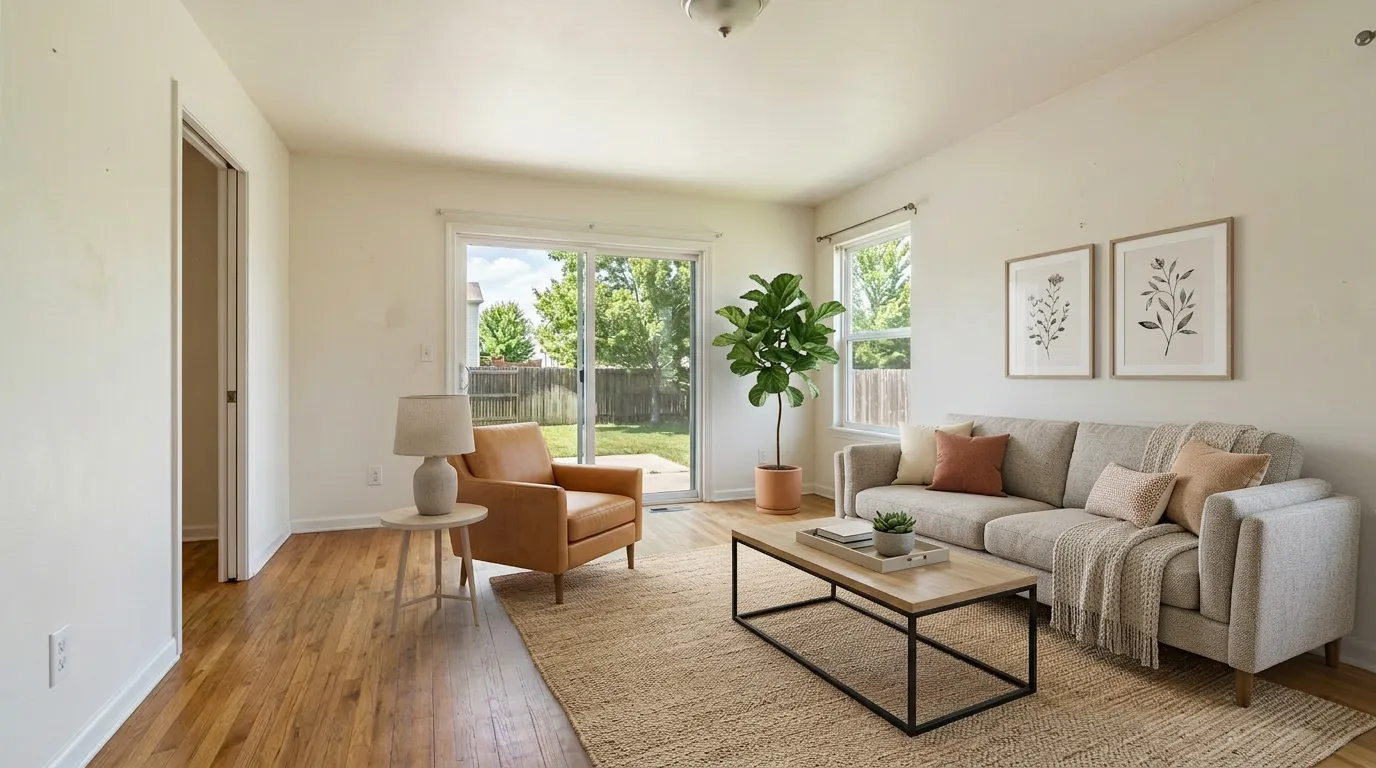 Virtually staged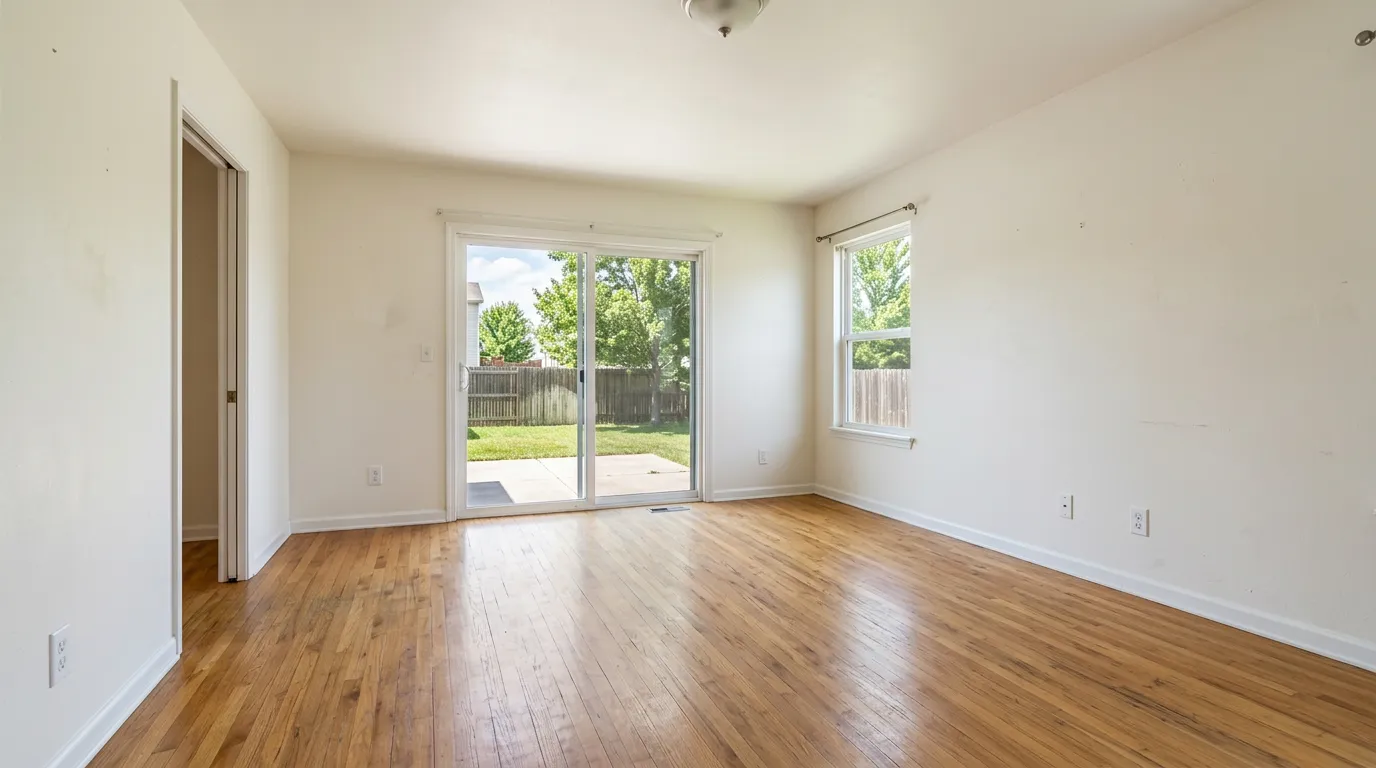
Disclosure text generator
Tell us what you edited and where it's going. Copy-ready text, instantly.
New disclosure law for CA
This image has been virtually staged for illustrative purposes. Furniture and decor shown are not included in the sale. Original photo available upon request.
Sample text only — not an official template. Confirm your local MLS, brokerage, and legal requirements before publishing.
Do I need to disclose?
Under California AB 723 — and the spirit of most MLS rules — it depends on what the edit changes.
- Adding or removing furniture (virtual staging)
- Removing furniture or clutter digitally
- Changing flooring, walls, or paint
- Renovation-style edits to fixtures or finishes
- Sky or lighting replacement (virtual twilight)
- Changing landscaping or window views
- Brightness and exposure adjustments
- Sharpening
- White balance and color correction
- Straightening the angle
- Cropping
- Other routine touch-ups that don't change the property
Routine edits that don't change what the property looks like.
AB 723's enumeration, simplified. Boards differ — when in doubt, disclose and check your MLS.
What the disclosure rules actually say
The near-universal safe practice
- Most MLS systems allow digitally altered photos when they are clearly labeled and not deceptive, but rules vary by board — always check yours.
- Label every altered image, keep the original photo of the same room available.
- Never use an altered photo as the only image of a room.
California AB 723 (effective Jan 1, 2026)
- A reasonably conspicuous disclosure on or adjacent to the image.
- Plus a link, URL, or QR code that clearly identifies the original, unaltered image.
- "Digitally altered" expressly includes adding, removing, or changing elements such as furniture, fixtures, appliances, flooring, walls, paint, landscape, or window views.
- Routine lighting, sharpening, white balance, color correction, and cropping don't count.
A willful violation of the Real Estate Law is a crime under the DRE. The statute itself sets no per-listing fine. (Business & Professions Code § 10140.8, signed October 10, 2025.)
CRMLS (California's largest MLS)
- The original, unaltered image must appear in the listing immediately before or after the enhanced one.
- The altered image must be clearly labeled in the photo description field (e.g. "digitally enhanced," "digitally altered," or "virtually staged").
- CRMLS also prohibits digitally adding, removing, or modifying actual property elements such as walls, flooring, landscaping, or fixtures in MLS images — renovation-style edits may not be allowed in the MLS itself even with disclosure.
As of our last check there is no fine for violations; the CRMLS Rules Committee revisits fines in 2026.
Workflow checklists
- Keep the original photo of every altered room
- Disclose the edit clearly on the listing
- Keep the original available — adjacent where your MLS requires it
- Never hide defects or change fixed structures
- Confirm your MLS and brokerage rules before publishing
- Deliver the unedited original alongside every edit
- Label deliverables by edit type
- Flag any structural change to the agent
- Confirm the agent's MLS disclosure requirements
- Set a written disclosure policy for edited photos
- Require originals to be archived
- Spot-check listings for required labels and originals
- Keep the policy current with state law changes
FAQ
Straight answers about disclosing virtually staged and digitally altered listing photos.
This page is provided for information only by VirtualStaging.tools, a virtual staging service. It is not legal advice and does not guarantee compliance with any MLS, portal, brokerage, or law. Rules vary by board and change over time — verify against the official sources linked and confirm with your MLS and brokerage before publishing.
Need to create or edit a listing photo?
Then disclose it right.