AI Real Estate Photo Editing

Stage empty rooms, turn day to dusk, and remove clutter — one account, MLS-ready in seconds. 3 photos free, no card needed.
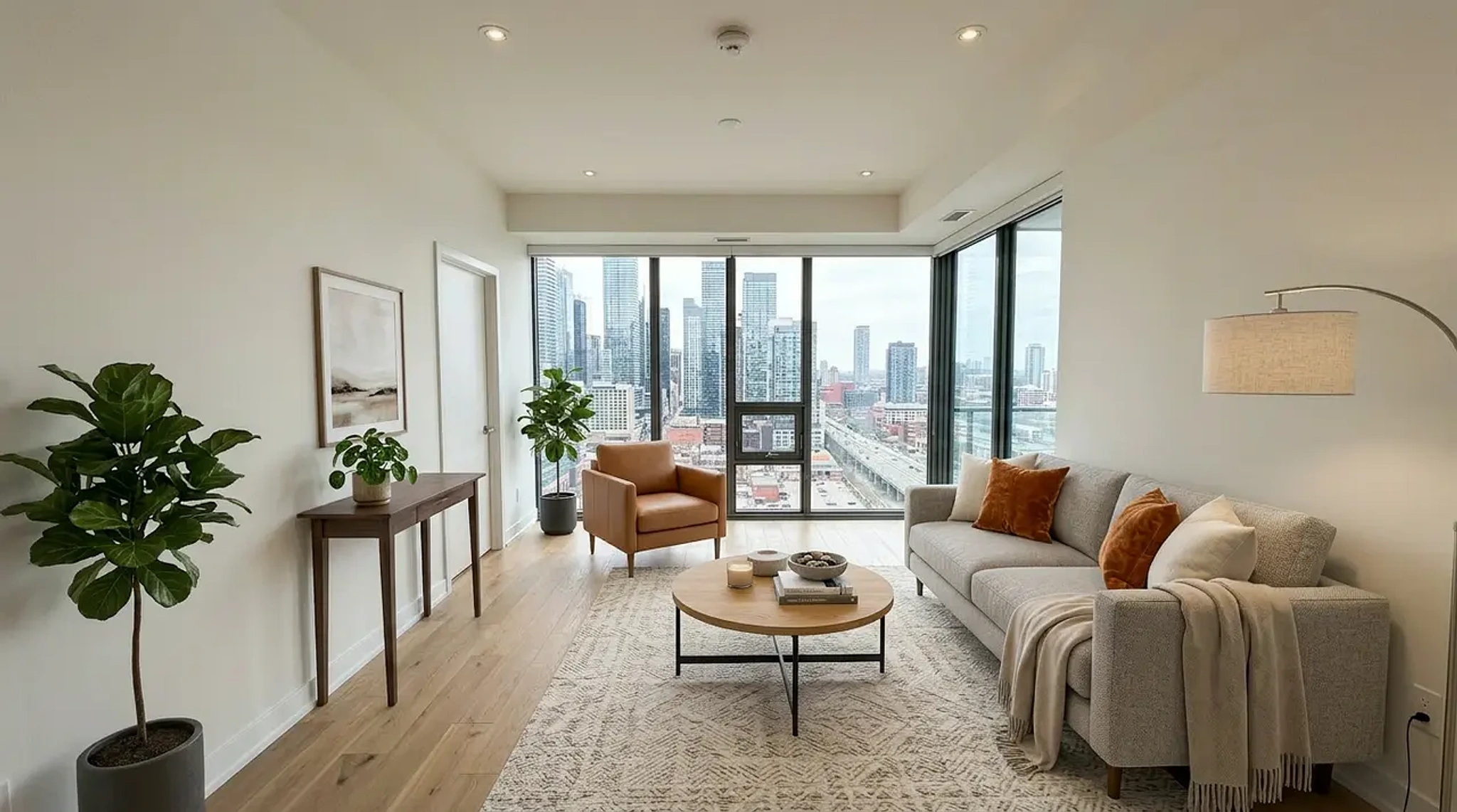
Living room virtually staged by AI in modern style, MLS-ready listing photo
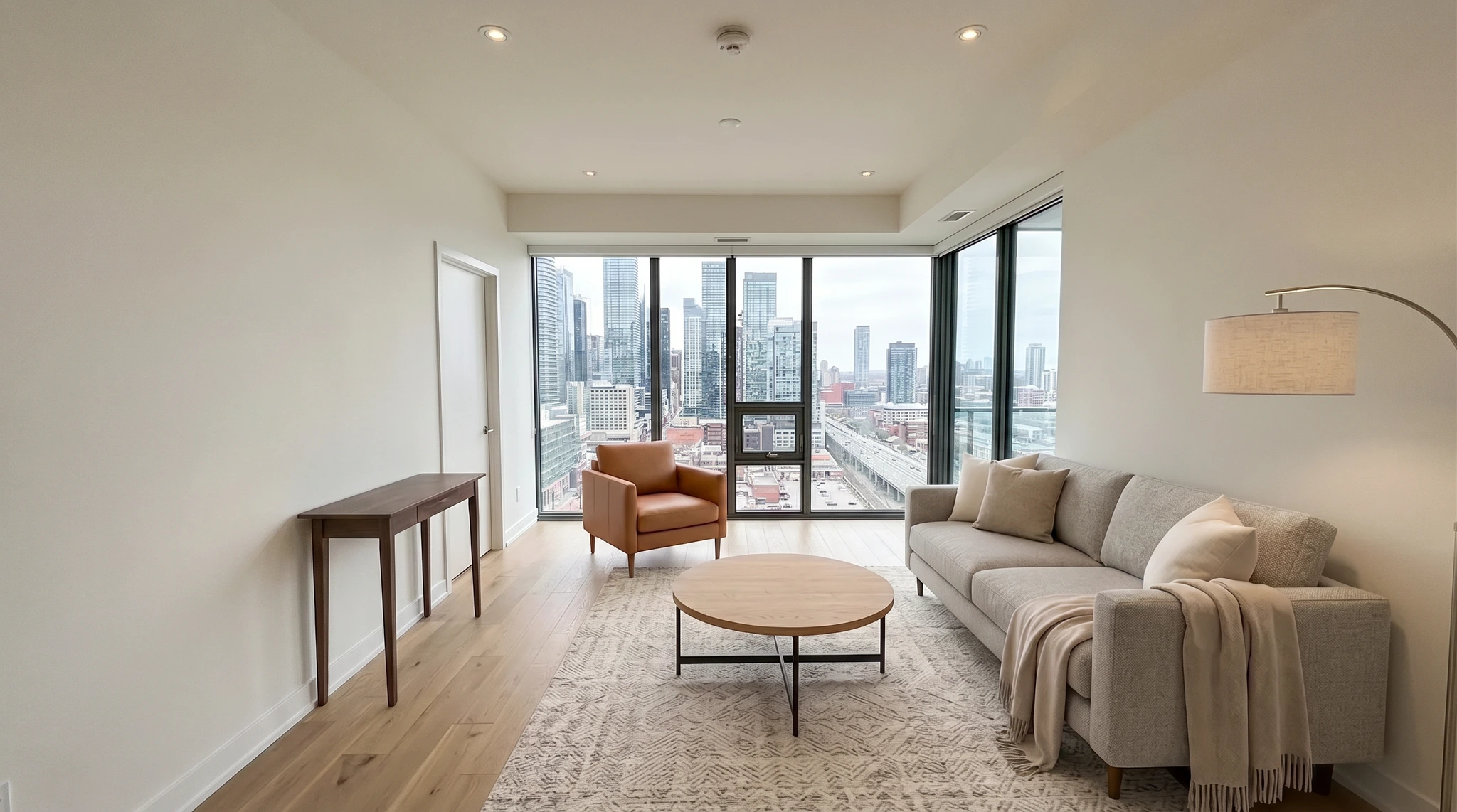
Empty living room before AI real estate photo editing and virtual staging
BeforeStaged
Before — vacant listing photoAfter — AI-staged in 30 seconds
One account, every edit

Three Listing Edits, One Account

Staging, twilight, and decluttering are the edits a listing photo actually needs. VirtualStaging.tools runs all three, self-serve — none capped per listing, and no full platform to buy.
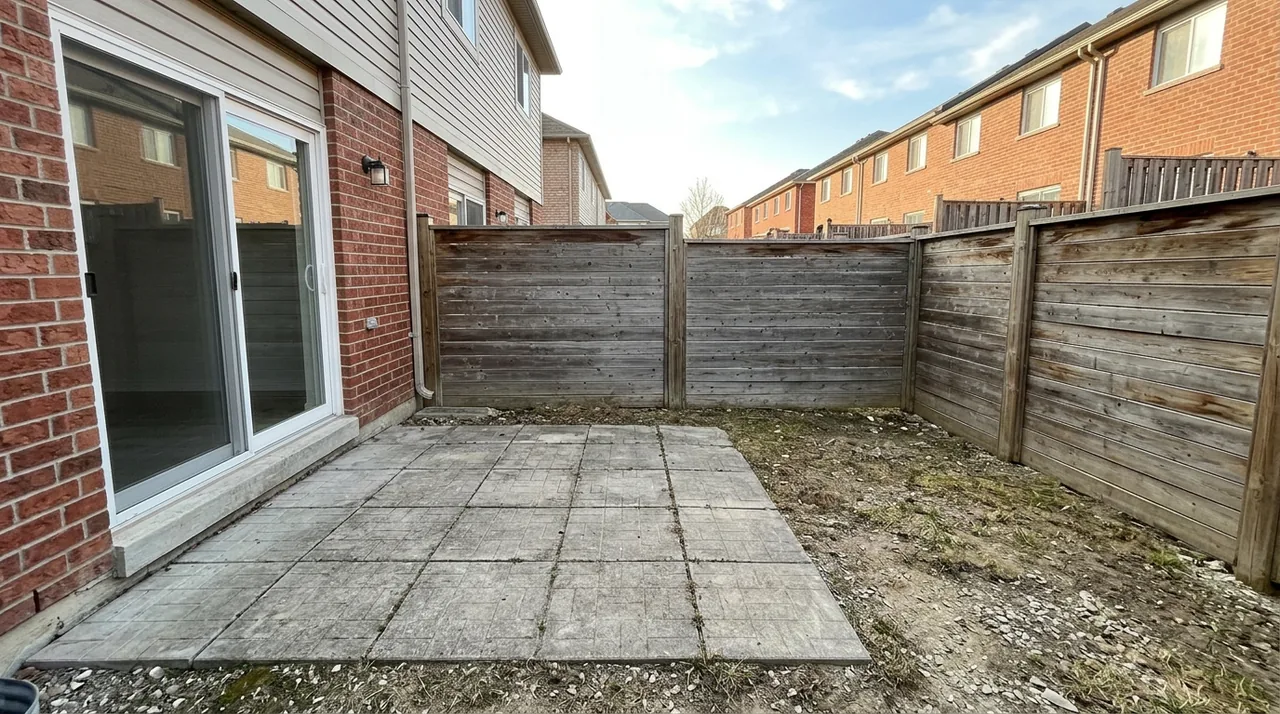
Virtual Staging
Fill an empty room with photorealistic furniture in modern, farmhouse, Scandinavian, and more — so buyers can picture living there.
Day-to-Dusk Twilight
Turn a flat daytime exterior into a warm, natural twilight shot — the scroll-stopping hero image, without waiting for an evening reshoot.
Declutter & Object Removal
Remove clutter, stray furniture, cars, or distractions — and clear out an occupied, lived-in room so buyers look at the space, not the mess.
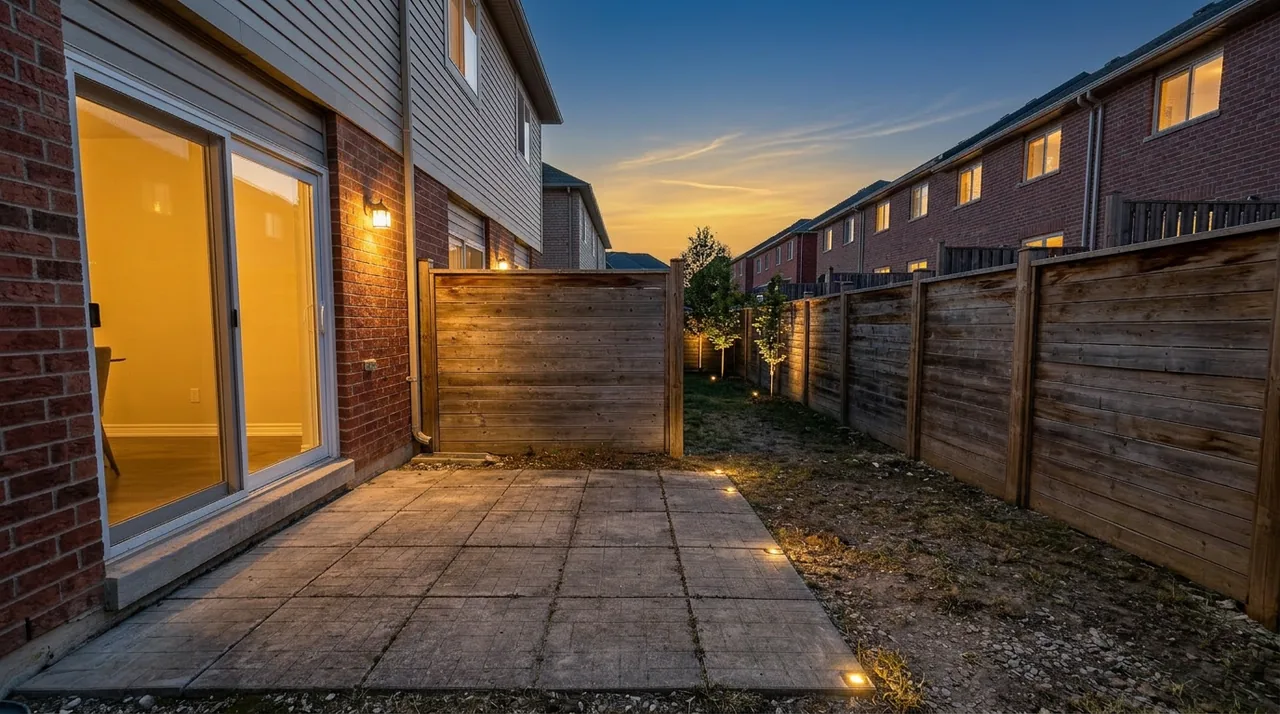
Same house exterior converted to warm twilight by AI photo editing
Daytime house exterior before AI day-to-dusk twilight editing
BeforeTwilight
Before — flat daytime exteriorAfter — AI day-to-dusk twilight
Same room after AI removed clutter for a clean listing photo
Cluttered room before AI object removal and decluttering
BeforeDecluttered
Before — cluttered roomAfter — AI decluttered
What you can edit

Every Room, Listing-Ready

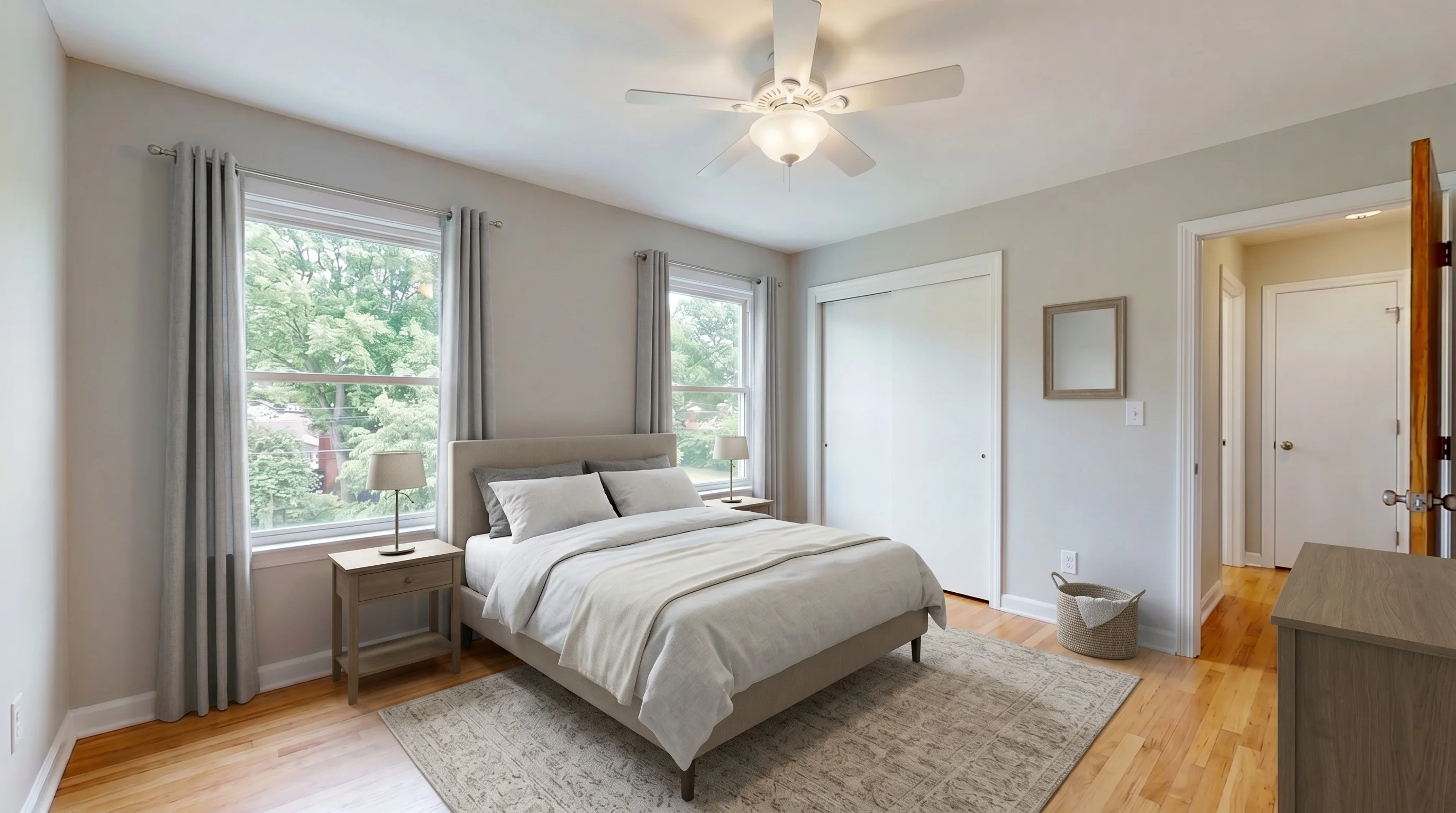
Stage and edit every room in a listing — living rooms, bedrooms, dining areas, and home offices — so even entry-level properties get the full marketing treatment.
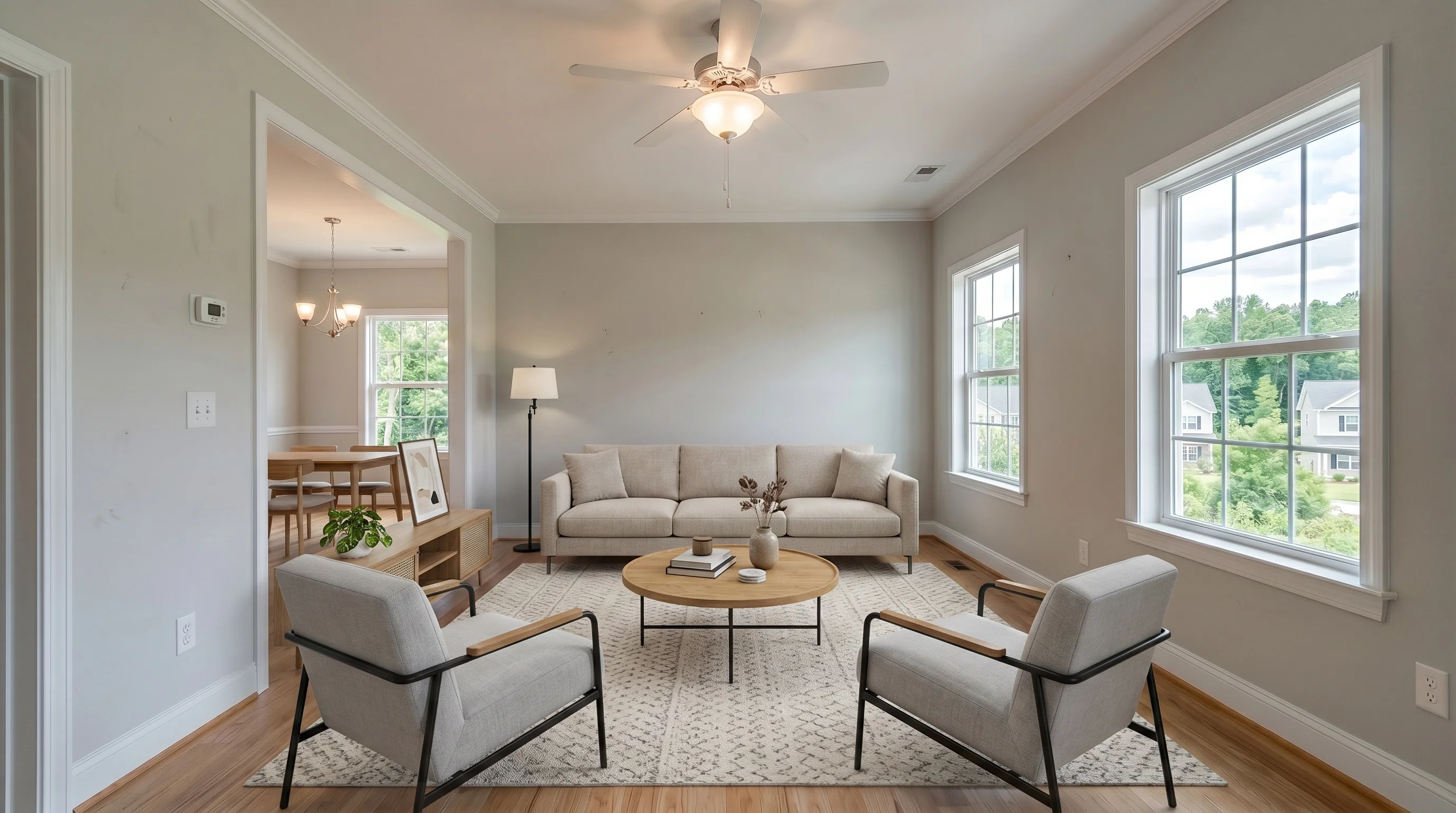
Bright Suburban Living staged in Modern style
Living RoomModern
Suburban Master Bedroom staged in Modern style
BedroomModern
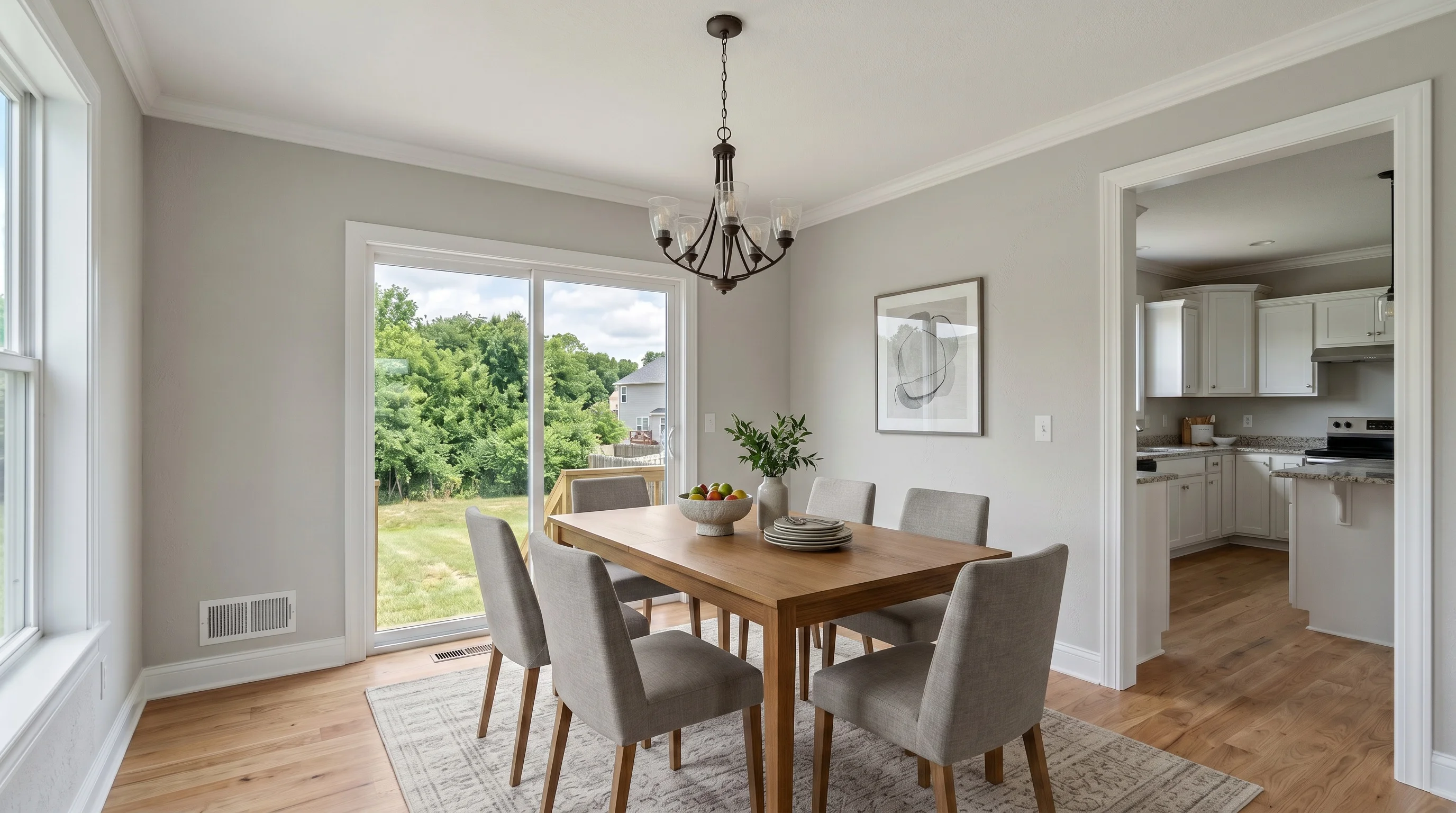
Suburban Dining Room staged in Modern style
Dining RoomModern
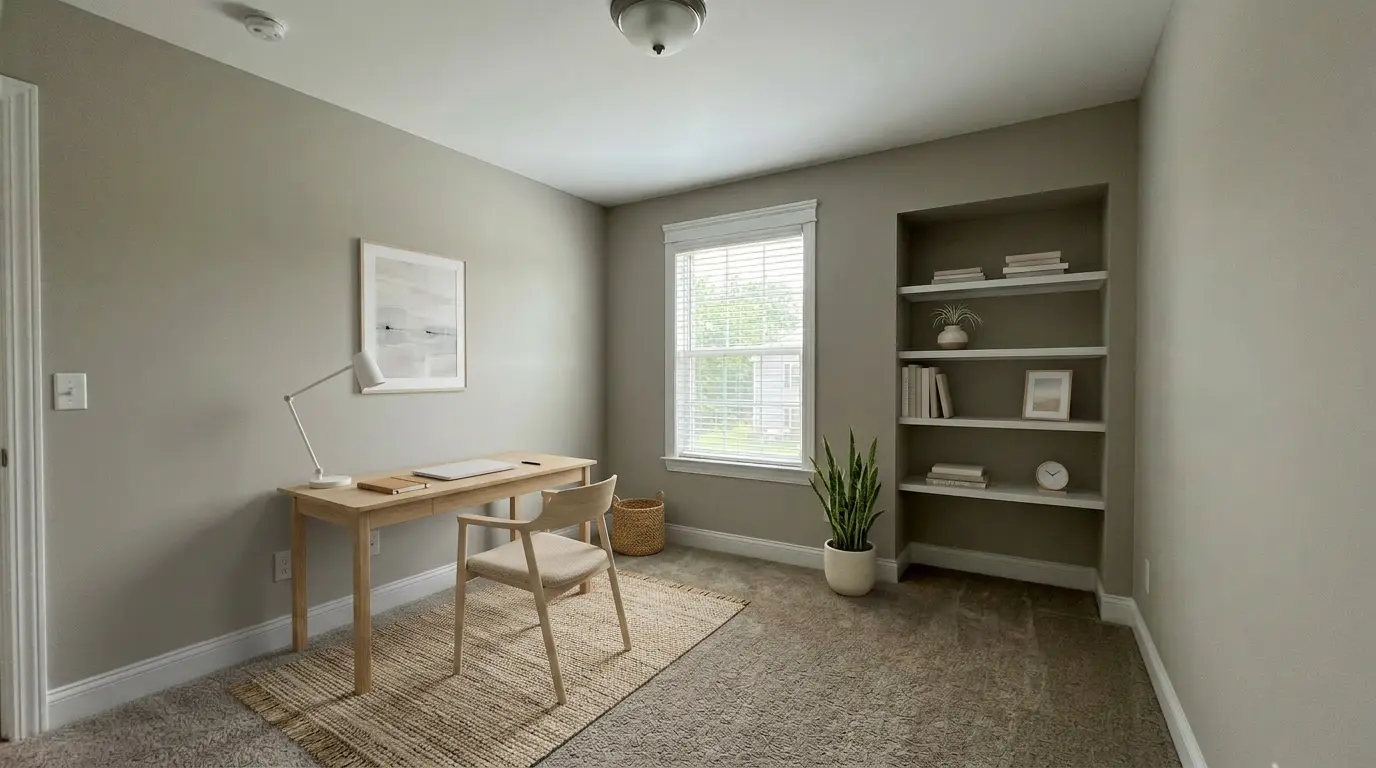
Suburban Home Office staged in Scandinavian style
Home OfficeScandinavian
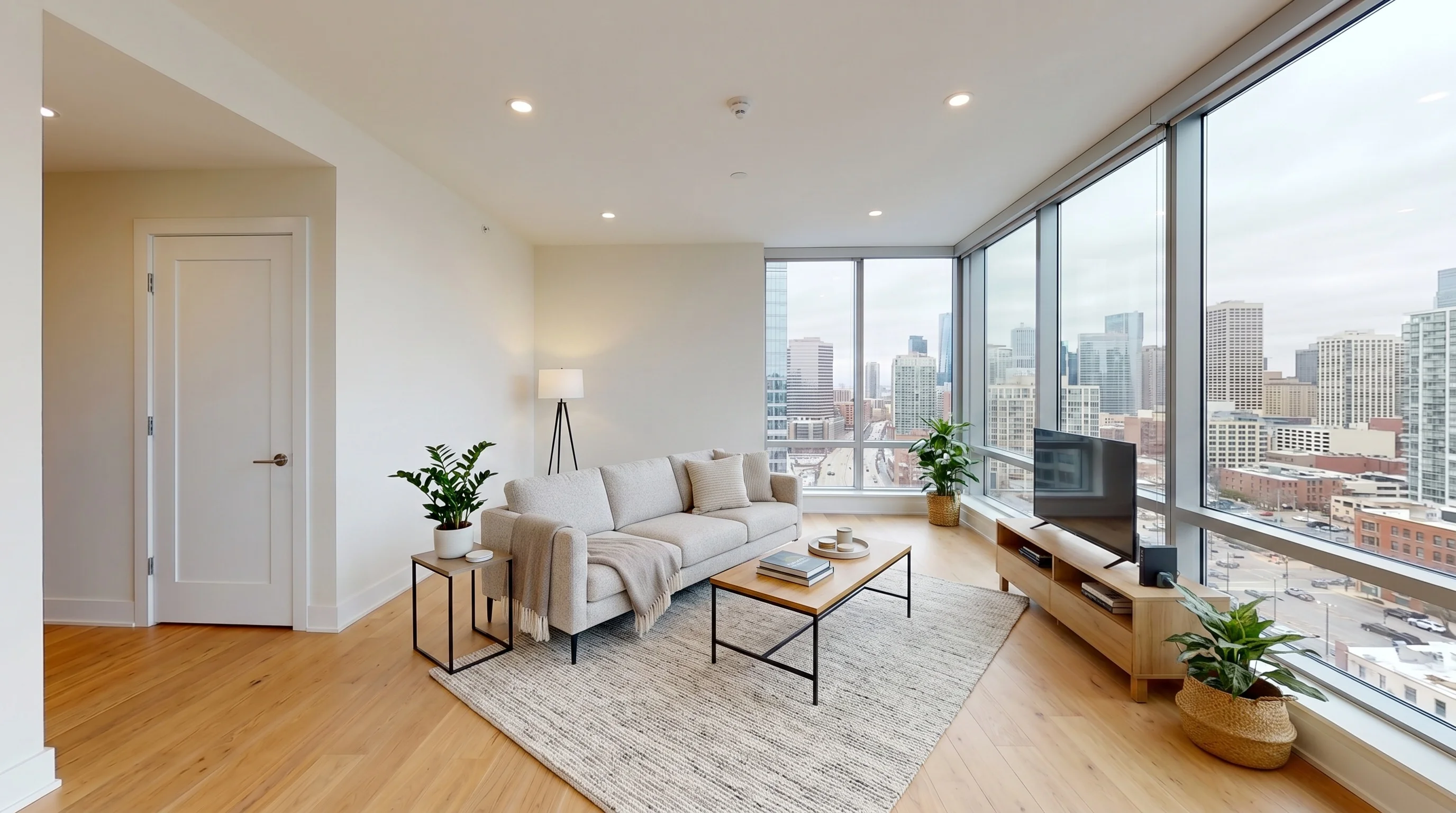
Urban High-Rise Living staged in Modern style
Living RoomModern
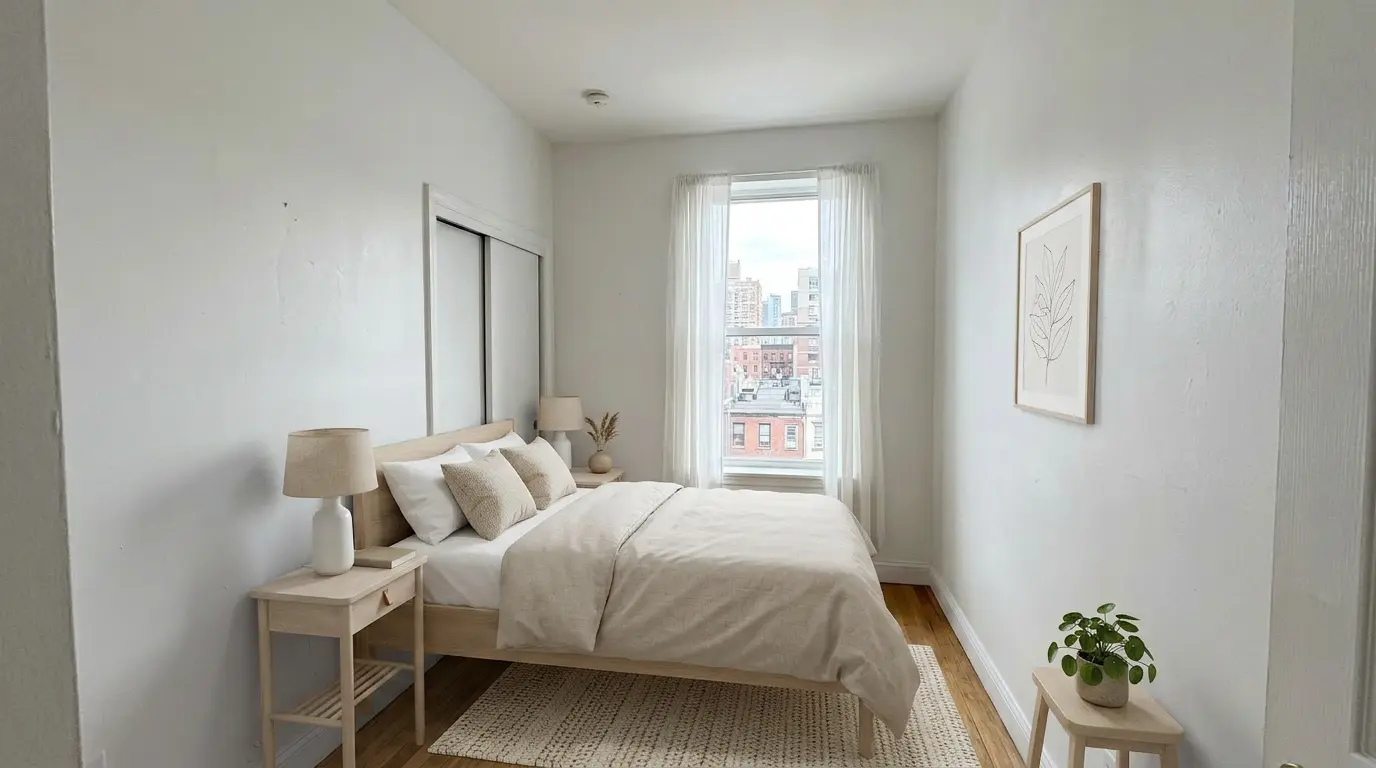
Urban Bedroom Retreat staged in Scandinavian style
BedroomScandinavian
Why agents choose it

Why VirtualStaging.tools for AI Photo Editing

Built for real estate listings — not a general image tool, not a photographer's batch workflow. The edits agents actually run, priced for solo agents.

Not Metered Per Listing

Staging, twilight, and decluttering all draw from one plan — none capped per property. Some tools ration staging to a few "creations" per listing; here your plan works across any edit.

Seconds, Not Days

Upload a photo and download a finished, high-resolution image immediately. No editing queue, no overnight turnaround, no revision rounds.

No Photographer, No Software

Runs in your browser. Shoot on your phone between showings and edit on the spot — no desktop app and no editing skills required.

Structure Lock

Walls, windows, and floors stay exactly as the original photo. The AI adds furniture and adjusts light without altering the property itself.

Transparent Per-Photo Pricing

No credits to decode, no per-listing bundles, no "request pricing." Start free with 3 photos, then about $0.69 each on Standard — you always know the cost.

No Platform Lock-In

Edit one photo at a time as a retail tool. You are not buying a full media platform or adopting a photographer batch workflow just to stage a listing.

Commercial License Included

Publish edited photos on MLS, Zillow, Realtor.com, social, and print. Commercial rights are included on every plan, even the free tier.

Why it wins

AI Real Estate Photo Editing vs Most AI Editors

What mattersMost AI photo editorsVirtualStaging.tools
PricingCredits, per-listing bundles, or "request pricing"Transparent — about $0.69/photo, 3 free to start
MeteringSome cap staging or twilight per listing (e.g. 2–4)Every edit type, unmetered on your plan
CommitmentFull media platform or photographer workflowSelf-serve retail — one photo, no lock-in
Built forMarketplaces, photographers, or full-service platformsAgents editing their own listings
Edits coveredStaging, twilight, removal — varies by toolStaging, day-to-dusk twilight, and decluttering
TurnaroundSome route through human revision (hours)AI, seconds per photo
MLS workflowGeneral-purpose outputStructure lock, disclosure-aware, keep the original
Free tierCredit trials or watermarked per-listing3 photos free, forever — no card
Swipe to compare columns →
Pricing

Start free, pay when you publish

Edit 3 photos free to see the quality on a real listing. Upgrade only when you need watermark-free output.

Free
$0/forever
3 photos · watermarked

Try any edit — staging, twilight, or declutter — on a real listing photo.

Try 3 free
Standard
$25/mo
36 photos · ~$0.69 each

Best for solo agents doing 1–3 listings per month.

Start standard
Professional
$59/mo
84 photos · ~$0.70 each

Steady listing volume with priority generation.

See professional
How it works

Edit a Listing Photo in Three Steps

From phone photo to MLS-ready image in under a minute — no editing service, no software.

01

Upload Your Photo

Shoot an empty room, a furnished space, or a daytime exterior on your phone and upload it directly — no camera gear or desktop app needed.

02

Choose the Edit

Pick virtual staging with a design style, day-to-dusk twilight, or declutter. The AI generates a photorealistic result in seconds.

03

Download and List

Download the high-resolution image, add your disclosure, and publish to MLS, Zillow, or social. Keep the original photo on file.

Keep it MLS-safe

Will AI-Edited Photos Pass MLS Review?

AI editing is compliant when it improves visualization without misrepresenting the property. The safe workflow is simple.

Disclose the Edit
Label AI-staged, twilight, or decluttered photos with your MLS-approved disclosure language — in the caption, image, or remarks, wherever your board requires.
Keep the Original
Retain the unedited photo. Some MLSs require the original to be available alongside the edited version, so save both.
Do Not Hide Facts
Add furniture and adjust lighting — never remove permanent fixtures, mask defects, change finishes, or alter the exterior condition of the home.
Start with a Clean Shot
Bright, wide, well-lit photos with visible corners produce the most realistic edits. Structure lock keeps the room true to the original.

AI Editing vs a Real Estate Photo Editing Service

For years, agents and photographers outsourced listing edits to a real estate photo editing service — send the RAW files, wait 12 to 48 hours, pay per photo, and request revisions when the staging or the sky looked off. AI real estate photo editing collapses that loop. Instead of a queue, you upload a photo and get a staged room, a day-to-dusk twilight, or a decluttered shot back in seconds, then move straight to the next one.

The real trade-off is control versus speed. A human editing service can hand-match a tricky window mask or a brokerage's exact style guide, and that still matters for luxury or high-stakes listings. AI is faster, cheaper per photo, and available at midnight when you just signed the listing. For the everyday work — a vacant living room to stage, a flat exterior to warm up, an occupied room to declutter — self-serve AI editing does the same job without the turnaround or the per-photo invoice. The honest way to decide is to run your own listing through it: edit three photos free, no card, and judge the quality before you spend a dollar.

Edit Your Next Listing with AI

Start with 3 free photos — no credit card. Stage, brighten to twilight, and declutter in one tool, then upgrade to Standard at $25/mo for 36 photos and watermark-free, commercially licensed output.

Try 3 Free — No Card
No credit cardCancel anytimeMLS-ready output
FAQ

AI Real Estate Photo Editing FAQ

AI real estate photo editing uses artificial intelligence to prepare listing photos for market — staging empty rooms with furniture, converting daytime exteriors to twilight, removing clutter, and cleaning up distractions. Instead of sending photos to an editing service and waiting, you upload an image and the AI returns a polished, listing-ready version in seconds.
Many MLSs allow AI-edited interior photos when the changes are cosmetic and clearly disclosed, but rules vary by MLS and brokerage. Virtual staging, twilight conversion, and decluttering are generally accepted when you disclose the edit and do not misrepresent the property. Always confirm your local board's disclosure and original-photo requirements before publishing.
Yes. Digitally altered listing photos should be disclosed so buyers are not misled. Use your MLS-approved disclosure language in captions, image labels, or remarks. The same rule applies whether the edit was done by a human editor or by AI — disclose the change and keep the original photo on file.
No — editing listing photos is legal and standard practice when the edits are cosmetic and disclosed. What crosses the line is misrepresentation: hiding defects, removing permanent fixtures, or altering the structure. Virtual staging, twilight, and decluttering are allowed on most MLSs when you disclose the edit and do not mislead buyers. Some MLSs forbid specific edits, so check your local rules first.
Quality depends on the tool. VirtualStaging.tools uses structure lock, which keeps walls, windows, and floors exactly as the original photo — the AI only adds furniture or adjusts lighting, it does not redraw the room. Start with a clean, well-lit, wide photo and the result reads as a real staged room, not a render.
Each photo is edited on its own, so for a set that reads as one property, use the same design style across every room in a listing and shoot with consistent lighting. Because structure lock keeps each room true to its original photo, holding your style choice steady per listing keeps the whole gallery coherent rather than a mix of looks.
All three, in one tool. You can virtually stage empty rooms in multiple design styles, convert a daytime exterior to a warm day-to-dusk twilight shot, and remove clutter, furniture, or distracting objects. Most AI editors do only one of these; VirtualStaging.tools covers the full listing-photo workflow.
Yes. Empty rooms give the most predictable staging results, but you can also declutter and restyle furnished rooms when the layout is clear and the photo is not overly busy. For the cleanest output, remove small personal items and shoot with good natural light.
Far less than an editing service or physical staging. You can start free with 3 photos, no credit card. Paid plans begin at $25/mo for 36 photos (about $0.69 each) with watermark-free, commercially licensed output. Editing services typically charge per photo with turnaround delays; AI is priced per plan and returns results in seconds.
HDR and enhancement tools brighten, balance exposure, and sharpen a photo — they improve the shot you already have. AI real estate photo editing changes what is in the room: it adds furniture to empty spaces, swaps day for dusk, and removes objects. VirtualStaging.tools does the listing-specific edits an enhancer cannot.
No. Everything runs in your browser. Upload a photo from your phone between showings, pick an edit, and download the result — no desktop software, no editing skills, and no photographer workflow required. It is built for agents, not just for photography pros.
Seconds per photo. Upload a room or exterior shot, choose the edit, and the AI returns a finished image almost immediately. You can stage or retouch an entire listing in minutes — the same day you sign the agreement — instead of waiting days for an editing service.
Yes. A commercial license is included on every plan, including the free tier, so you can publish edited photos on the MLS, Zillow, Realtor.com, social media, and print marketing. Keep the original photo as well, since some MLSs require it alongside the edited version.
Do not use AI editing to hide defects, remove permanent fixtures, change finishes, alter the floor plan, or misrepresent the exterior condition. Editing should help buyers visualize the space — furniture, lighting, a tidy room — not change the facts of the property. Cosmetic, disclosed edits keep you compliant.