Remove furniture from listing photos.
Seller still living there? Upload an occupied room, empty it or remove specific items, then compare the result before you publish.
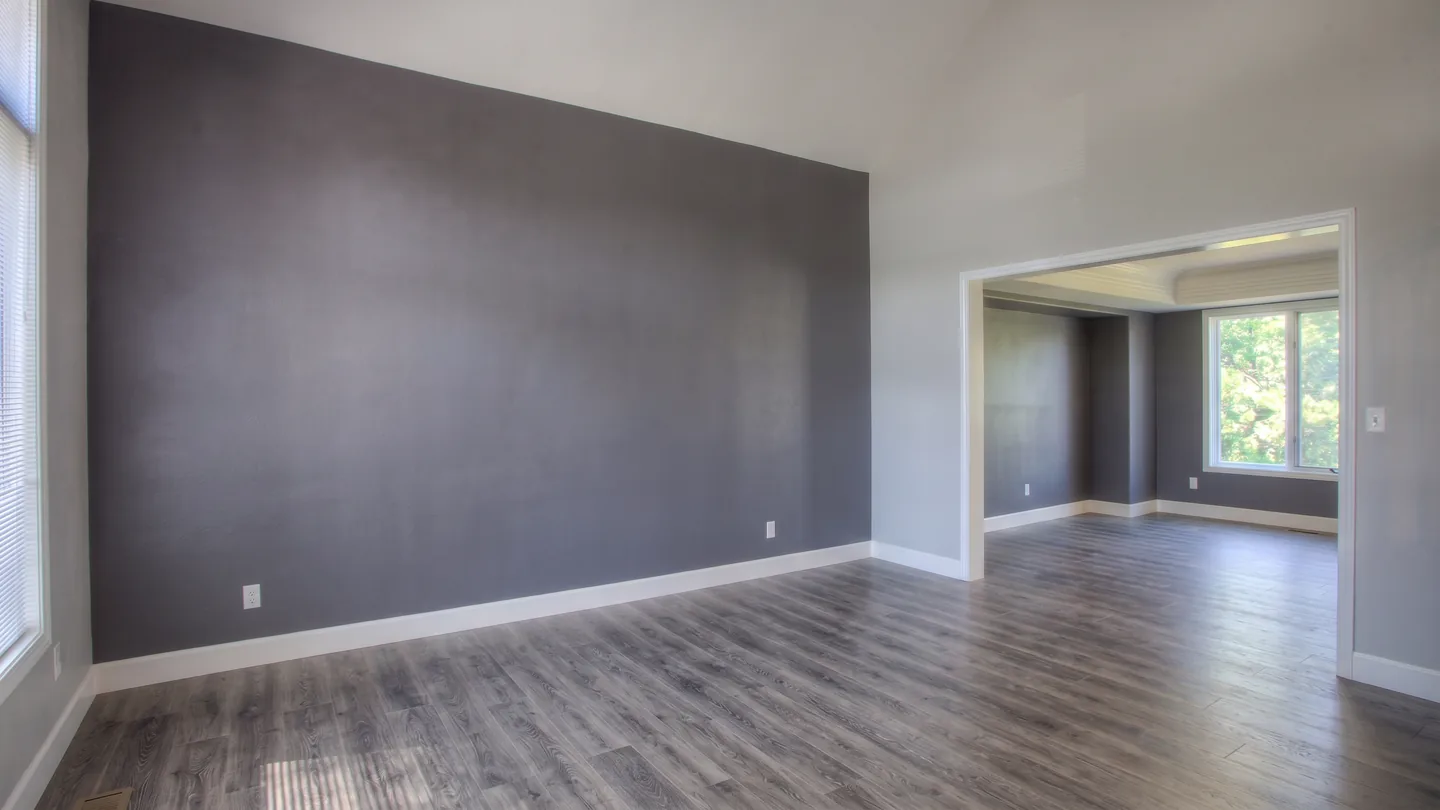
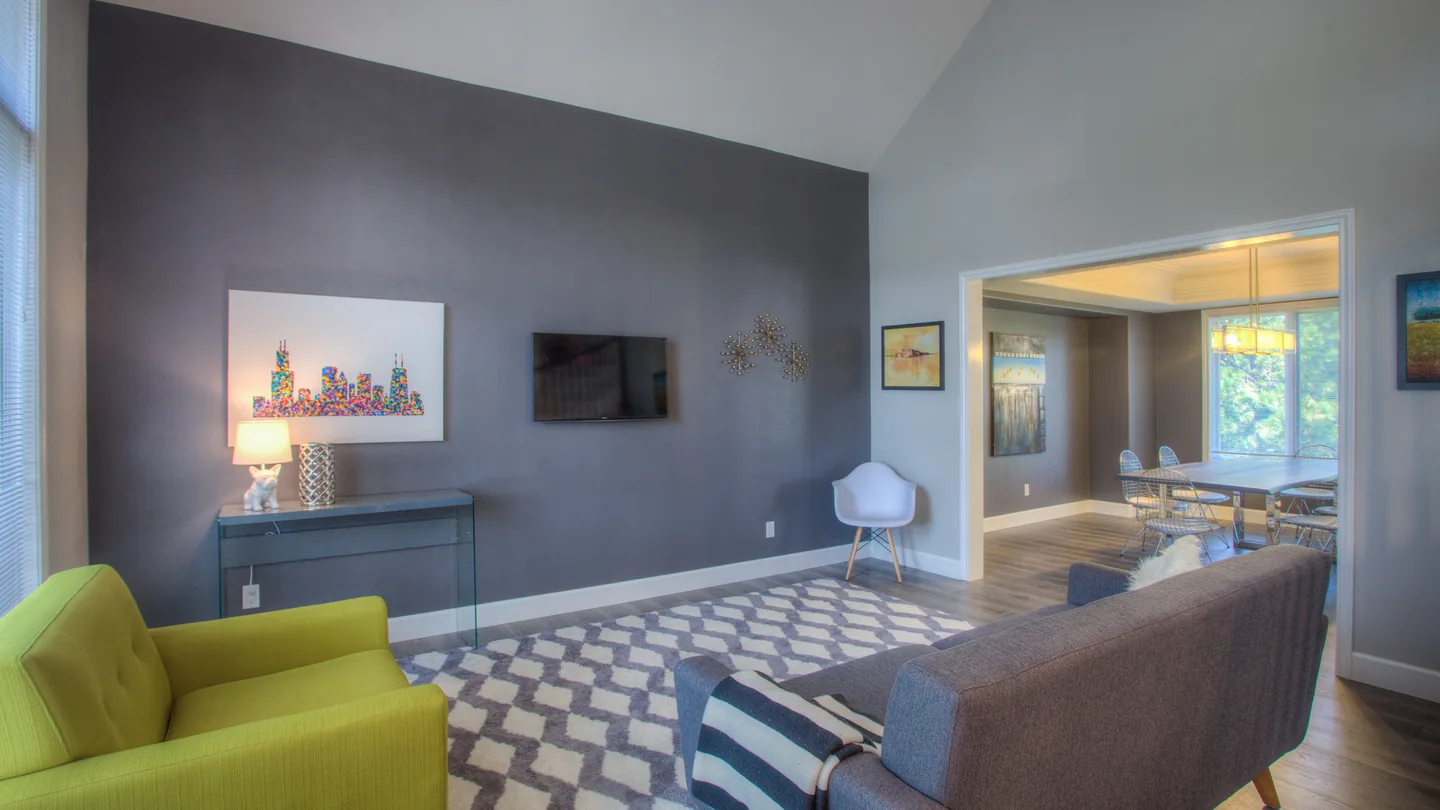
- 3 free photos, watermarked
- Free account required
- No credit card
- 2K downloads, commercially licensed
See furniture removal on real listing photos.
Each pair is one source photo and the result this tool returned for it — generated at full size, not retouched by hand.
The sellers are still living in the main room.
Empty the room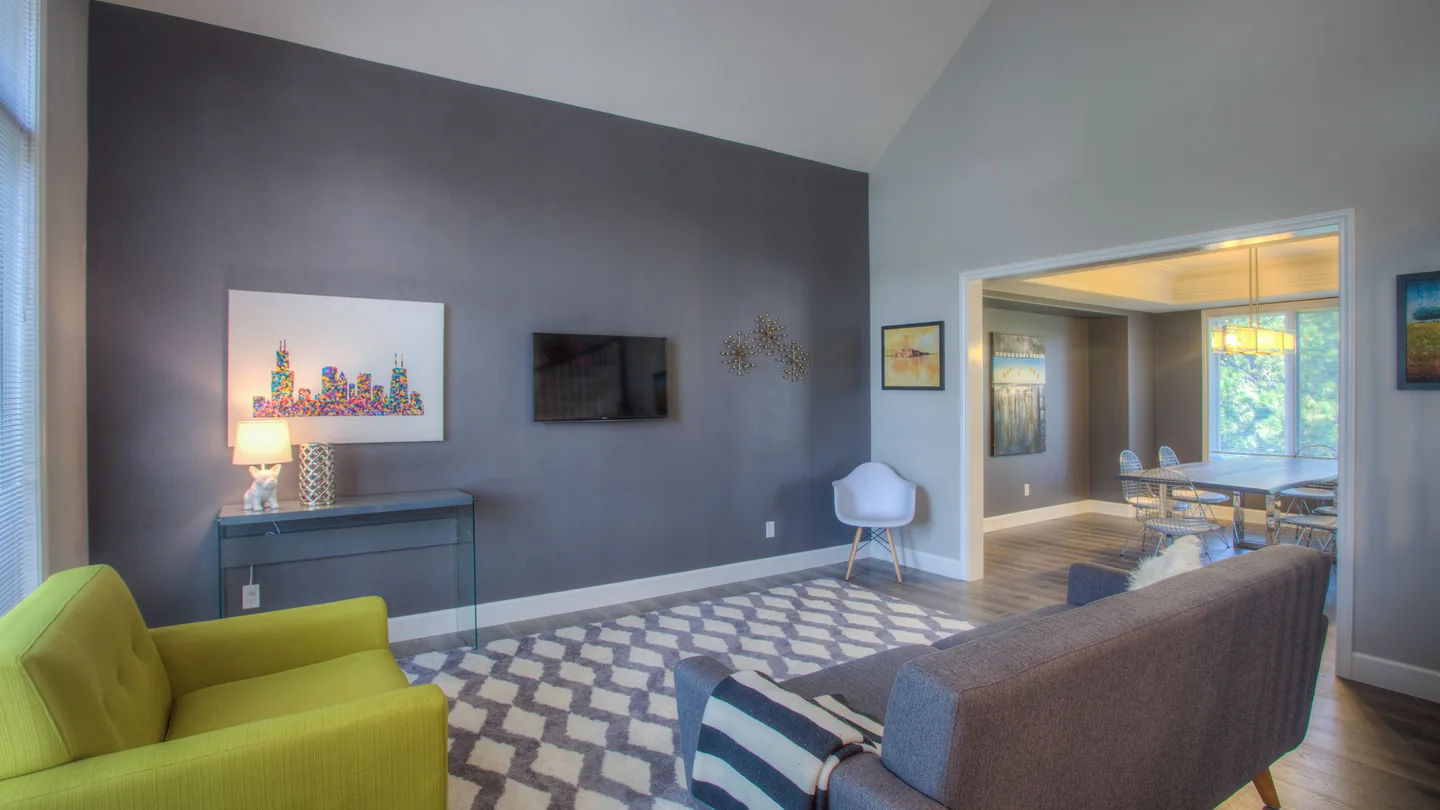 As shot
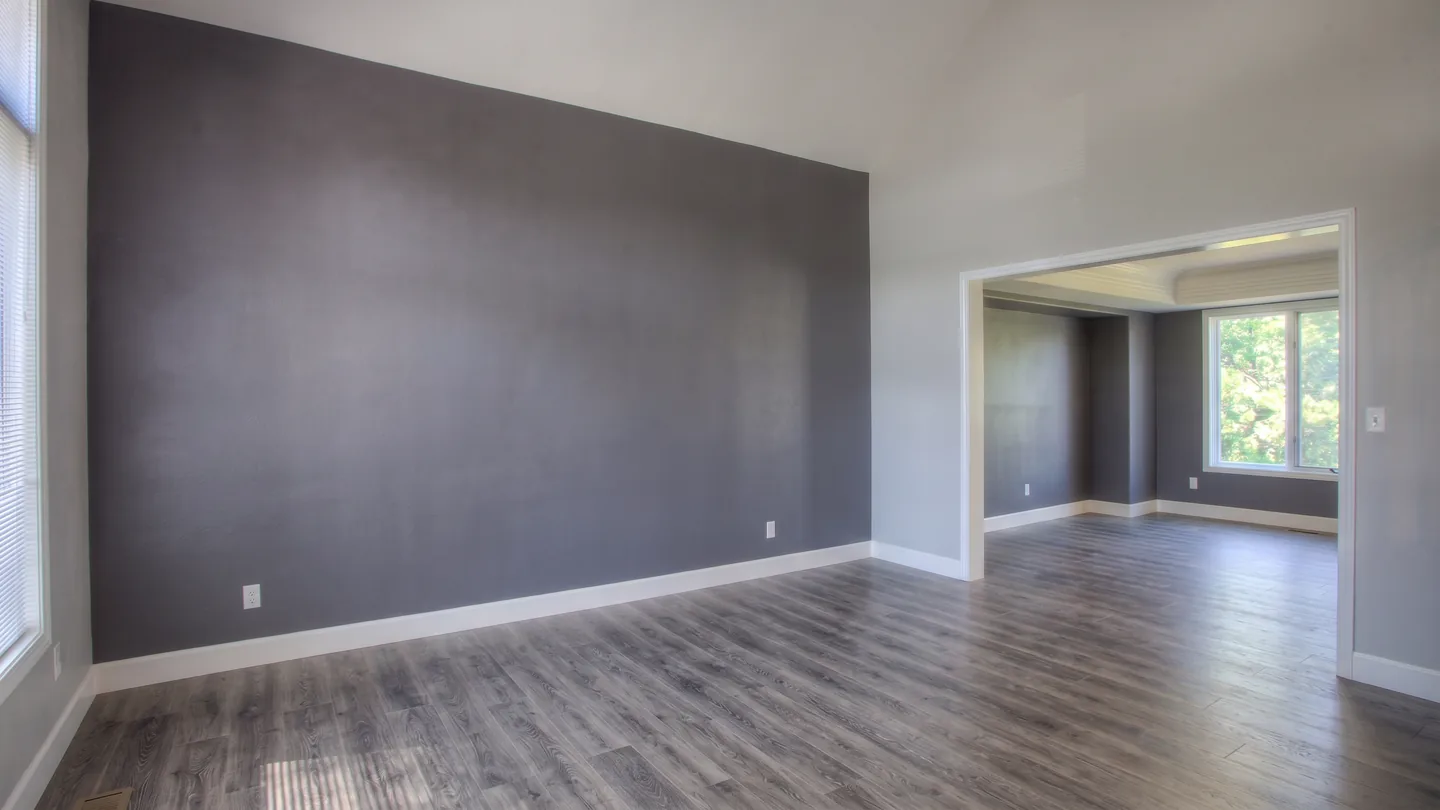 After removal
A dated bedroom set the buyer cannot see past.
Empty the room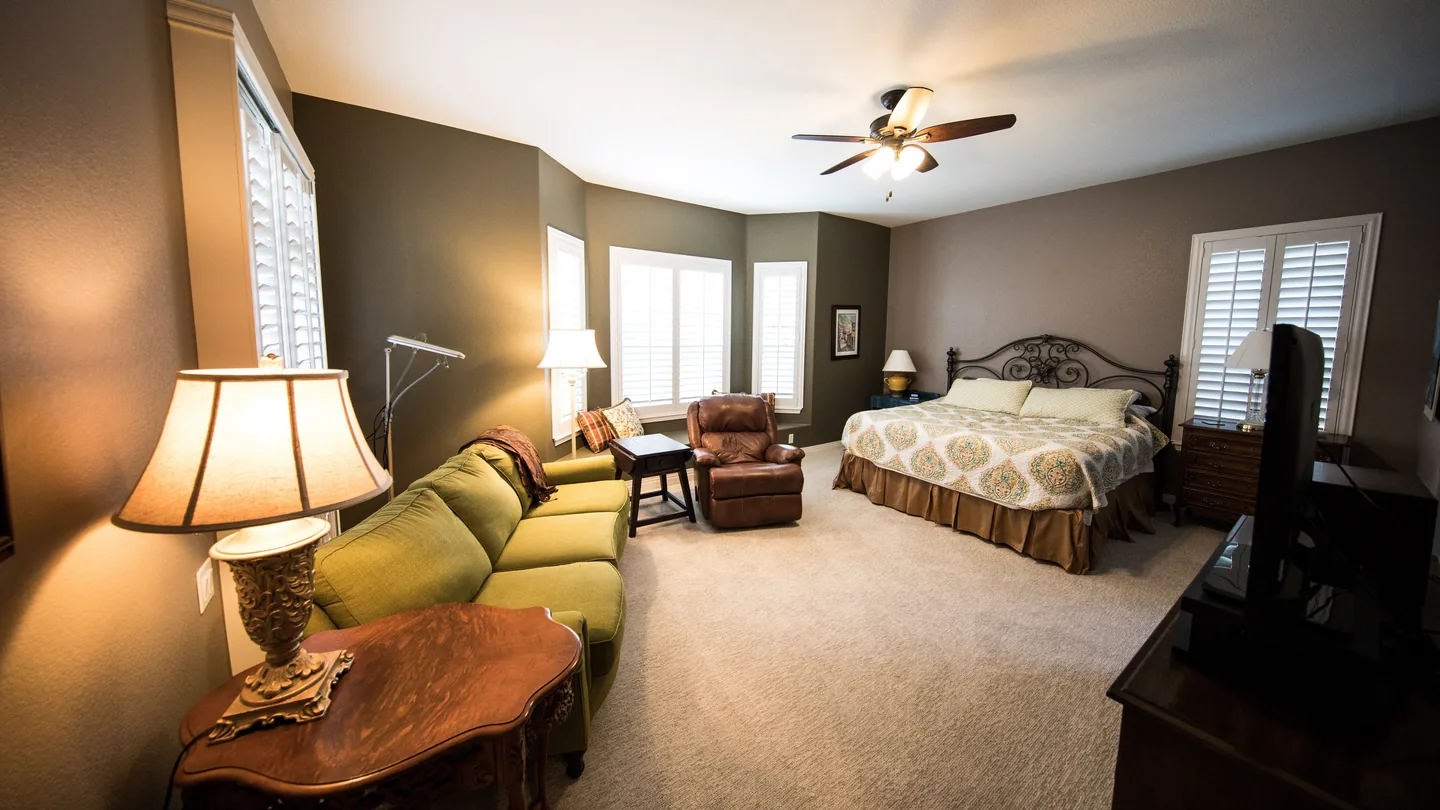 As shot
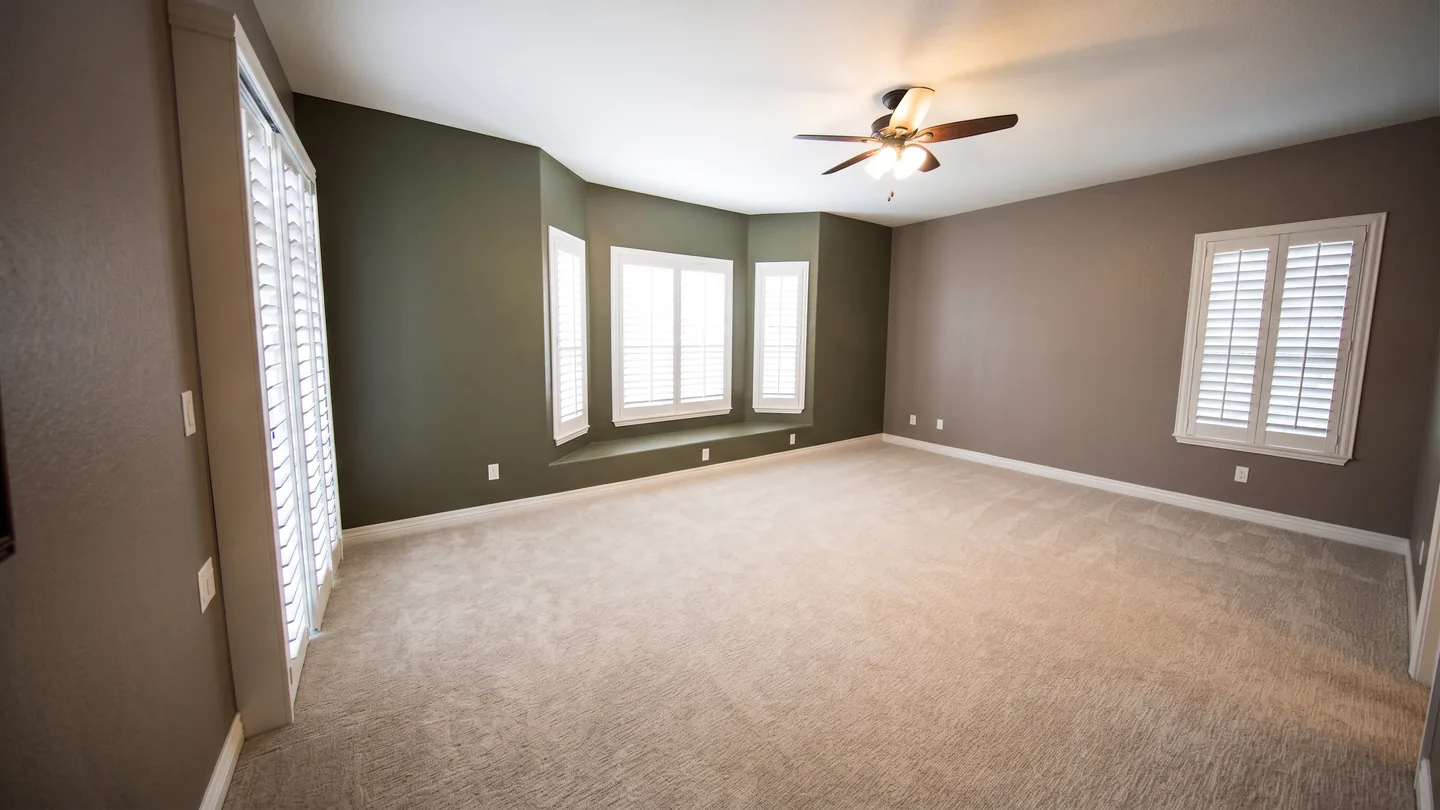 After removal
Want to keep the furniture?
Remove specific items works best for clear, distinct items.
An instruction is read as intent, not as a selection tool. Similar items are harder to target precisely, so the pairs above are both emptied rooms rather than a Remove specific items result.
Bring the whole shoot, not just one photo.
Add every photo from the shoot. Each one carries its own task and note, and only the photo you are looking at is generated.
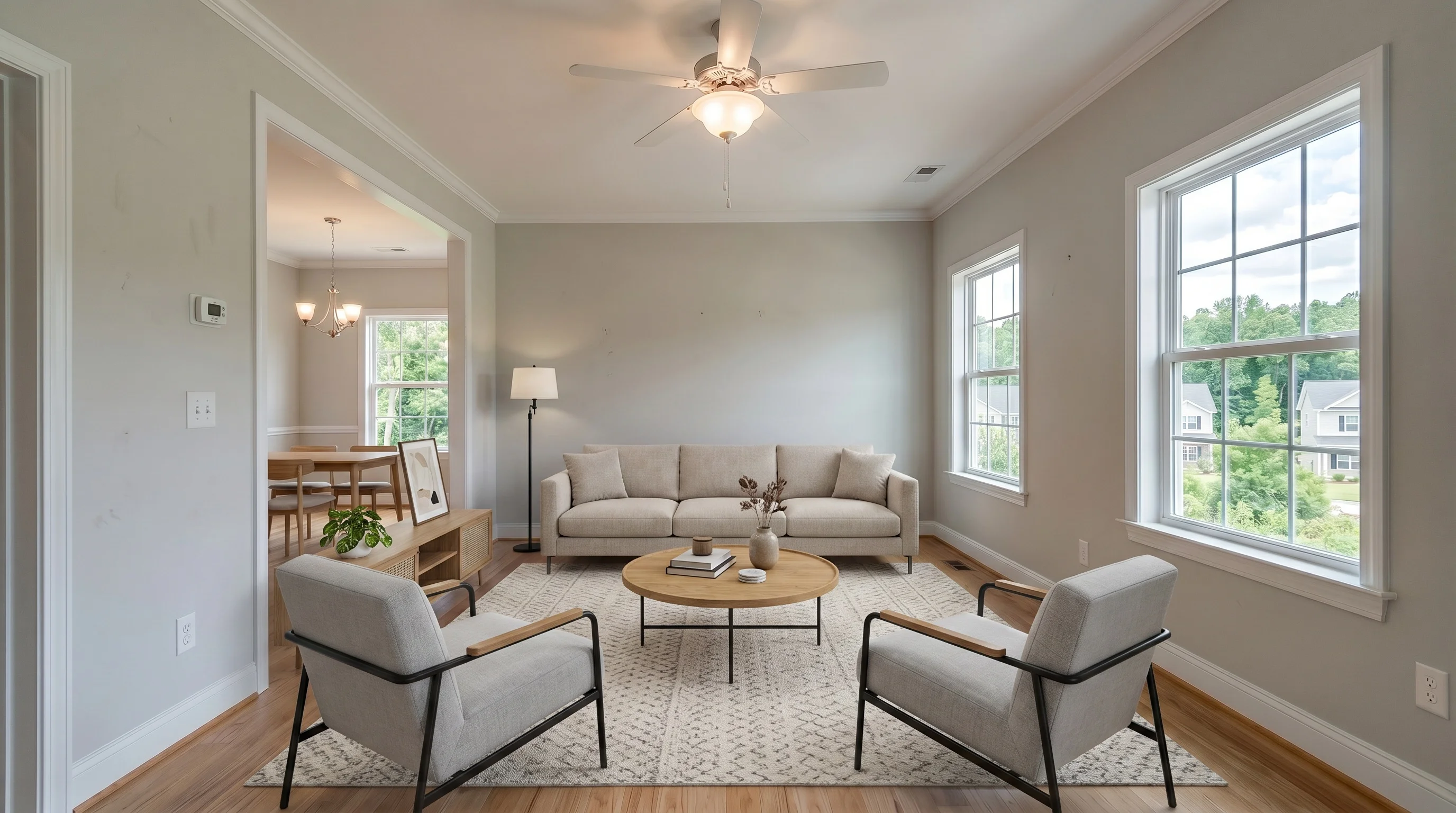
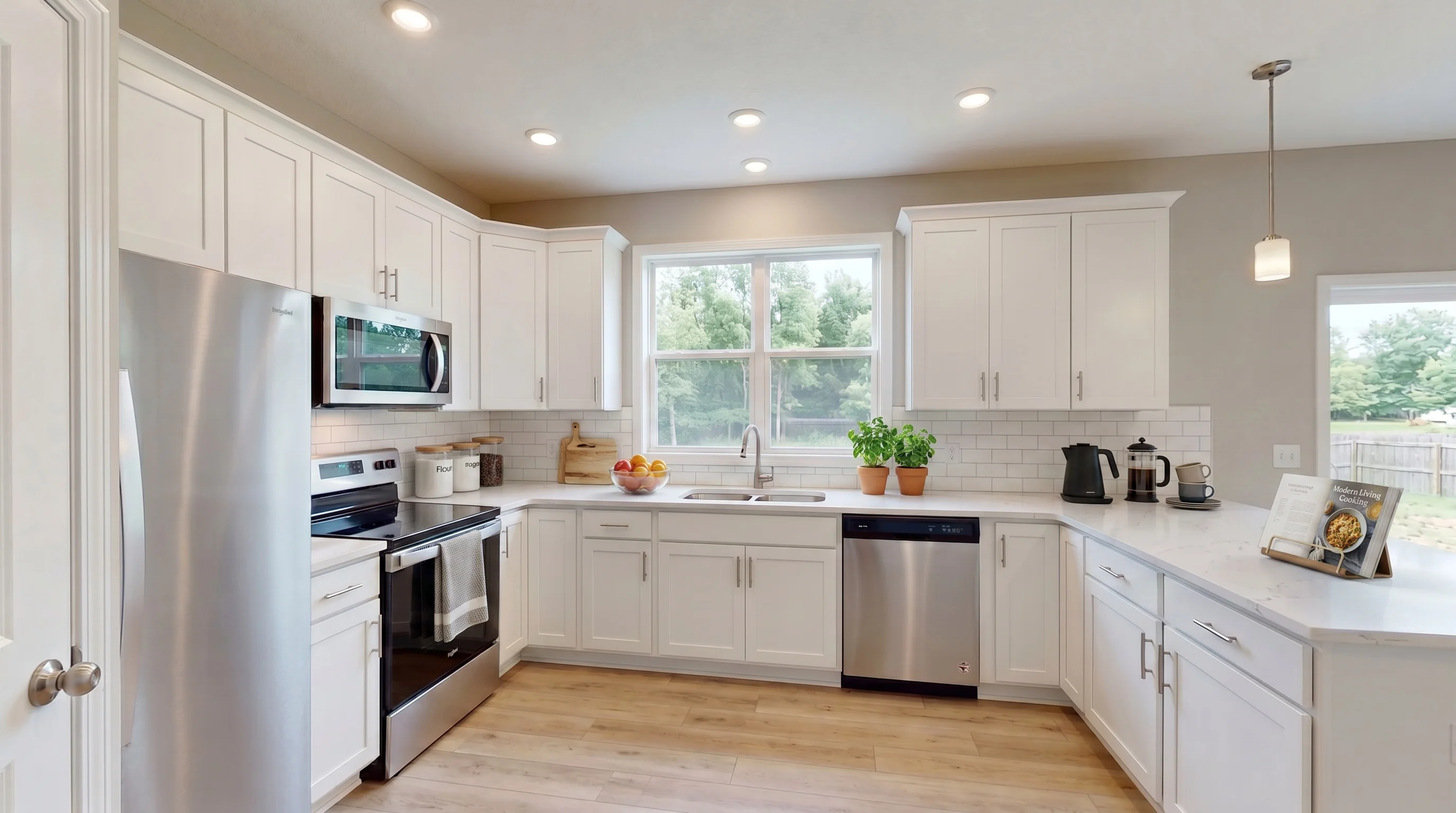
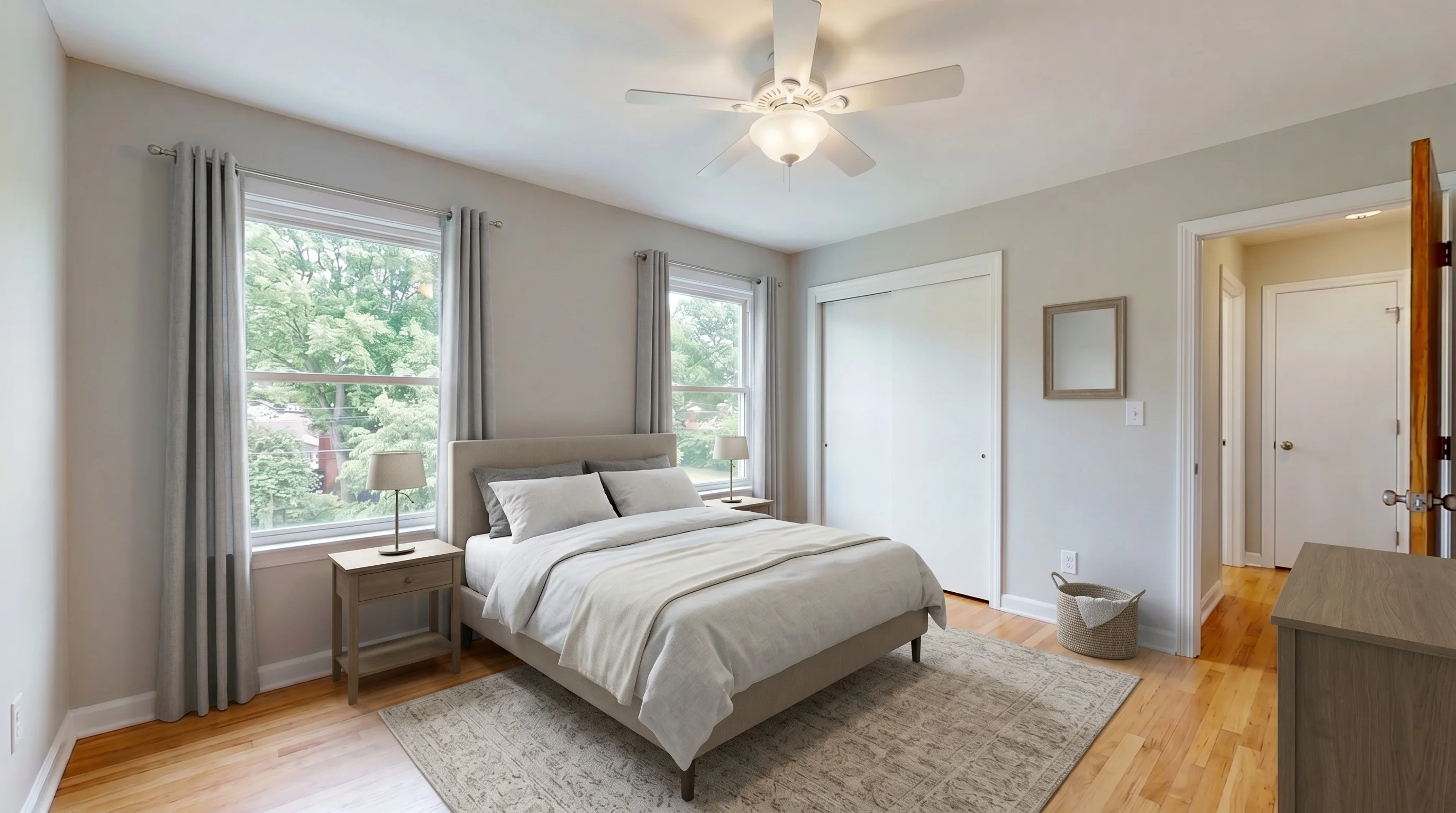 BeforeAfter
Product-generated example · Photo 1 · Ready
- 1Add the listingDrop in the photos from one shoot. They stay together in the same listing, and you can add more once the current photo stops.
- 2Set the task on each photoA living room and a garage rarely need the same instruction, so the task and the note belong to the photo, not to the listing.
- 3Generate the photo you choseOnly the photo you choose is generated. Choose another photo when you are ready.
A bad result is not a dead end.
One photo can hold several results. The one you already like keeps delivering the photo until you pick another.
BeforeAfterProduct-generated example · Photo 1 · Ready
The first result does not have to replace the one you already like.
- Try againRun the same photo again and compare the new result with the one you have.
- Remove another itemName one more thing to take out, starting from a result you already like.
- Use this resultAppears once a photo has more than one result: it makes the one you are looking at the one this photo delivers.
A photo holds up to 3 results on the free tier and 15 on a paid plan. Past that cap a retry is blocked rather than billed.
The furniture leaves. The wall behind it has to be rebuilt.
As shotAfter removal- 01
Hidden surface is generated
Furniture covered pixels the camera never captured.
- 02
Compare at full size
Check flooring, skirting, mirrors, reflections, deep shadows and similar objects.
- Always compare the result with the original before publishing.
What it handles well — and where to expect trouble
- Occupied rooms — sofas, beds, tables, rugs, décor, clutter
- Clearing named items while the rest of the room stays furnished
- Straight-on, evenly lit, whole-room listing shots
- One photo at a time, each with its own note
- Mirrors and glass — the reflection may still show what was removed
- Deep shadows and wall marks where bulky furniture sat
- Removing people
- One chair out of four identical chairs — intent, not selection
What it costs
Furniture Removal draws on the same photo allowance as the rest of the studio. One generated photo counts as one photo, whichever tool made it.
Start on the free tier: 3 photos total, watermarked, no credit card.
See all plans| Plan | Price | Photos a month |
|---|---|---|
| Standard | $25 | 36 photos |
| Professional | $65 | 108 photos |
| Business | $105 | 216 photos |
Cleared the room? Stage it next.
Virtual Staging furnishes an empty room from the same studio and the same photo allowance. Download the cleared photo and upload it into staging — the two tools do not hand the file across for you.
How to disclose an edited photo
Clearing furniture is generally treated as enhancement rather than misrepresentation — as long as you are not covering something a buyer needs to see, and as long as you disclose it and keep the original.
Some photos have been digitally edited (furniture/clutter removed). Original photos available on request.
Where to put it
Add the line above to your public listing remarks, and caption the edited image per your MLS — many require a “Virtually edited” label on the photo itself. Rules vary by MLS and by state: some want an embedded watermark, some a remarks line, some both. When in doubt, ask your MLS or your broker.
Keep the original
Save the unedited photo. NAR Standard of Practice 12-10 requires a true picture in advertising and prohibits misleading images; California AB 723 (effective Jan 1, 2026) requires a conspicuous disclosure on or next to the image plus a way to reach the unaltered original.
Never hide a defect
Clearing furniture and clutter is fine. Removing or covering water stains, cracks, mould or damage is misrepresentation — review each result and do not publish one that has hidden something a buyer needs to see.
This is practical guidance, not legal advice. Always follow your local MLS rules and your broker’s policy.
Questions agents ask before they start
Short answers about removing furniture from listing photos.
Start with the listing you shot this morning.
3 free photos with an account. No credit card.