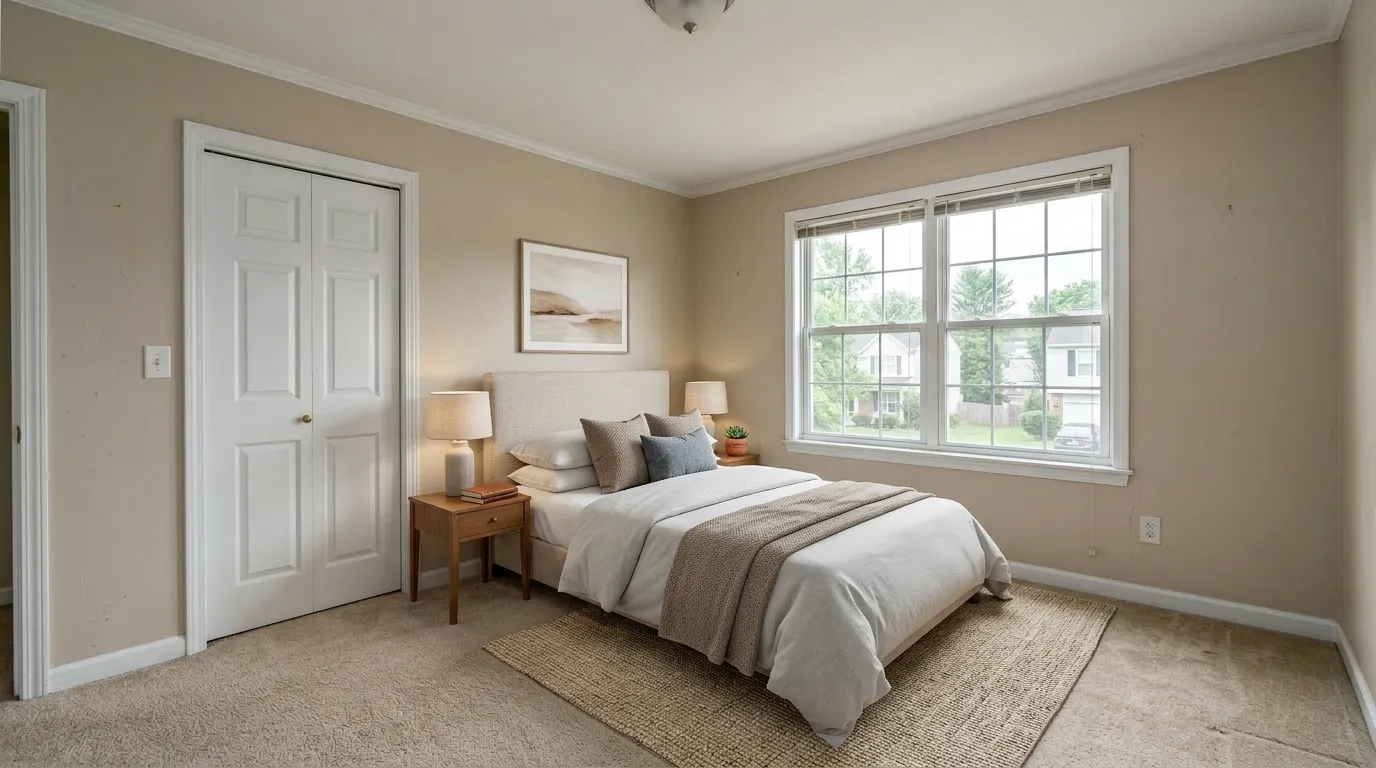
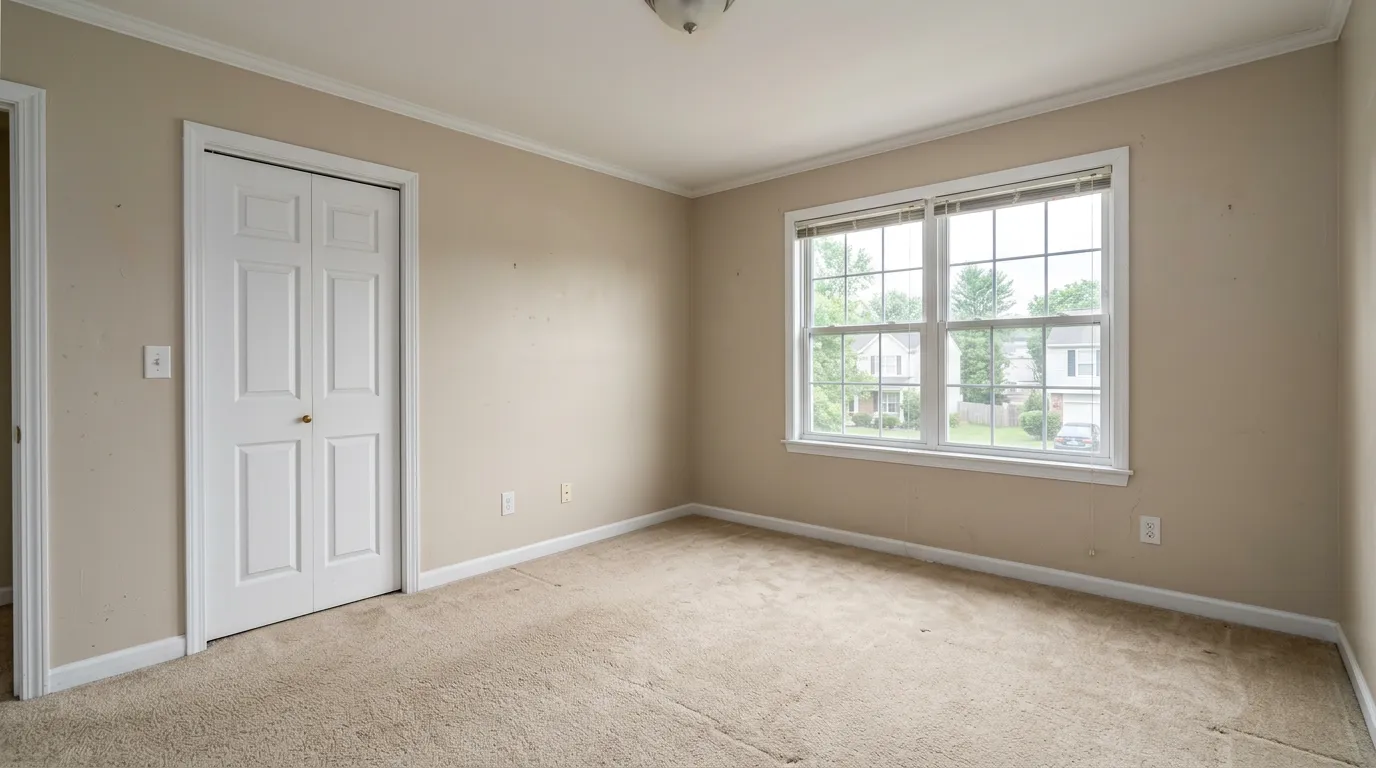
TL;DR — Virtual staging a bedroom means digitally adding a properly scaled bed, two matching nightstands with lamps, and key décor to an empty bedroom photo — without altering walls, windows, or built-ins. It runs $1–$3 per image with AI tools, takes under a minute, and must be disclosed as "Virtually staged" on the MLS.
The bedroom is where most listing photo shoots fall apart. Living rooms forgive — agents know to angle wide, frame on a sofa, light the windows. Bedrooms punish: the bed eats the frame, headboards clash with wallpaper that's still up, and the same room shot from two angles looks like two different rooms once you stage it.
This guide is for solo listing agents who want their bedroom photos to actually convert showings — without the forced-perspective miniature beds and floating nightstands buyers spot on Reddit before they ever read your listing remarks. If AI virtual staging is new to you, start with our complete virtual staging guide and come back here for the bedroom-specific playbook.
We operate VirtualStaging.tools, so we have a clear bias. Where a competitor honestly does something better, I've said so.
Why the bedroom photo matters more than agents think
In every NAR Profile of Home Buyers since 2019, the primary bedroom has ranked among the top three most-viewed listing photos behind the kitchen and the living room. Buyers project themselves into a bedroom faster than into any other room — and an empty bedroom photo, especially of a primary, gives them nothing to project onto.
Vacant bedroom photos also under-show square footage. Without a bed for scale, a 12×14 primary reads as a small room. With a queen and two nightstands, the same photo reads spacious. Pro photographers solve this with a 16-35mm lens and ladder shots; virtual staging gets you most of the way there for under $10.
Three problems bedrooms have that living rooms don't
These are the failure modes I see most across competitor outputs and the ones agents complain about on r/realtors and r/RealEstatePhotography. Get these right and you're already ahead of most agents using AI staging in 2026.
1. Bed scale ("forced perspective")
The most common AI mistake: a bed that wouldn't physically fit. A 7-foot headboard under a 9-foot ceiling. A king where only a queen fits between the closet door and the window. Agents have a phrase for it — "miniature beds" — when the AI shrinks the bed to make a layout work that wouldn't actually exist at the room's real dimensions.
Fix: pick a tool that lets you specify bed size, and don't let the AI guess. If your tool only offers "auto," check every output against the dimensions you'd quote on the listing. Reject and re-roll if the scale is off.
2. Multi-angle inconsistency
Most listings include two or three angles of the primary bedroom — one wide from the door, one from a corner, often one tighter on the bed. Generic AI staging treats each photo as independent. The result: navy bedding from the door, gray bedding from the corner, a different headboard altogether on the third shot.
This is the single biggest tell that a listing was cheaply AI-staged. Fix: stage one angle first, lock the style, then reference the staged version when generating the others. Some tools support image references directly; for tools that don't, write a plain description of the locked elements (bed color, headboard shape, lamp style) and reuse it as the prompt for every subsequent angle.
3. Headboard and décor mismatch with what's still in the room
Bedrooms get listed with stuff still in them more often than living rooms — a built-in dresser, a mounted TV, dated wallpaper, a popcorn ceiling. AI tools that don't preserve existing surfaces will silently "improve" them: smoothing popcorn ceilings, adding crown molding, swapping out wallpaper.
That's a disclosure problem and a credibility problem at showing. Fix: pick a tool that adds furniture without modifying walls, windows, or built-ins. If you're auditing tools, our virtual staging software comparison walks through which ones honor the existing room.
Pick a style by the buyer, not by your taste
The most common style mistake: agents stage every bedroom in their own preferred aesthetic. The bedroom buyer's profile rarely matches the agent's, especially for entry-level and starter listings.
| Listing type | Buyer profile | Style that converts | Style to avoid |
|---|---|---|---|
| Starter / entry-level (under $400K) | First-time buyers, 25–35 | Scandinavian, modern minimalist | Heavy traditional, ornate luxury |
| Suburban family home | Mid-career families | Contemporary, transitional | Industrial, "boutique hotel" |
| Urban condo | Young professional, no kids | Japandi, modern, minimalist | Farmhouse, coastal |
| Luxury (over $1M primary) | Move-up buyer, 45+ | Luxury, transitional | Scandinavian (reads as cheap at this price) |
| Coastal / vacation | Second-home buyer | Coastal | Industrial, urban modern |
| 55+ / downsizer | Older buyer | Traditional, transitional | Modern minimalist (reads cold) |
Style is not where you stand out. It's where you avoid mismatch.
Bedroom staging styles by example
Below are six interpretations of the same empty bedroom, each rendered in a different style. Use this as a visual gut-check against the buyer-profile table above before committing to a direction for your listing.
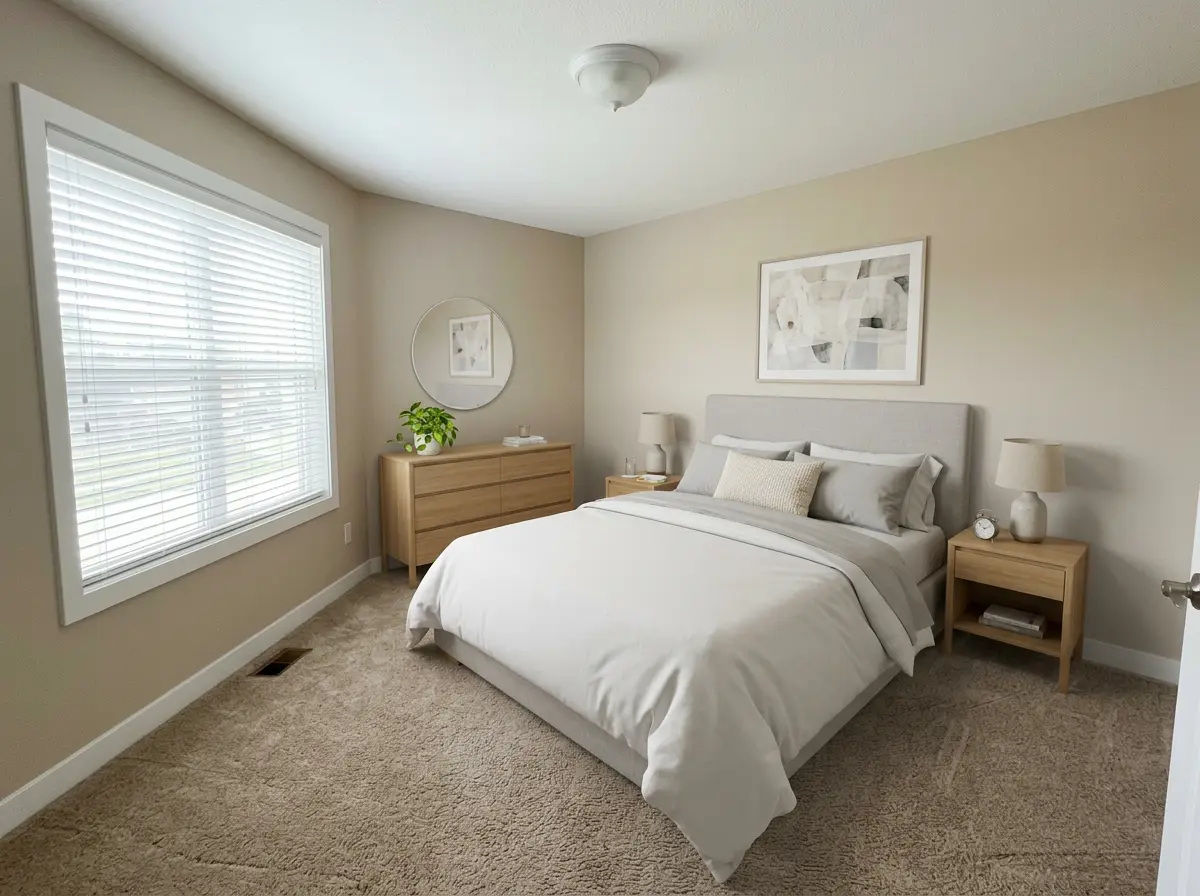
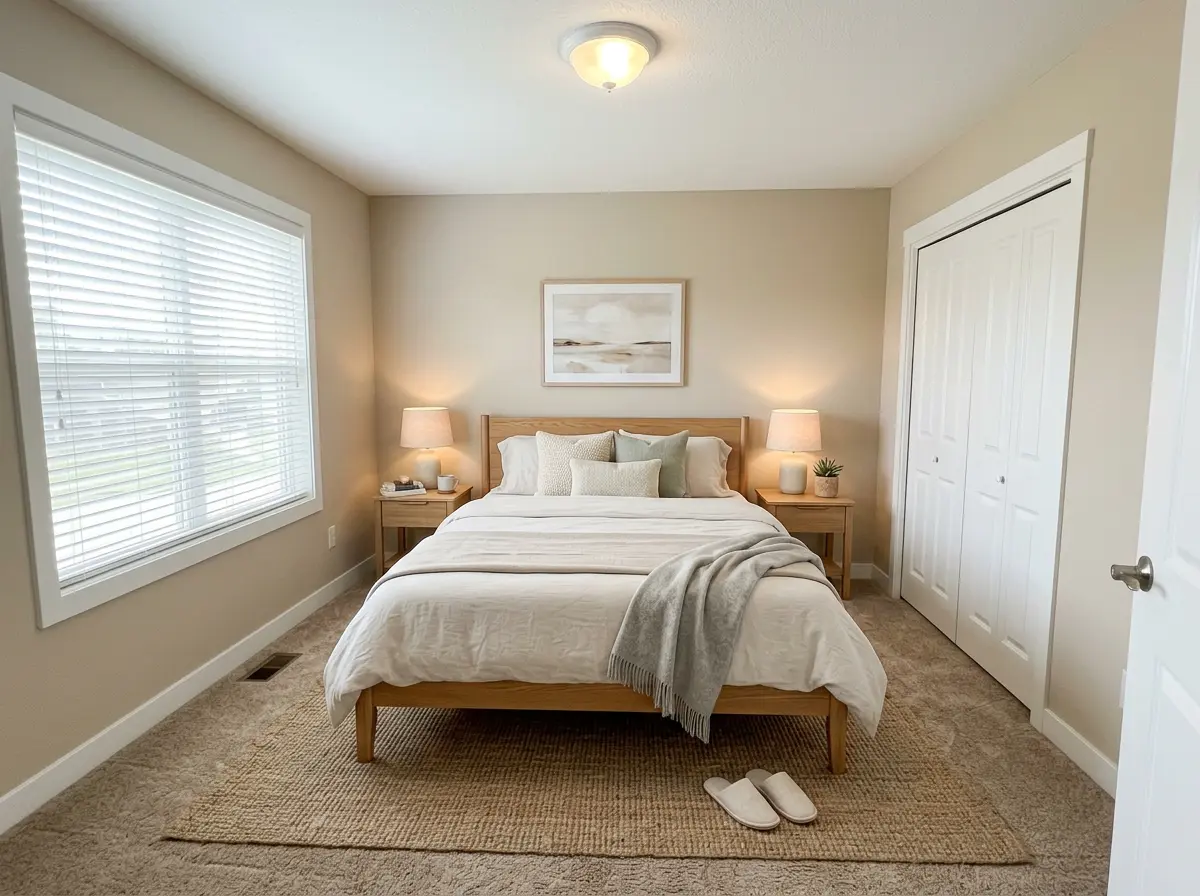
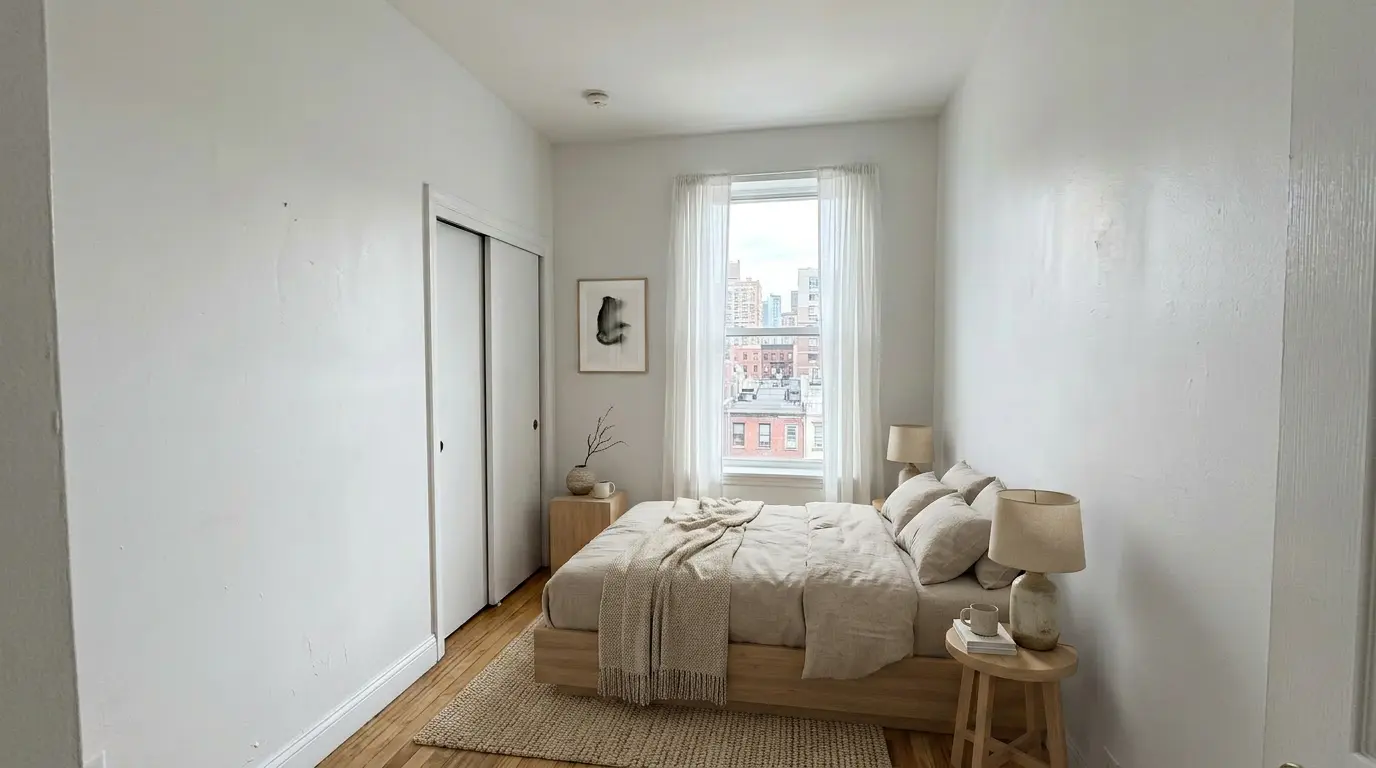
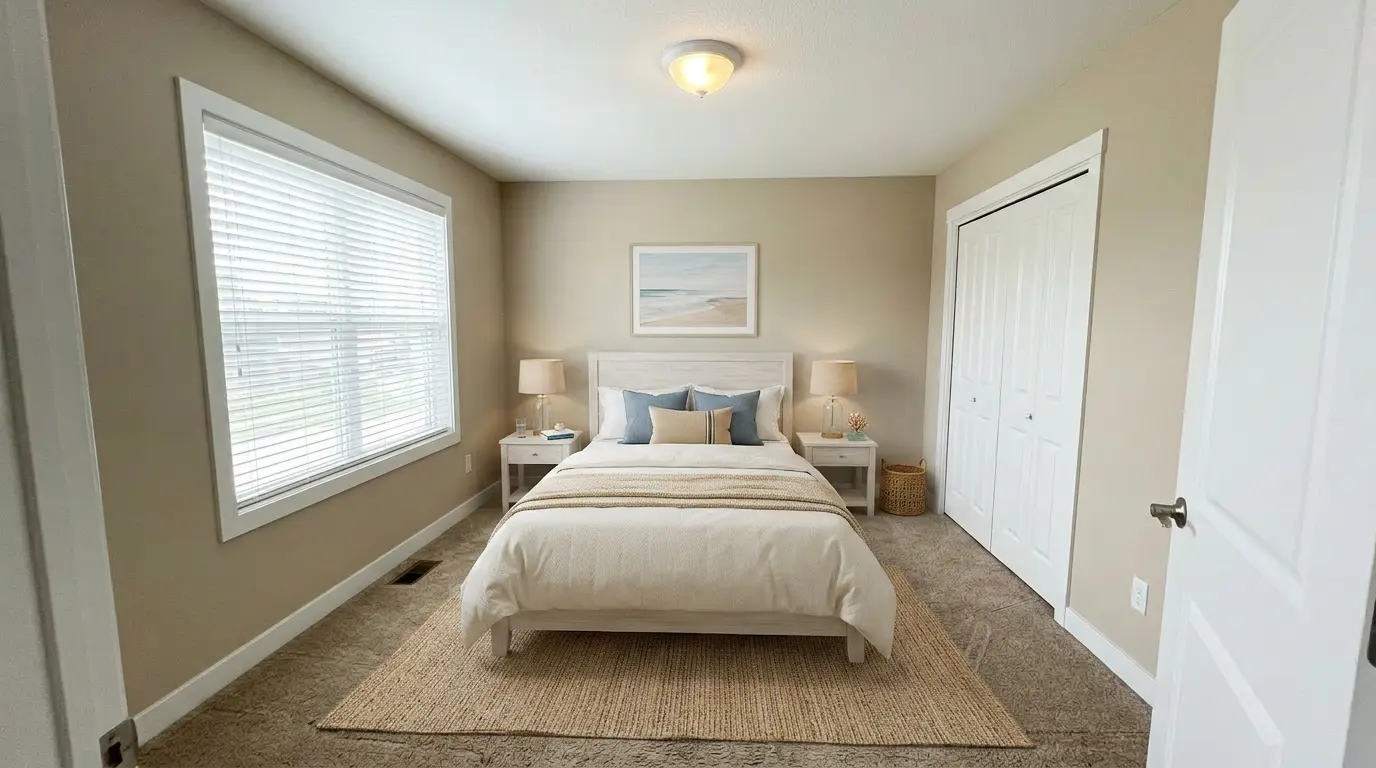
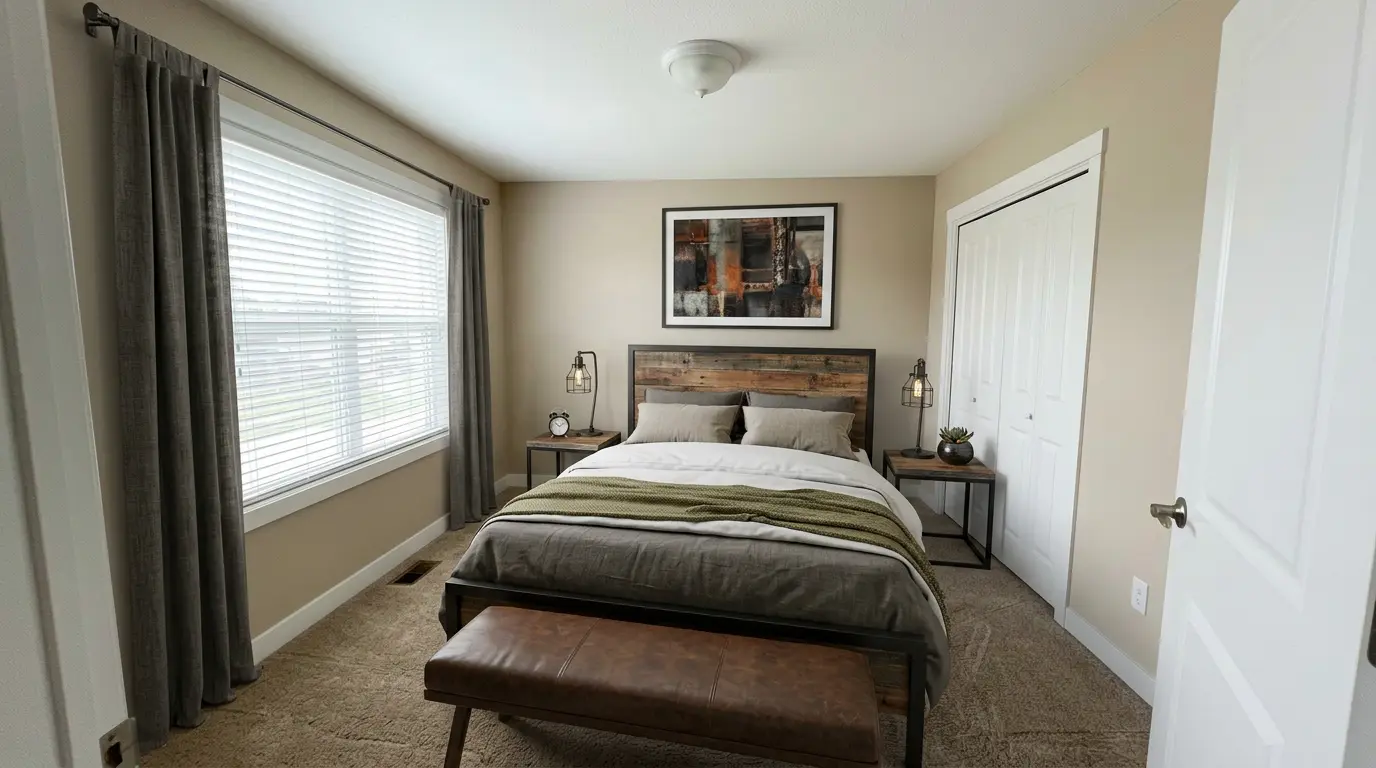
Six styles, six different buyer audiences. The wrong style isn't ugly — it's mismatched. A Scandinavian primary in a $2M listing reads as cheap; an industrial setup in a 55+ downsizer listing reads as out of touch. Stage to the buyer who's actually walking in.
Primary bedroom: the playbook
For a primary bedroom in a typical suburban listing, the defaults that work:
- Queen or king — king if the room is over ~140 sqft of usable floor
- Two matching nightstands, both with lamps
- Headboard scaled to ceiling: in a 9-ft ceiling, top of headboard at ~4 ft; in a 10-ft ceiling, ~5 ft
- One bench, dresser, or seating area — don't overfill
- Skip window treatments unless the existing casing is unfinished or the view is the worst part of the room
The "two matching nightstands plus lamps" rule does more than any other staging choice. It signals "primary bedroom" instantly, even at thumbnail size in a portal grid.
Guest, secondary, and small bedrooms
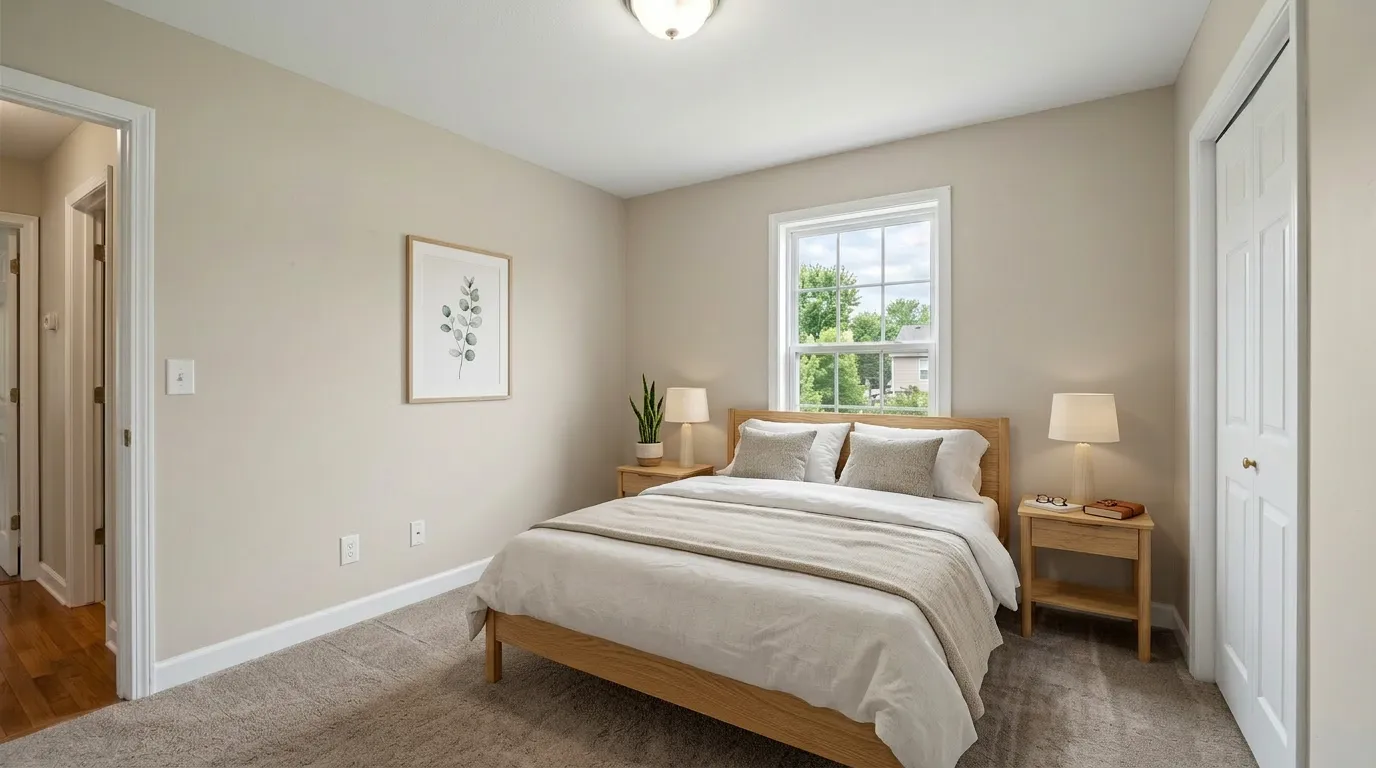
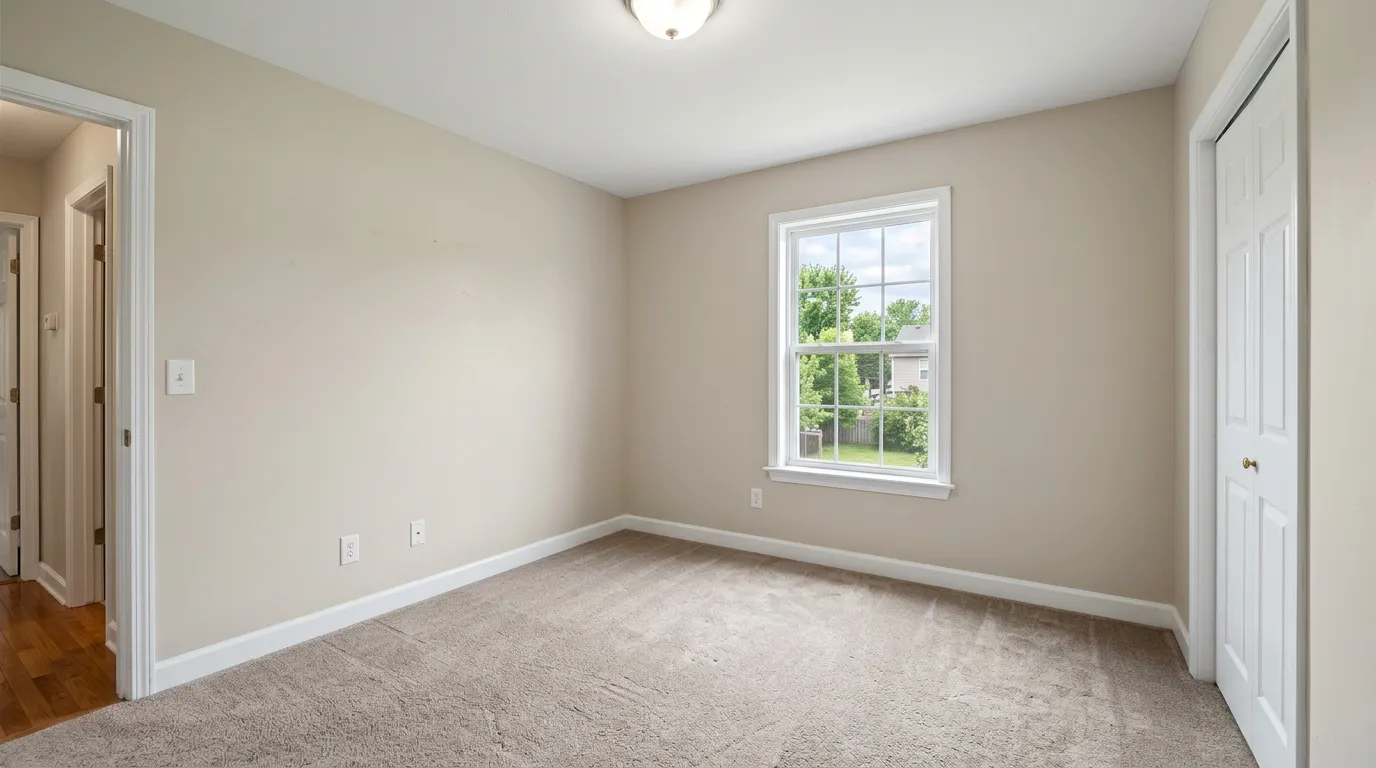
Common mistake: staging every secondary bedroom as another primary. Buyers reading a four-bedroom listing want to see the use — which bedroom is the guest, which is the kid's, which works as an office.
Defaults that work:
- Secondary / guest: queen with a single nightstand, simple bedding, a dresser. Scandinavian or minimalist.
- Kid's room: twin or full, lower headboard, brighter bedding, a desk or toy chest. Avoid heavily gendered pink/blue palettes — they shrink the buyer pool.
- Office-or-bedroom: stage as a bedroom, not as an office. The listing description can suggest dual use, but a desk-only photo reads as a non-conforming bedroom and lowers the official bed count buyers see.
- Small / under 100 sqft: full or daybed, single nightstand, mirror on one wall to extend perceived depth.
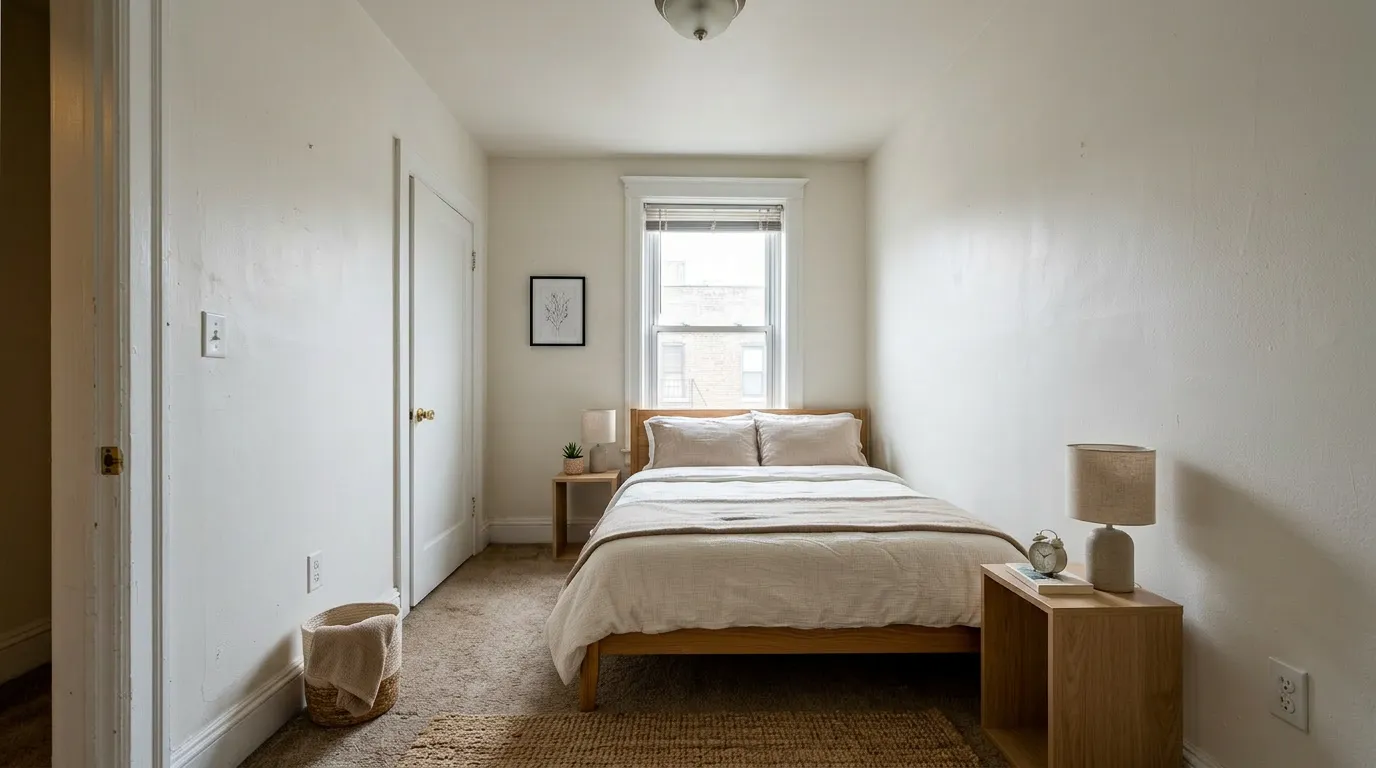
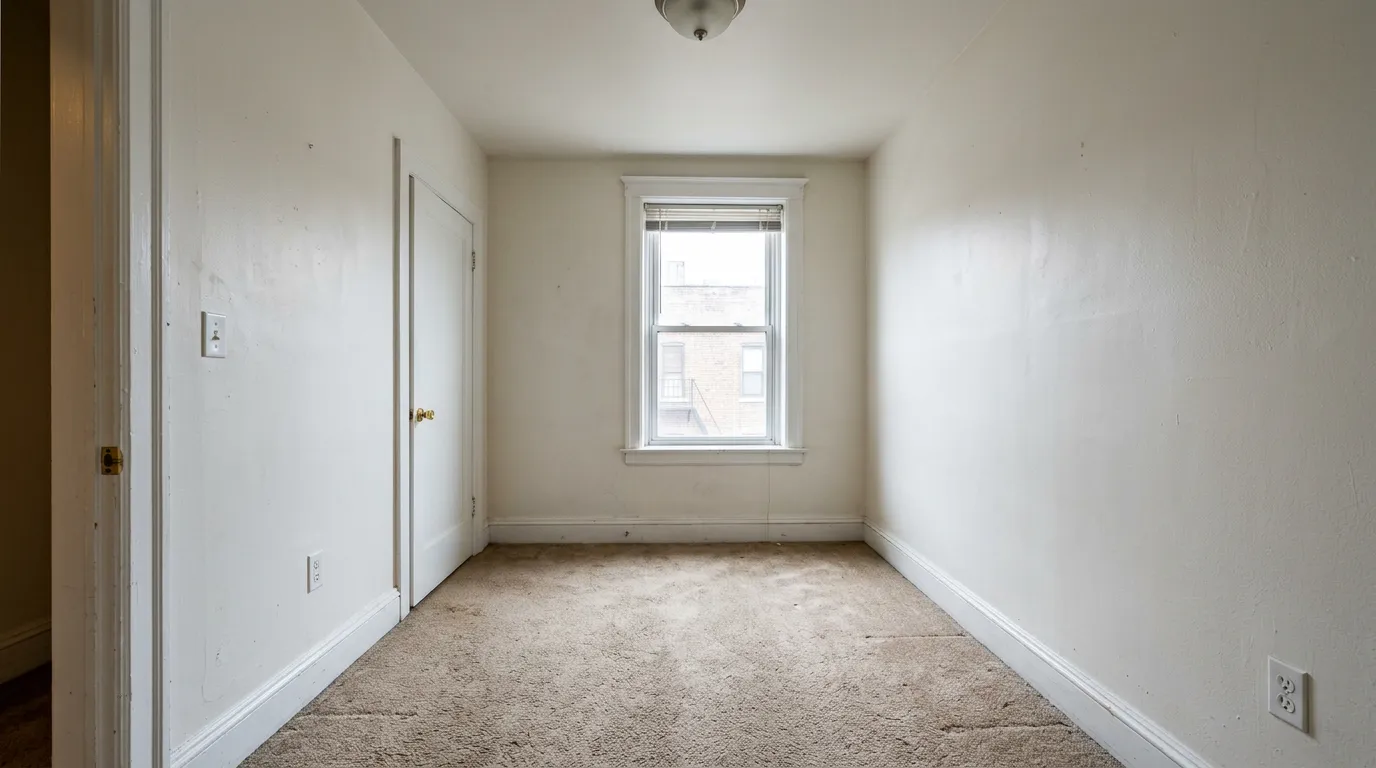
Common mistakes to avoid (the Reddit hit list)
These come straight from agent complaints. Fixing them puts you ahead of most AI-staged listings out there in 2026:
- Forced perspective beds. If the bed wouldn't fit at the actual scale, reject the output and re-roll.
- Floating furniture. A nightstand that doesn't touch the floor, a bed without believable shadows. Re-roll.
- Adding architectural features that don't exist. Crown molding, wainscoting, recessed ceiling lights — instant disclosure problem if a buyer compares photo to in-person reality.
- Removing existing fixtures. Heating registers, attic doors, electrical outlets, baseboard heaters. The AI shouldn't smooth these over.
- Multi-angle inconsistency. Three photos of the same primary should look like the same room.
- Wallpaper or paint changes. Furniture only. Anything else is a remodel mockup, not staging — and most disclosure laws treat the two differently.
- Over-styled kid's rooms. Toys arranged like a magazine shoot read as fake; a few neutral elements read as lived-in.
Disclosure: what 2026 actually requires
The legal landscape shifted this year.
California now requires real estate advertising to disclose any image that has been digitally altered, virtual staging included. The disclosure goes in the photo caption — "Virtually staged" or "Digitally altered" — and applies on the MLS, Zillow, and other portals where the listing appears.
Federally / nationally: NAR's Code of Ethics, Article 12, has long required honest representation in advertising. Most state real estate commissions interpret "virtually staged, not actually furnished" disclosure as the floor — even where no specific statute exists.
Practical rule: caption every virtually staged photo "Virtually staged" in the MLS, even if your state hasn't passed disclosure-specific legislation. It costs you nothing and protects you from a misrepresentation complaint at closing if a buyer feels misled.
For the broader disclosure breakdown by state, see our virtual staging in real estate guide.
A 5-step bedroom staging workflow
How to virtually stage a bedroom in 5 steps: shoot the empty room wide-angle, stage the lead carousel angle first, reference that angle when generating the other angles so bedding and headboard match, reject any output with forced-scale beds or fictional architectural features, and caption "Virtually staged" on every uploaded MLS photo.
In detail, this is what I'd actually do for a primary bedroom in a typical suburban listing:
- Shoot the bedroom empty at the same time as the rest of the listing — wide angle, ladder shot, raw or high-quality JPG (not a phone screen-grab).
- Pick the angle that's going first in the listing carousel. Stage that one to your final style.
- Use the staged angle 1 as a reference for angles 2 and 3 — same bedding, same headboard, same lamps. If your tool doesn't accept image references, manually re-prompt with the locked elements described in plain words.
- Reject any output that violates the rules above — forced scale, floating furniture, fictional architectural features. Re-roll.
- Caption "Virtually staged" on every staged image when you upload to the MLS.
Pricing reality for a single bedroom
The honest pricing answer: AI virtual staging runs $1–$3 per bedroom photo and takes under a minute; human-edited services like BoxBrownie run $15–$45 and take 24–48 hours. AI is fine for a guest bedroom on a starter listing. For a primary in a $1M+ luxury listing, the human tier is worth the spend.
Per-photo pricing across the major AI staging tools in 2026 lands in two clusters: $1–$3 for AI-only tools, $15–$45 for human-edited services like BoxBrownie. For a single primary-bedroom angle, the AI tier is fine if the tool gets the rules above right; the human tier is worth it for a six-figure-plus listing where one wrong shadow can cost you.
Our Free tier gives you 3 staged photos lifetime with commercial license — enough to test whether a tool's bedroom output meets your standard before committing to a plan. If it doesn't, the comparison guide walks through the alternatives we've actually used.
Frequently Asked Questions
How much does it cost to virtually stage a bedroom?
Per-image pricing in 2026: AI staging tools run $1–$3 per bedroom, human-edited services (BoxBrownie, Spotless Agency) run $15–$45. Free tiers exist — most are trial-only and require a credit card; the realistic free options are VirtualStaging.tools (3 lifetime, commercial license), Stagently (5/month), and Apply Design (1 image). Free output is fine for a guest bedroom on a starter listing; for a primary on a luxury listing, the AI tier or higher is worth the spend.
Can I use AI to virtually stage a bedroom?
Yes — most virtual staging in 2026 is AI-only. The honest limit is that AI struggles more on bedrooms than on living rooms. Bed scale, multi-angle consistency, and headboard-to-ceiling proportions are the failure modes. Pick a tool that lets you specify bed size and that preserves existing walls, windows, and built-ins instead of "improving" them.
What are the disadvantages of virtual staging a bedroom?
Three honest limits. First, the buyer-trust gap at showing: if the staged photo adds crown molding or shrinks a bed to fit, buyers spot the mismatch in person and lose trust in the rest of the listing. Second, multi-angle inconsistency: cheap AI tools render bedding and headboard differently across photos of the same bedroom, which reads as fake the moment buyers swipe between two shots. Third, the disclosure obligation: California and a growing list of states now require a "Virtually staged" caption — there's no hiding it, so you can't rely on the photo alone to do the convincing.
Can I virtually stage a bedroom myself, or do I need a service?
You can DIY. The major AI staging tools (VirtualStaging.tools, VSAI, Decor8, Reimaginehome) are agent self-serve — upload the empty bedroom photo, pick a bed size and style, get the staged image back in under a minute. No design skill needed. Use a paid service like BoxBrownie only when you want human review on a luxury listing where one wrong shadow or scaling error could cost you the offer.
What's the difference between virtual staging and home staging for a bedroom?
Home staging physically furnishes the actual bedroom — real bed, real nightstands, real bedding, delivered and styled by a stager. It costs $500–$2,000+ for a primary bedroom and takes days to install. Virtual staging digitally adds furniture to the bedroom photo only — the room stays empty when buyers walk in. It costs $1–$45 per photo and takes minutes. Use virtual staging when most buyer interest is online (now ~95% of listings start there) and the listing won't sit on the market long enough for physical staging to pay back.
How do you virtually stage a bedroom in Photoshop?
You can, but it's a poor return on time for most agents. The Photoshop workflow is: extract a bed and nightstand from a stock photo with the lasso or pen tool, paste into the empty bedroom photo, manually match perspective with the warp transform, then hand-paint shadows under each piece. A single bedroom takes 2–4 hours of focused editing per angle, and the realism is usually worse than what AI staging tools produce in under a minute. Photoshop is only the right answer if you're already a senior compositor and need pixel-level control the AI tools don't offer.
Do I need to disclose that a bedroom photo was virtually staged?
Yes. California now requires disclosure of any digitally altered real estate image, virtual staging included. Even where no specific statute applies, the NAR Code of Ethics and most state real estate commission rules require honest representation. The accepted practice is a "Virtually staged" caption on the photo in the MLS and on Zillow and Realtor.com listings. See our full virtual staging real estate guide for the state-by-state breakdown.
What furniture should be in a staged primary bedroom?
The minimum: a properly scaled bed (queen or king), two matching nightstands with lamps, and one of: a bench at the foot of the bed, a dresser, or a small seating area. Skip elaborate seating in rooms under 140 sqft — it crowds the photo and reads as forced. The two-matching-nightstands rule is the single highest-impact staging choice for a primary; it signals "primary bedroom" instantly even at thumbnail size in a portal grid.
How do I make multiple angles of the same bedroom look consistent?
Stage one angle first and lock the style — bedding color, headboard shape, lamps, rug. Then for angles 2 and 3, reference the first staged image. Some tools (including ours and a few competitors) accept an image reference directly; for tools that don't, write a description of the locked elements and reuse it as the prompt for every subsequent angle. Inconsistent bedding across three photos of the same primary is the most common giveaway that a listing was cheaply AI-staged.
What size bed should I stage a small bedroom with?
Match the bed to the room, not to a buyer fantasy. Under 100 sqft: full or daybed. 100–120 sqft: queen, no bench. 120–140 sqft: queen with bench or full primary set. Over 140 sqft: king becomes plausible. Forcing a king into a 110-sqft room creates the "miniature bed" effect agents complain about — the AI either shrinks the bed visibly or compresses the room geometry to make the layout fit.
Can I virtually stage a kid's bedroom?
Yes — but keep it neutral. Twin or full bed, lower headboard, simple desk or toy chest, neutral bedding. Avoid heavily gendered pink/blue palettes; they shrink the buyer pool. Magazine-style "kids' room" staging with arranged toys reads as fake; the goal is "lived-in but tidy."
What style should I pick for a primary bedroom?
Match the buyer profile, not your taste. Starter or suburban: contemporary or Scandinavian. Urban condo: Japandi or modern. Luxury (over $1M): luxury or transitional — Scandinavian reads as cheap at high price points. Coastal or vacation: coastal. 55+ / downsizer: traditional or transitional. The biggest mistake agents make is staging every listing in their own preferred aesthetic; a Scandinavian primary in a $2M listing actively underperforms a luxury one.
Will buyers know it's virtually staged?
Most will. Buyers in 2026 are familiar with virtual staging from years of Zillow scrolling, and disclosure laws now require it on the listing anyway. The goal is not to hide it — the goal is to help the buyer project themselves into the room. Honest, well-scaled virtual staging works; staging that adds crown molding the room doesn't have or shrinks beds to make layouts fit creates a credibility gap at the showing that costs you the offer.
How long does virtual bedroom staging take?
AI tools (us, VSAI, Decor8, Reimaginehome): under a minute per photo. Human-edited services (BoxBrownie, Spotless Agency): 24–48 hours per photo. For a 3-angle primary bedroom set, AI runs about 5 minutes total including re-rolls; human services run 1–2 business days end-to-end.
More from the blog
Related reading
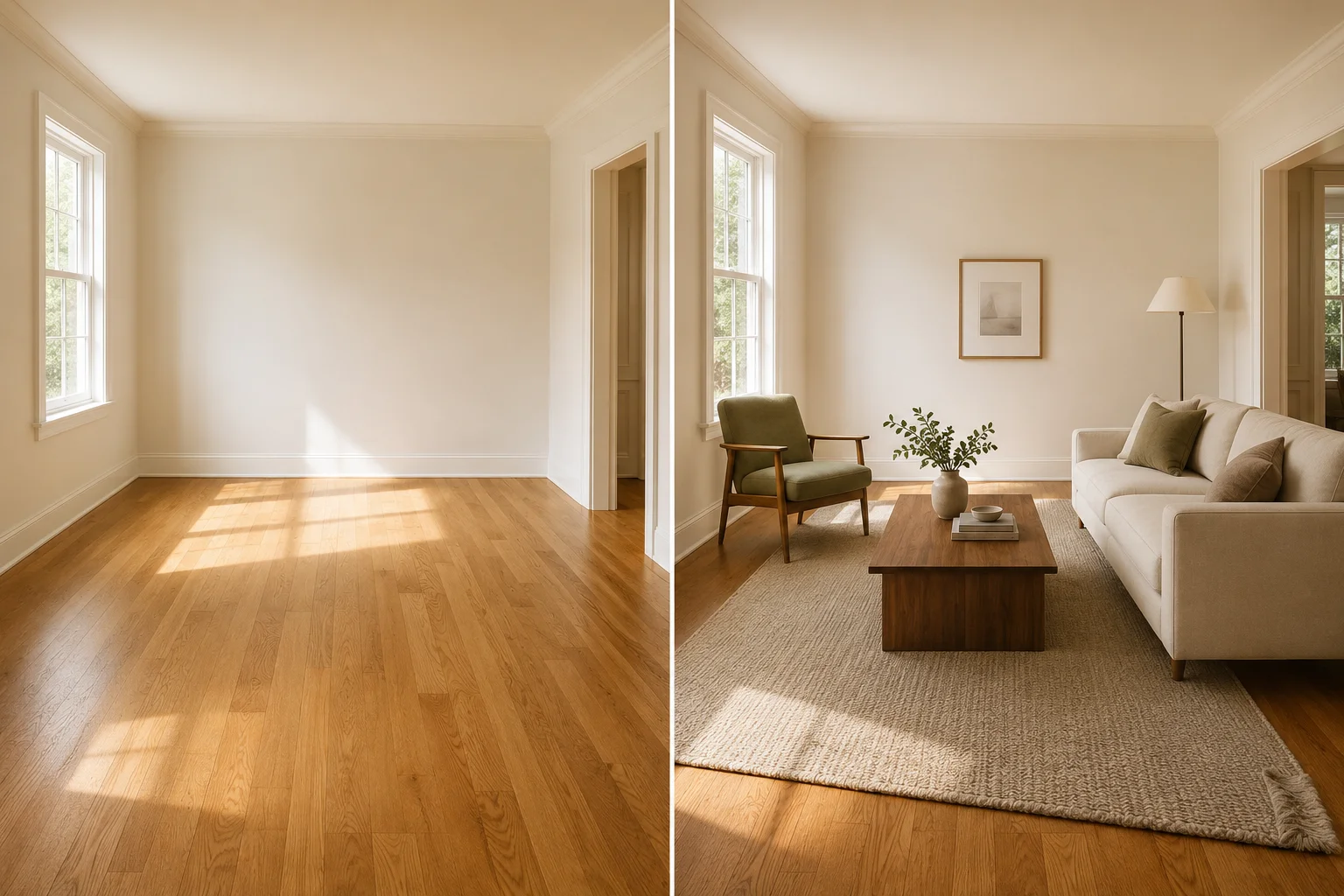
Virtual Furniture Staging: How to Make It Look Real
Virtual furniture staging adds furniture to empty listing photos in seconds. How to get furniture that looks real and avoid the AI tells buyers spot.
Virtual Staging in Real Estate: The Agent's ROI Guide for 2026
How real estate agents use virtual staging to sell listings faster, reduce costs, and win more clients — with disclosure requirements, workflow tips, and ROI data.

Virtual Staging Service: When to Hire vs Use AI
How virtual staging services work, what they cost, and when hiring a designer still beats doing it yourself with AI — an agent's 2026 comparison.