Pay-per-photo virtual staging means you're billed only for the images you actually stage — no monthly subscription, no annual contract, no "use it or lose it" credits expiring at the end of the month. For an agent who lists a home every few weeks, that billing model can be the difference between paying a few dollars and paying for a plan you barely touch.

But "pay per photo" gets used loosely. Some tools mean true pay-as-you-go; others mean a credit bundle you buy up front; a few advertise a per-photo rate that only applies inside a subscription. This guide sorts out what each model actually costs, when paying per photo beats a monthly plan, and the fees that don't show up in the headline price.
What "pay per photo" actually means
There are three distinct billing structures hiding behind that phrase, and they aren't interchangeable:
| Model | How you're billed | Best for |
|---|---|---|
| True pay-as-you-go | Buy one photo, pay for one photo. Nothing recurring. | Occasional listings, one-off shots |
| Credit packs / bundles | Pay once for a block of photos; draw them down as you go | Bursts of listings, no monthly commitment |
| Per-photo rate inside a subscription | A low "per photo" number that only unlocks after a monthly fee | High, steady volume |
The trap is the third one. A tool can advertise "$1 per photo" while quietly requiring a $29/month plan to get that rate. If you only stage four photos that month, your real cost was closer to $8 per photo — the subscription math only works at volume. Always separate the per-photo rate from the cost to unlock it.
What the per-photo rate doesn't tell you
A per-photo number — AI staging runs a few dollars a photo, human-designer work runs into the tens — is only half the story. The rate you see advertised depends entirely on which billing model it's attached to. (For the full dollar-by-dollar breakdown by method, see our virtual staging cost guide — this guide is about the billing model, not the sticker price.)
The same "$3 a photo" can mean three completely different things:
- On true pay-as-you-go, $3 is what you pay, full stop — stage four photos, pay $12, walk away.
- Inside a subscription, that $3 rate only exists after the monthly fee. Say it's a $29/month plan and you stage four photos — you really paid about $8 each that month.
- In a credit pack, you prepay a block; the per-photo rate drops as the block grows, but you spend up front.
So "cheap per photo" is meaningless until you know how you're billed to unlock that rate. For an occasional lister with no monthly fee to justify, that distinction is the whole game.
When pay-per-photo beats a subscription
Paying per photo — or buying a small credit pack instead of subscribing — wins in a few clear situations:
- You list occasionally. One or two homes a month, or seasonal spikes with quiet stretches in between. A monthly subscription you skip half the year is money burned.
- You stage only the hero shots. Some agents stage just the living room and primary bedroom, not all 20 photos. That's 2–4 images per listing — nowhere near subscription break-even.
- You're testing a tool. Pay-as-you-go (or a free tier) lets you run a real listing through before committing to a recurring bill.
- You want zero lock-in. No auto-renew to cancel, no annual contract, no credits evaporating at month's end.

If you stage a handful of photos a month, per-photo pricing keeps your cost proportional to your actual listing activity — which is exactly what a solo agent's budget wants.
When a subscription actually wins
The flip side is real too. Subscriptions and larger bundles win on volume and consistency:
- You list every week. A steady 15–30 photos a month usually pushes the blended per-photo cost of a subscription below the à la carte rate.
- You re-roll a lot. If you regenerate photos to get the styling right, each re-roll is another "photo" on pay-as-you-go. A plan with generous or unlimited generations caps that risk.
- You stage full listings. All 15–20 photos of every home adds up fast; at that cadence a flat monthly fee is often cheaper per image.
The break-even is simple arithmetic: divide the monthly plan price by your average photos per month. If that number lands below the pay-per-photo rate, subscribe. If you're not sure you'll hit the volume, start pay-as-you-go and switch when the math flips — you can always upgrade, but you can't get back a month of subscription you didn't use.
The hidden per-photo costs to watch
The advertised per-photo price is rarely the final price. Before you commit, check whether these are included or billed extra:
- Revisions and re-rolls. Did the first render put a couch in front of the window? On some services each revision is another charge; on AI tools, another generation drawn from your credits.
- Watermark removal. A "free" photo often arrives with a watermark, and the clean version costs money. Read what the free tier actually delivers.
- Resolution / print quality. The low-price tier may be web-resolution only; MLS or print-quality downloads cost more.
- Licensing. Confirm you can use the staged image commercially in your listing. Reputable tools include this; verify it anyway.
- Turnaround as a cost. A 48-hour human turnaround can mean listing a day late — a real cost in a fast market that no per-photo rate shows.
None of these are dealbreakers, but they're where a "$1 per photo" tool quietly becomes a "$4 per photo" tool. Add them up before you compare.
How our pricing works
We built VirtualStaging.tools around not forcing a subscription on an agent who doesn't need one:
- Free to start — 3 staged photos, lifetime. Not a 7-day trial that expires; three photos you can use whenever, so you can run a real listing through before paying a cent.
- Pay without subscribing. When the free photos run out, buy a credit pack and stage on your own schedule — the per-photo rate is fixed, the credits never expire, and there's no monthly fee or auto-renew to cancel. It's pay-per-photo in practice: a block of photos you own outright.
- Subscribe only if the volume justifies it. If you're staging listings every week, a plan brings the blended per-photo cost down. It's there when you need it, not a wall you hit on day one.
The idea is that your bill should track your actual listing activity — cheap when you're quiet, better rates when you're busy. If you're comparing options, our free virtual staging breakdown covers exactly what you get before any payment, and the best virtual staging software roundup puts the pricing models side by side.
Estimate your real per-listing cost
Here's a quick way to budget a listing honestly, instead of trusting the headline rate:
- Count the photos you'll actually stage. Be realistic — most agents stage 3–6 hero shots, not all 20.
- Add expected re-rolls. Assume one or two regenerations to nail the style. Add those to the count.
- Multiply by the true per-photo cost. Use the real rate — including watermark-removal or high-res fees if they apply.
- Compare to a month of subscription. If you'll list more than one home this month, re-run the math with the plan price divided by total photos.
For a typical solo agent staging four hero photos with a re-roll or two, a good AI tool runs a few dollars for the whole listing — which is why pay-per-photo has become the default starting point for agents who aren't yet staging at volume.
Frequently Asked Questions
Is there truly pay-per-photo virtual staging with no subscription?
Yes. Several AI tools let you buy staging in small amounts — or a one-time credit pack — with no monthly commitment, and many include a free tier so you can stage the first few photos at no cost. The thing to watch is tools that advertise a low per-photo rate that only applies after you pay a monthly fee. Separate the per-photo price from the cost to unlock it before you decide.
Can I use virtual staging without a monthly subscription?
Yes. Look for a tool offering true pay-as-you-go or a one-time credit pack rather than a recurring plan — the tell is whether you can buy a block of photos once and use them on your own schedule with no auto-renew. Our free tier starts you with three staged photos for life, and credit packs after that carry no monthly fee and never expire. Always confirm there's no minimum subscription hiding behind an advertised per-photo rate.
Is pay-per-photo cheaper than a monthly subscription?
It depends entirely on volume. Divide the monthly plan price by how many photos you'll actually stage that month. If that number is below the pay-per-photo rate, subscribe; if you only stage a handful of photos, pay-as-you-go is cheaper. Occasional and seasonal listers almost always come out ahead paying per photo; agents staging full listings every week usually save with a plan.
Do free virtual staging photos have watermarks?
Often, yes — a "free" photo may arrive with a watermark, and the clean version is what costs money. Always check what the free tier actually delivers before counting on it. Our free tier gives you three fully usable staged photos for life, not a watermarked preview, so you can put a real listing photo to work before paying.
What counts as one 'photo' when I'm billed per photo?
Usually one output image — one staged version of one room. The catch is re-rolls: if you regenerate a photo to fix the furniture or try a different style, most pay-as-you-go tools count each generation as another photo. Budget one or two re-rolls per shot when you estimate cost, and if you re-roll heavily, a plan with generous generations may work out cheaper.
Can I switch from pay-per-photo to a subscription later?
Yes, and that's the smart order. Start pay-as-you-go (or on a free tier), run a few real listings, and watch your monthly photo count. Once you're consistently past the subscription break-even, upgrade. You can always move up when the volume justifies it — but you can't recover a month of subscription you paid for and didn't use.
Does staging only a few photos per listing look incomplete?
No — staging the hero shots is a common, legitimate strategy. Buyers form their first impression from the main living space and primary bedroom, so staging those two or three rooms often carries the listing. It's also why pay-per-photo fits so many agents: three or four staged images per home is well below where a subscription pays off.
Is per-photo AI staging good enough for MLS listings?
For standard rooms, yes — a good AI render at print resolution is fine for the MLS, provided you download the high-resolution version (some tools charge extra for it) and follow your MLS's disclosure rule for digitally altered photos, which typically means labeling the image as virtually staged. For unusual or high-end shots where you want a human eye, a per-photo manual service is the fallback.
Do credit packs expire?
It varies by tool, so check before you buy. Some credits expire at the end of a billing cycle — which quietly turns "pay per photo" into "use it or lose it." Look for packs that don't expire, so a bundle you buy for a busy month is still there when the next listing comes in.
More from the blog
Related reading

Virtual Staging in Your MLS Gallery: Show Both Photos?
Agents worry the empty room kills a staged photo's pull. Real buyers say the opposite. A practical framework for sequencing and captioning both photos.
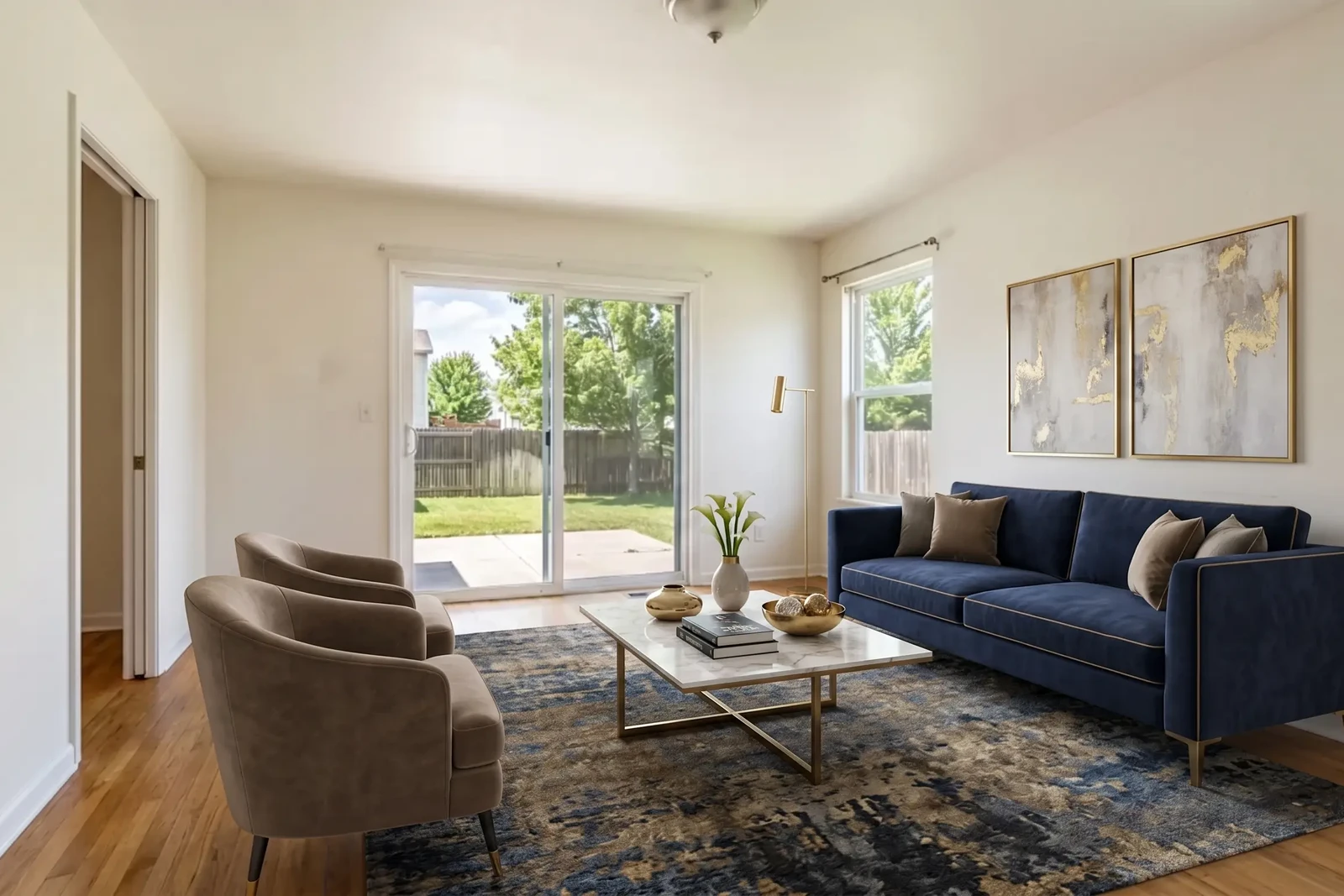
Virtual Staging in Real Estate: The Agent's ROI Guide for 2026
How real estate agents use virtual staging to sell listings faster, reduce costs, and win more clients — with disclosure requirements, workflow tips, and ROI data.

What Is Virtual Staging? The Complete 2026 Realtor's Guide
Virtual staging explained: how it works, what it costs, how long it takes, MLS disclosure rules, and whether it's worth it for individual real estate agents in 2026.