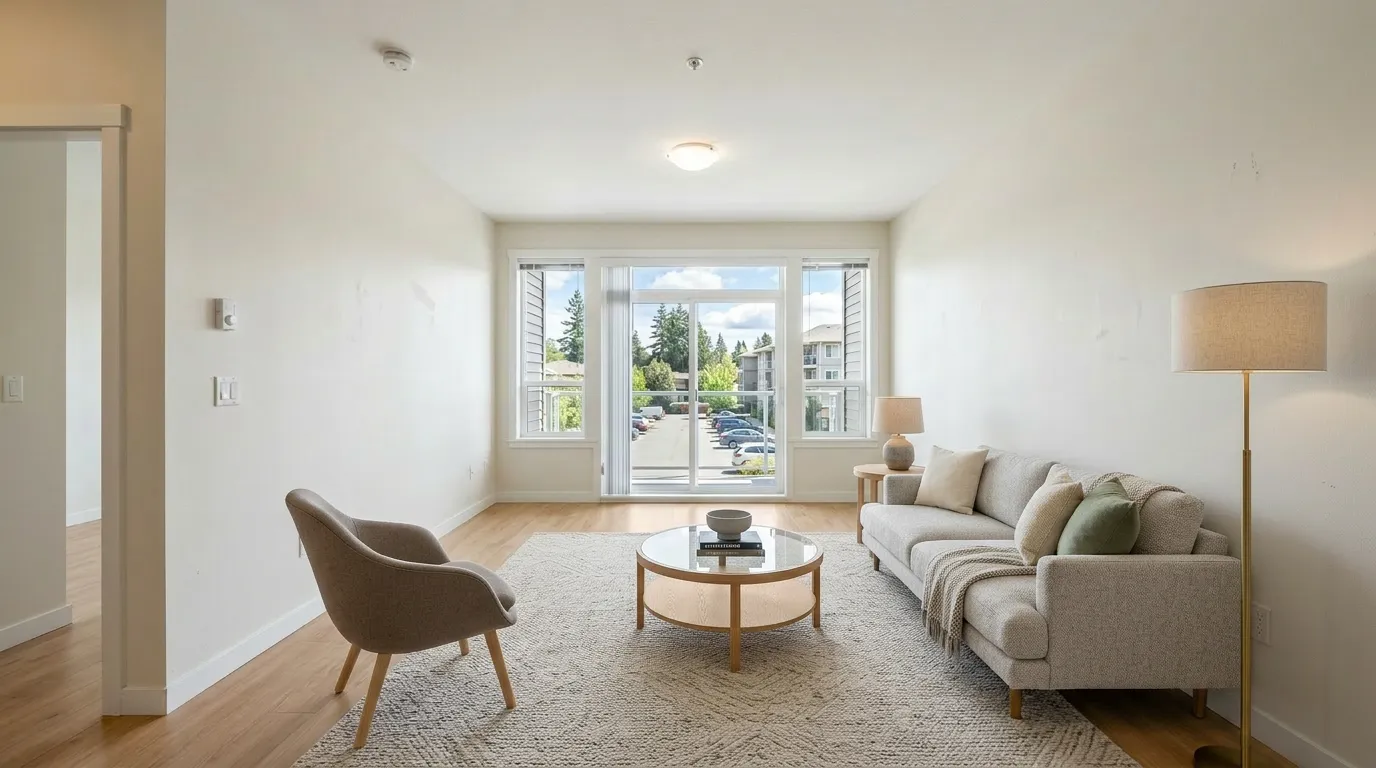
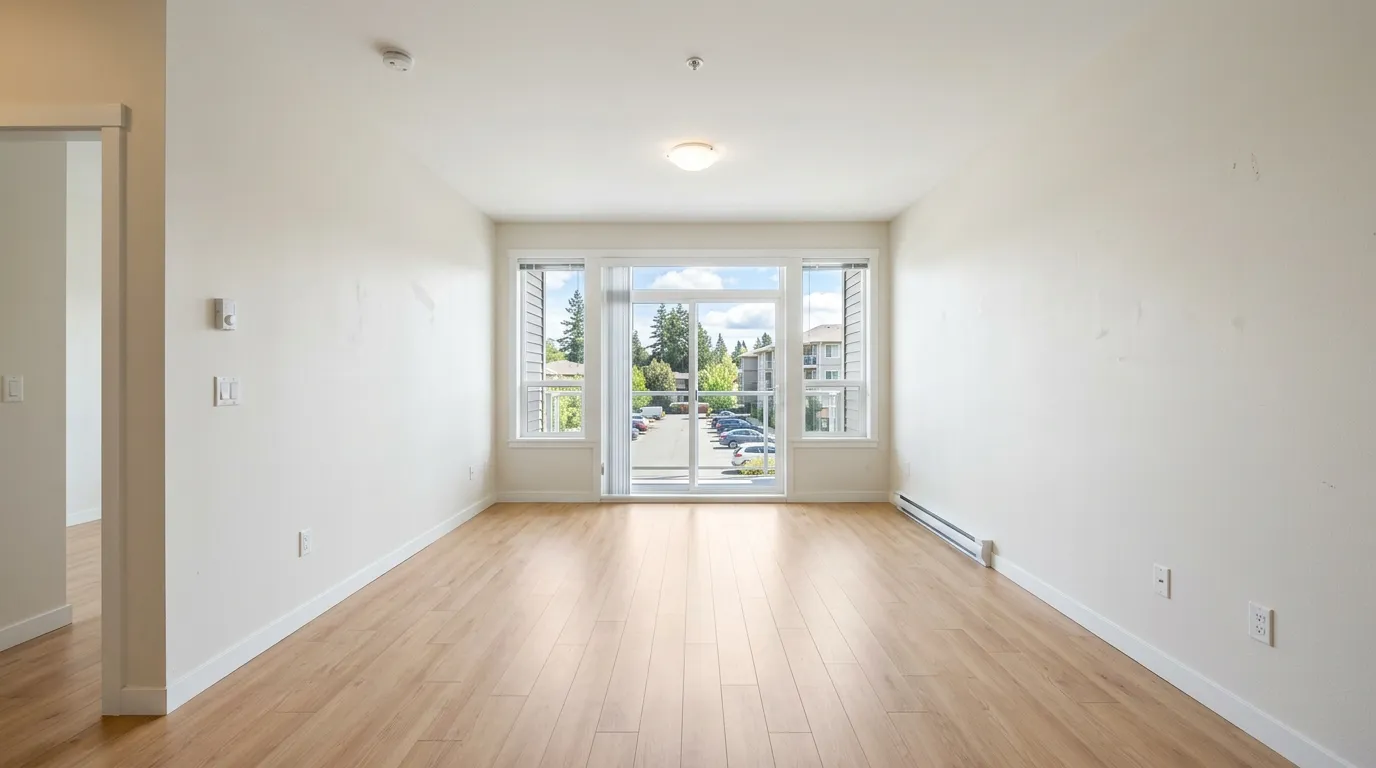
Not every photo in a listing gallery needs staging, and staging all of them is a common way agents overspend time and quota on rooms that don't move a buyer's decision. The question isn't "should I stage this listing" — it's "which of these 15–25 photos actually benefit." Here's a room-by-room framework for making that call, plus which photos to leave alone entirely.
Start from what a buyer decides in each room
Buyers scroll a listing gallery fast. Rooms where they're deciding "could I live here / does this fit my stuff" benefit most from staging — an empty room asks them to imagine furniture, layout, and scale all at once, and most people are bad at that. Rooms where the decision is really about finishes, light, or square footage don't need furniture to make their case.
That split is the whole framework, and it lines up with what buyers' agents actually report: in NAR's 2025 Profile of Home Staging, the rooms agents most often recommend staging are the living room (37%), the primary bedroom (34%), and the kitchen (23%) — in that order. Everything else trails well behind.
| Room | Stage it? | Why |
|---|---|---|
| Living room | Yes — highest priority | Hardest to read empty; buyers can't judge seating layout or room flow without furniture as a scale reference. Most-recommended room in NAR's data (37%) |
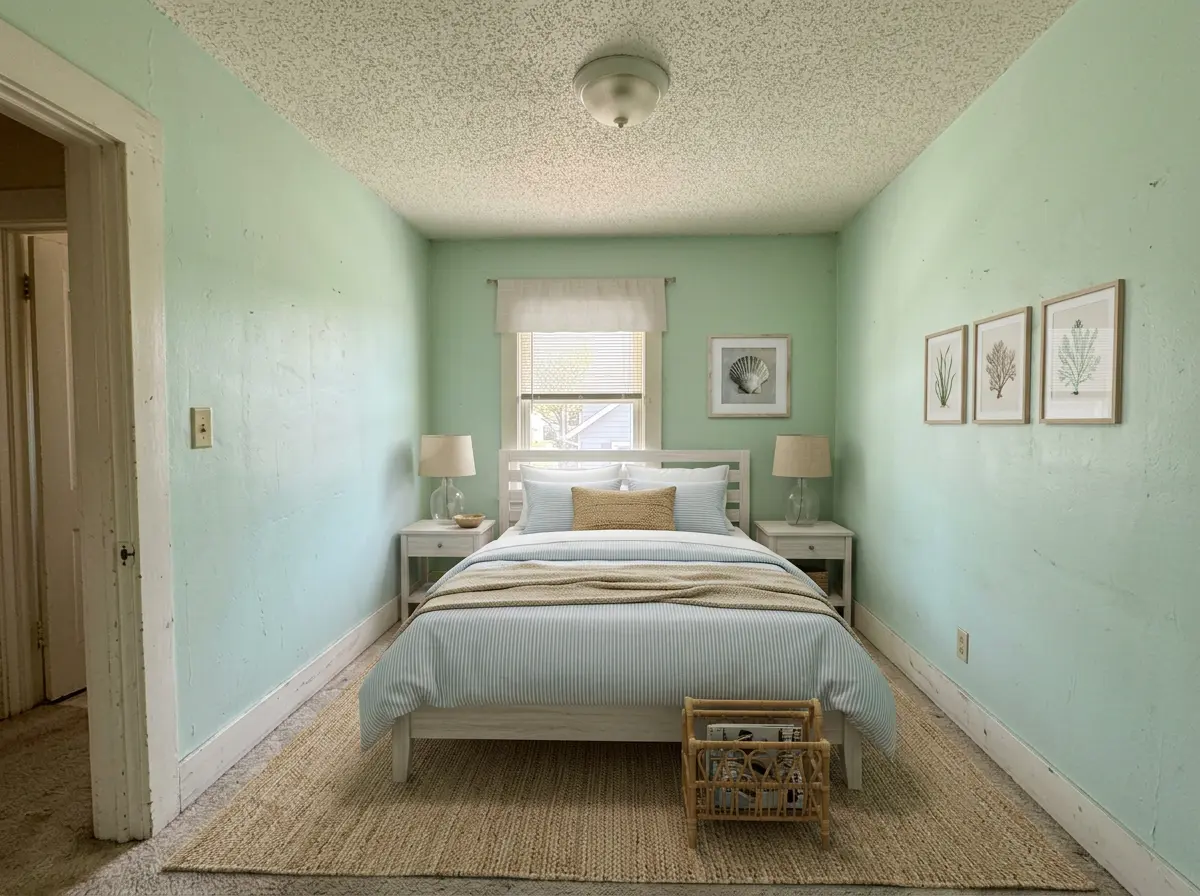
| Primary bedroom | Yes — high priority | Same scale problem; an empty bedroom photo reads as a blank box, not a place to sleep. Second most-recommended (34%) |
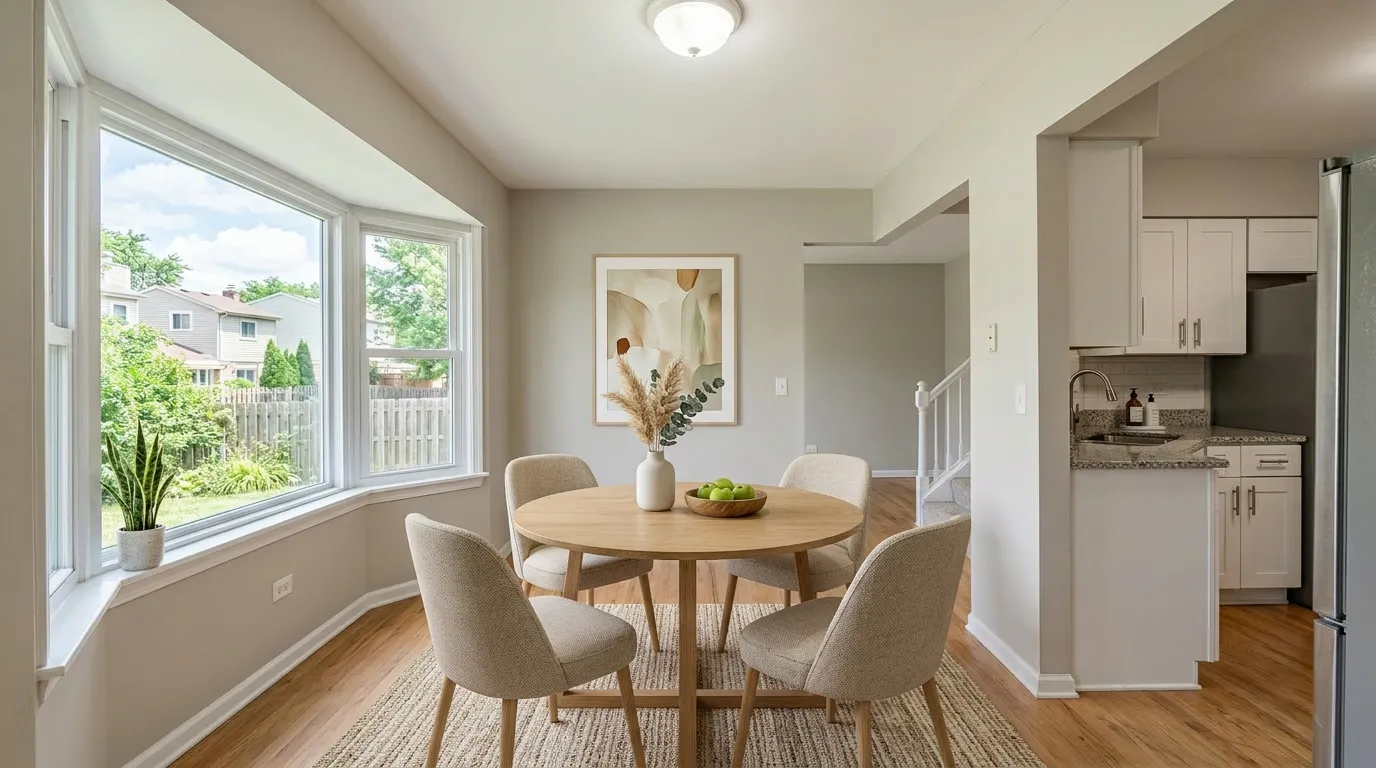
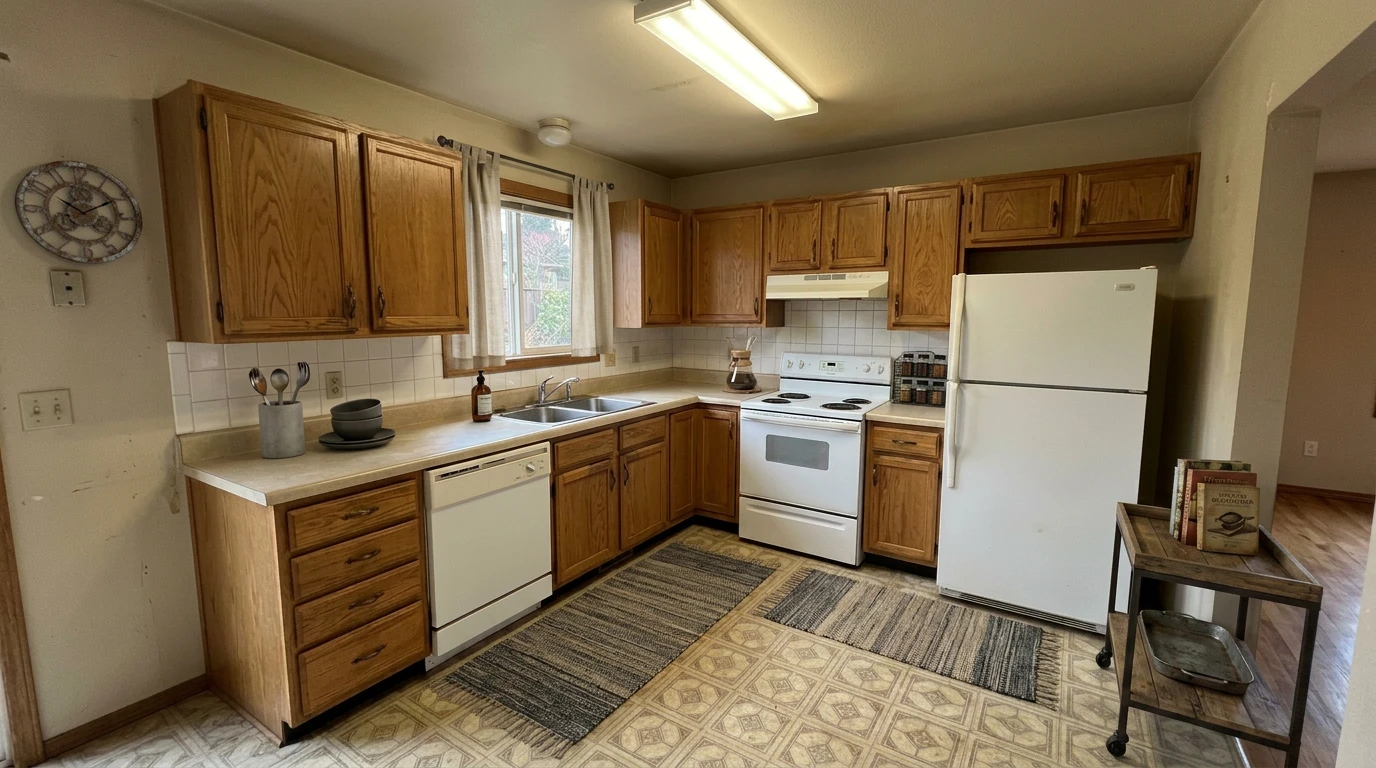
| Kitchen | Third priority, not a default | Buyers evaluate counters, cabinets, and appliances first — furniture rarely changes that judgment, which is why it trails living room and bedroom (23% vs 37%/34%). Worth it when there's an eat-in nook that reads as "extra room" once furnished; skip a galley or closed kitchen with no seating area |
| Dining room | Yes, if it's a distinct room | An empty dining room looks like unused space; a staged table with seating for 6 tells buyers what it's for |
| Bathroom | No | Nothing to furnish — buyers judge fixtures and tile, not staging |
| Secondary bedrooms | Sometimes | Stage 1 as an office and 1 as a bedroom if the listing is light on bedrooms; skip if you already have 2+ staged bedroom photos |
| Exterior / curb | Rarely for furniture staging | Twilight conversion or lawn touch-ups do more here than adding patio furniture — see Virtual Twilight Photo Editing |
| Garage, laundry, utility | No | Buyers don't need these "furnished" to evaluate them |
If you're staging a vacant single-family listing end to end, this table across a typical layout: living room, primary bedroom, dining room, and one secondary bedroom — call it 4 rooms — while kitchen, bathrooms, and utility spaces stay as-shot.
This framework assumes the room needs furniture, not a different kind of edit. If a room's problem is dated finishes or an occupied layout rather than an empty one, see Virtual Staging vs Furniture Removal vs Renovation vs Twilight for which of the four tools actually fits.
How many photos per listing
There's no fixed number, but the failure mode to avoid is staging every room "because you can." Two problems come from over-staging: it costs quota you don't need to spend, and a gallery where every single photo is staged starts to feel art-directed rather than honest — buyers notice when nothing in the house looks lived-in or unfinished. A gallery that mixes a few staged rooms with as-shot kitchens, bathrooms, and exteriors reads as more credible, not less.
A workable default: stage the rooms a buyer can't mentally furnish on their own (living areas, primary bedroom, any room whose function isn't obvious empty) and leave the rest as-shot. For most single-family listings that's 3–5 photos out of a 20+ photo gallery — at well under a minute per room, staging even the high end of that range is a small time investment next to the rest of a listing prep.
If you're on the free tier, decide this order before you start, not room by room. The free plan gives you 3 staged photos lifetime — and that count is per room, not per attempt: trying a different style on the same photo doesn't use up another slot (up to 3 free versions per photo), but staging a new room does. Pick your top 3 from the table above (living room, primary bedroom, and whichever of dining room or a secondary bedroom matters more for this listing) before you upload anything, rather than discovering the limit on your 4th room.
Staging more than 3 rooms, or staging multiple listings a month, moves you into paid territory — our virtual staging cost calculator breaks down what that costs at your actual volume before you commit to a plan.
Photos that shouldn't be staged at all
Some photos should stay untouched regardless of how empty or unfinished they look:
- Rooms with structural problems. Water damage, cracked drywall, or a sagging ceiling — staging furniture into the frame doesn't fix the underlying issue, and a sharp-eyed buyer will notice furniture floating over a problem the listing didn't disclose.
- Photos you plan to use for a renovation preview. If a room needs a visual "what this could look like renovated," that's a different tool and a different disclosure category — see Virtual Kitchen Renovation rather than mixing it into the same set as furniture staging.
- Duplicate angles of the same room. If you shot the living room from three angles, stage the one you'll actually use as the hero shot. Staging all three wastes quota on photos that will mostly get cut from the final gallery anyway.
- Any photo where the room is already occupied by the seller's furniture. Staging tools that add furniture assume an empty room. A lived-in room needs Furniture Removal first — see Virtual Furniture Staging for the occupied-vs-empty workflow.
Picked your rooms and staged them, but a result doesn't look right? See why AI virtual staging looks fake for the seven specific causes and whether to regenerate or switch photos.
Frequently Asked Questions
Should I stage the exterior photo?
Usually not with a furniture-staging tool. Curb appeal photos benefit more from lighting and time-of-day fixes than from patio furniture — see Virtual Twilight Photo Editing if the listing photo was shot at a flat time of day.
What if the whole house is empty — do I stage every room?
No. Stage the rooms where furniture changes how a buyer reads the space (living areas, primary bedroom first), treat the kitchen as a distant third priority, and leave bathrooms and utility rooms as-shot. An all-staged gallery reads as less credible than a mixed one.
Is there a rule for how many staged photos an MLS allows?
Most MLS boards don't cap the count, but they do require disclosure and, on some boards, showing the original photo alongside the staged one. That's a labeling question, not a "how many" question — see Virtual Staging in Your MLS Gallery for the disclosure and ordering details.
How many rooms can I stage for free?
The free tier covers 3 staged photos lifetime, and each one is a different room — trying another style on a room you already staged doesn't cost you another slot (up to 3 free versions per photo), but staging a new room does. Use the priority table above to pick your 3 before you start: living room and primary bedroom first, then whichever of dining room or a secondary bedroom matters most for that listing.
Stage the Rooms That Actually Move Buyers
Upload the living room or primary bedroom photo and see it furnished in under a minute. 3 photos free, no credit card.
Try 3 Free PhotosMore from the blog
Related reading
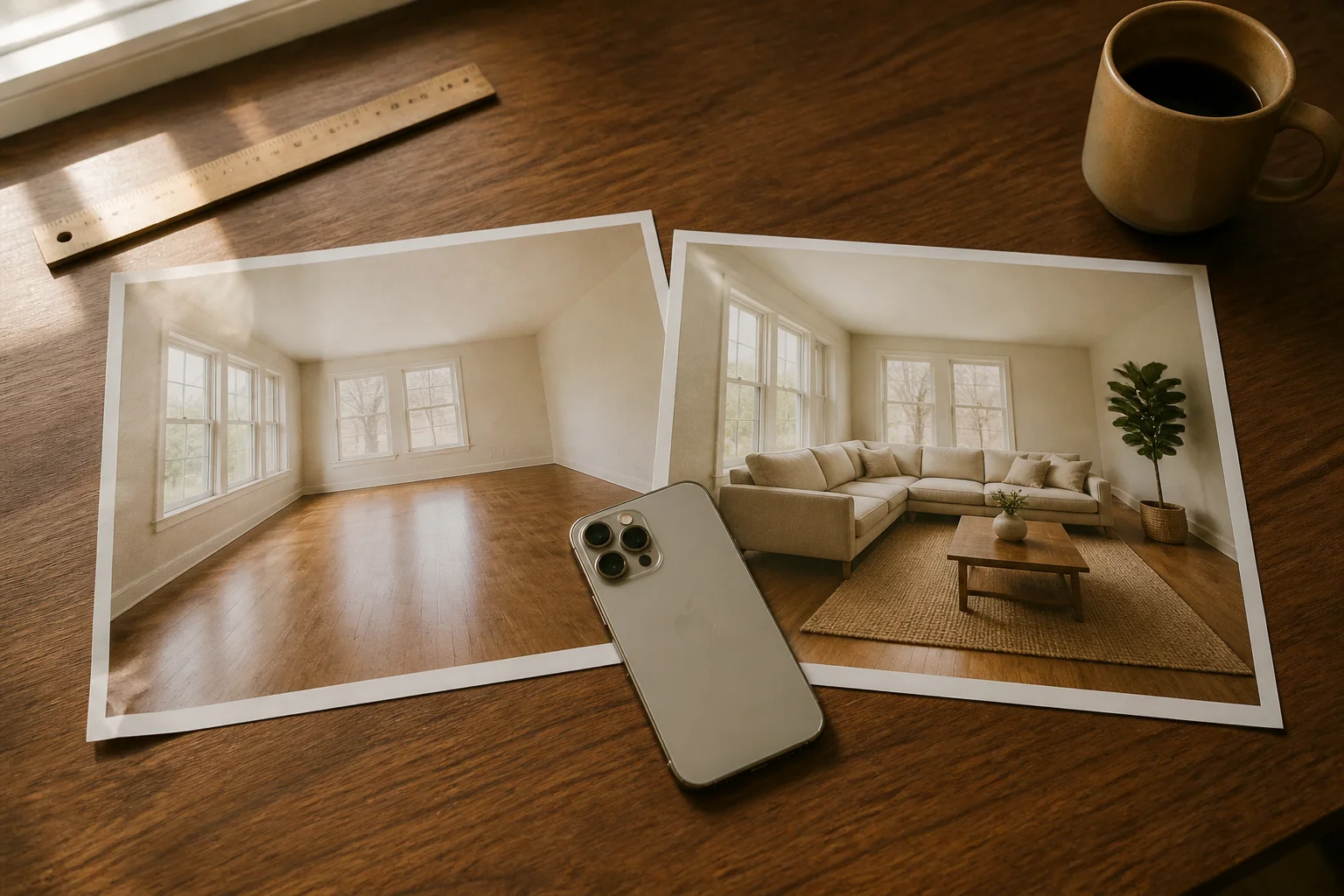
Virtual Staging App: What Solo Agents Actually Need in 2026
Virtual staging apps in 2026 — native iOS/Android vs web apps, free tiers compared, the 6 'tells' buyers spot, AB 723 disclosure rules, and the solo-agent cost math.
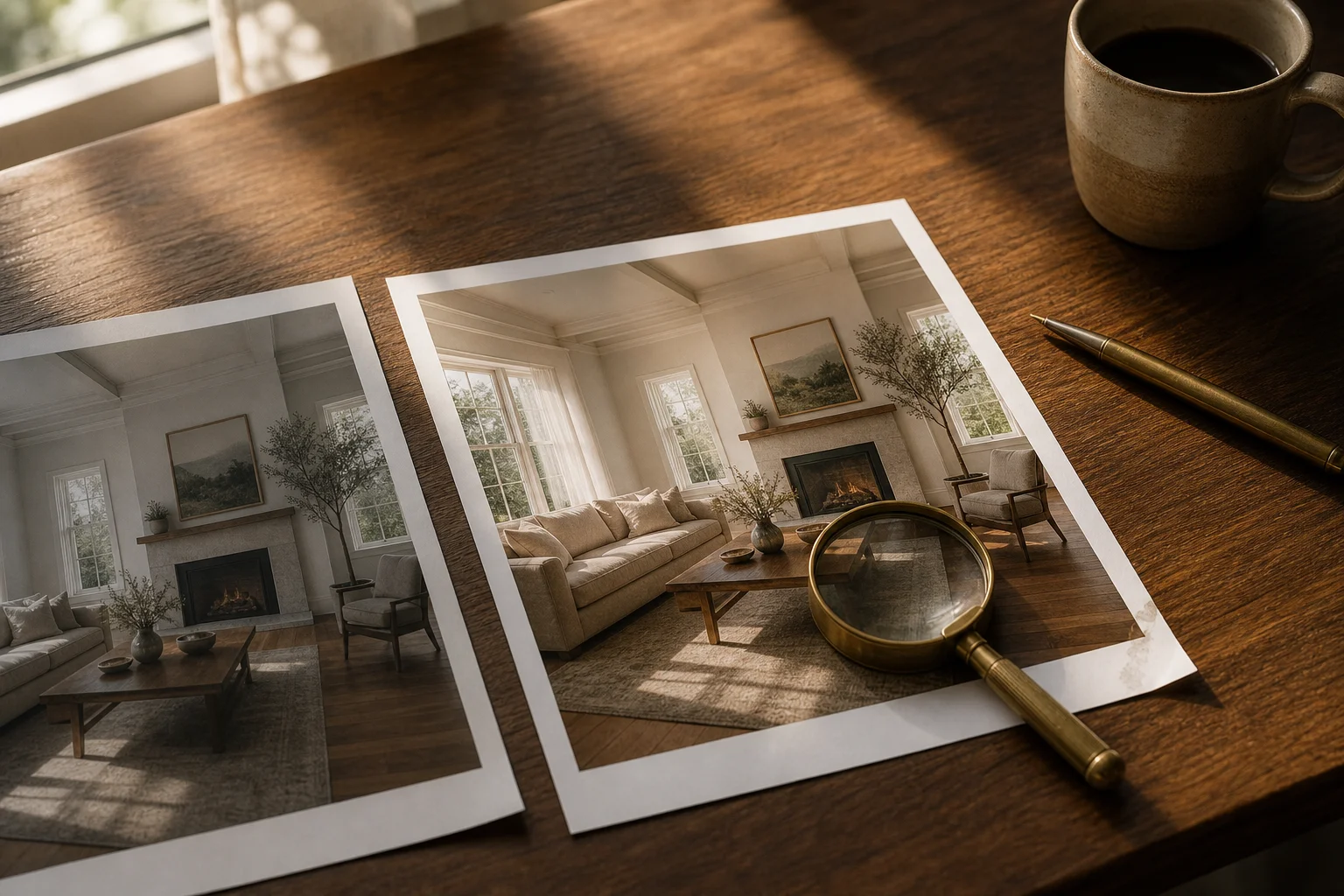
Why Your AI Virtual Staging Looks Fake (and How to Fix It)
Seven reasons AI virtual staging looks fake — scale, shadows, perspective, style mismatch — with a fix for each and when to regenerate vs. switch photos.
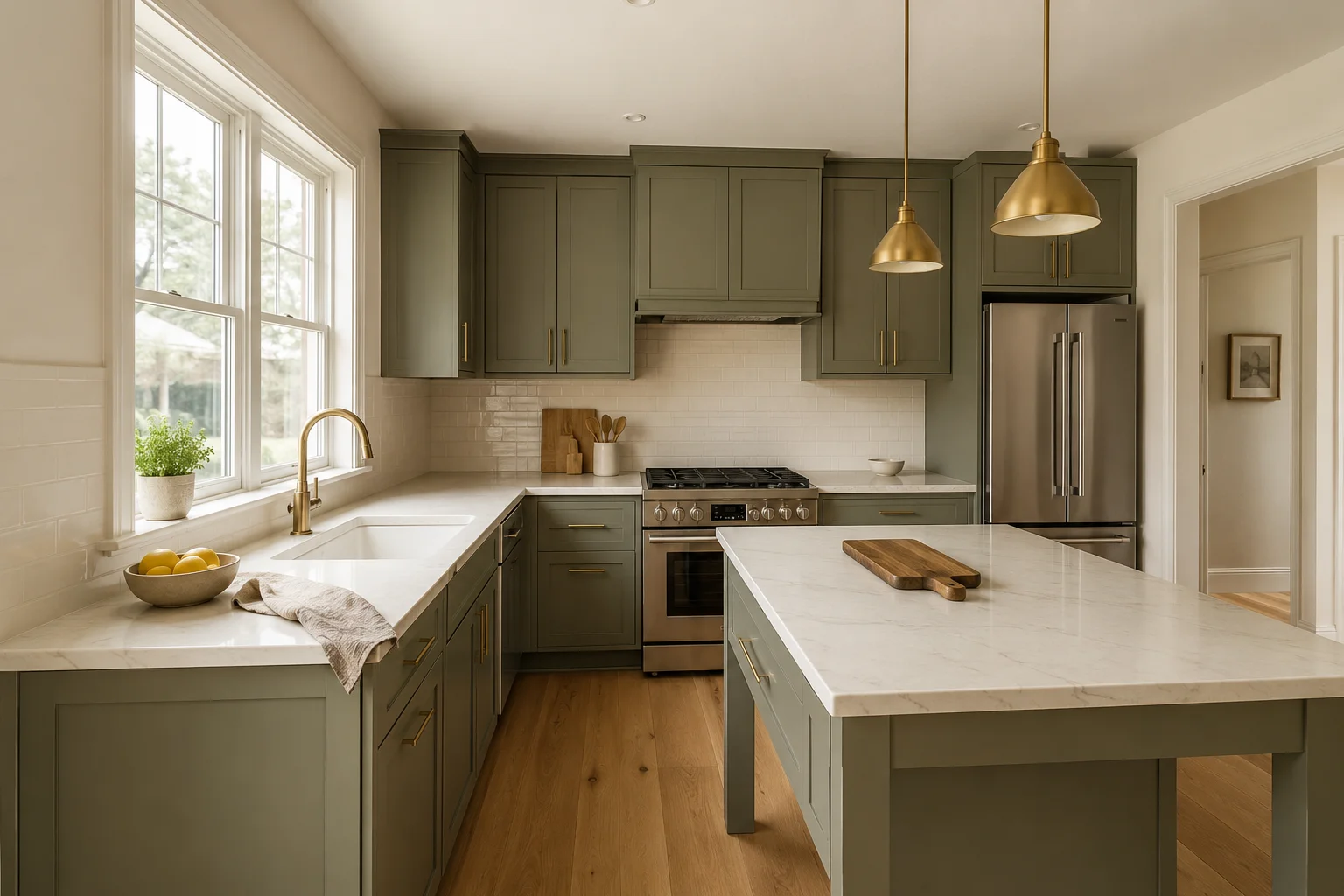
Virtual Kitchen Renovation: The Honest Listing Guide
How virtual kitchen renovation works for real estate listings, what it can and can't change, MLS disclosure rules, and a workflow agents can trust.